
Background removal
Automatically isolate a subject from its background and handle batches of up to 30 files, which is useful for product cutouts and bulk editing tasks.

AI photo editor for background removal, enhancement, and online design tasks.
PicWish is an AI photo editor and online image-editing platform focused on routine cleanup and content generation tasks. Its homepage presents the service as a free AI photo editor for removing backgrounds, unblurring images, and handling other common edits.
The product combines classic editing tools with AI-assisted workflows such as product photo generation, prompt-based design, and photo enhancement. The pricing page shows a free plan alongside Pro and pay-as-you-go options, indicating that the platform supports both casual use and paid access for more frequent or team-based work.
Automatically isolate a subject from its background and handle batches of up to 30 files, which is useful for product cutouts and bulk editing tasks.
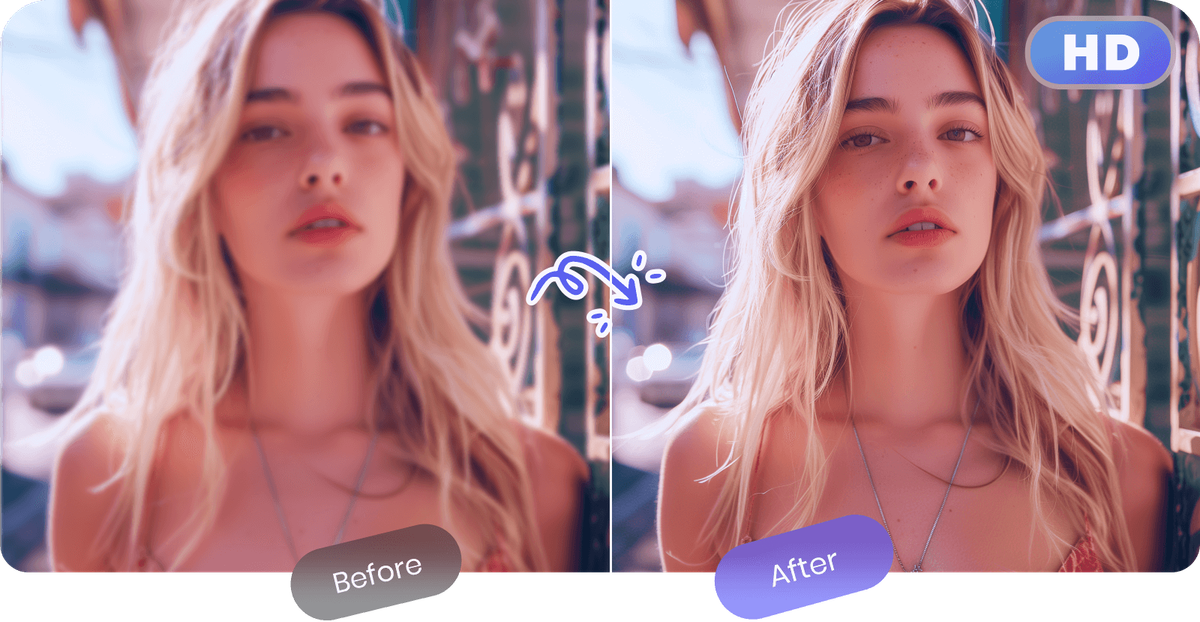
Sharpen blurry images and improve visual clarity for photos that need to look cleaner for personal or business use.
Create product images, portraits, and other scenes from prompts or ready-made templates, with pre-tuned options for common edits.
Edit images by describing what you want in natural language, then refine the result with scenario presets for beginners.
Offer photo editor tools such as object removal, white background creation, ID photo making, PDF watermark clearing, and face cutout.
Provide app access on Windows, macOS, iOS, and Android, so users can move between web and installed apps.
Remove backgrounds from product or catalog images, including batch jobs when multiple files need the same treatment.
Unblur or sharpen scanned, low-resolution, or soft-focus photos when image clarity matters more than stylistic editing.
Generate product scenes, lifestyle shots, or portrait edits from prompts and templates without building every composition manually.
Prepare listing images, white-background assets, and visual variations for e-commerce workflows where consistency matters.
Use the web app or install PicWish on desktop or mobile for editing across devices and mixed workflows.
Yes. The site states that PicWish offers free previews for most features, with access to free tools and limited non-HD downloads per day. It also offers a Pro plan and pay-as-you-go credits for fuller access.
PicWish supports background removal, photo enhancement, object removal, white background creation, ID photo making, PDF watermark clearing, and AI design tools such as product-photo generation.
The pricing page says the Pro plan includes access to Remove Background, Enhance Photo, and all photo editor tools, while the pay-as-you-go plan provides full access with lifetime credits and team mode.
PicWish says its Pro plan works on both iOS and Android apps, and the home page also lists Windows and macOS apps.
Yes. The pricing page says the pay-as-you-go plan supports team collaboration and additional seats, while the Pro plan includes one seat and does not support team mode.
Traffic data is for reference only.

photoeraser.app
Web-based AI photo editor for background removal, object erasing, and photo enhancement

ifoto.ai
Web-based AI photo editor for background removal, enhancement, cleanup, restoration, and product photography.

pixmagic.app
PixMagic is a browser-based AI studio for image and video creation, editing, upscaling, background removal, animation, and voice generation.

picsman.ai
AI photo and video editor for creating and enhancing visual content

beautyplus.com
AI photo editor for enhancing images, removing backgrounds, deleting objects, and creating visual content

picpicai.com
Web-based AI photo editor for image enhancement, background removal, portraits, and stylized visuals