
Tool-connected agent workflow
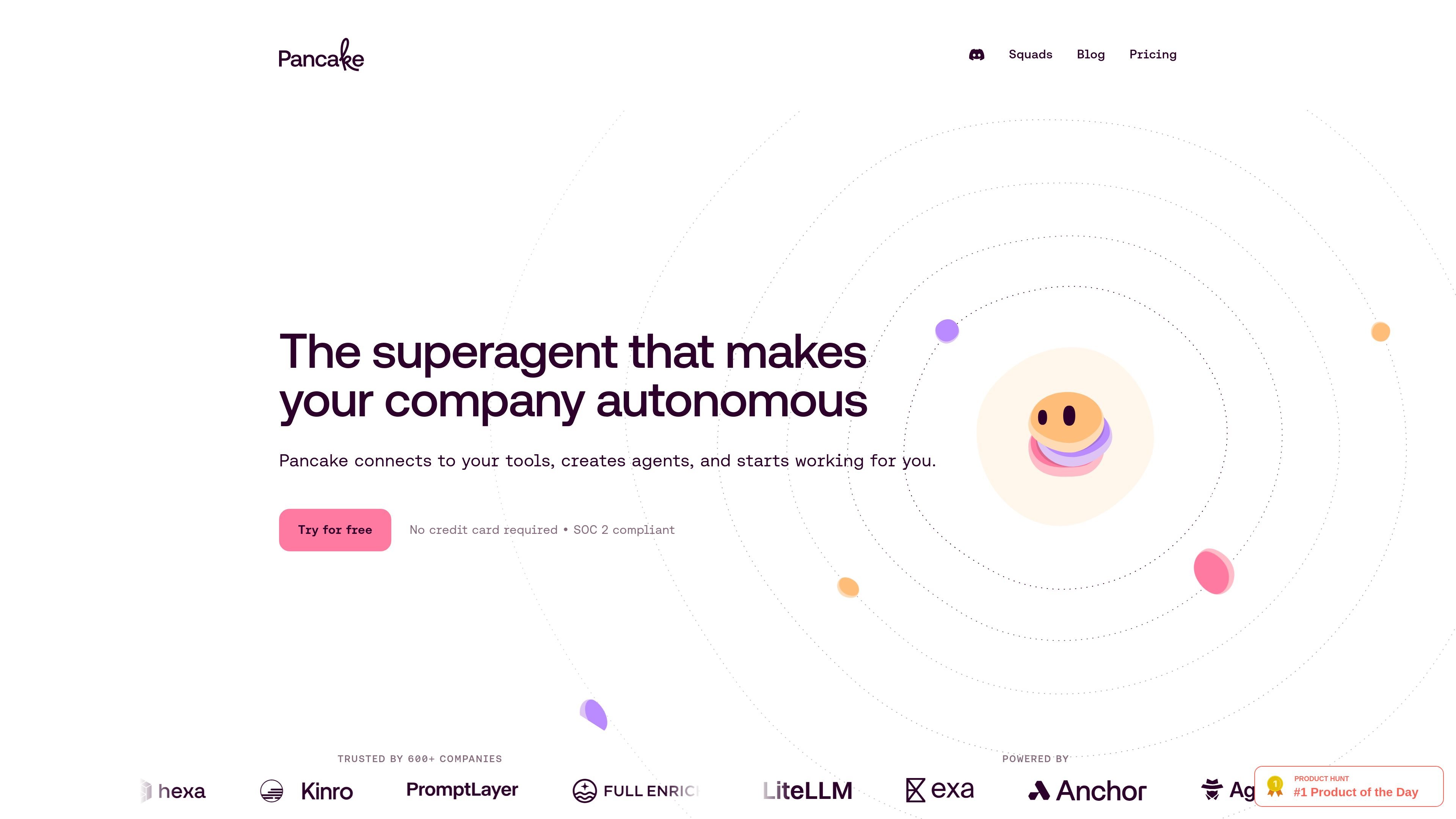
Pancake connects to your existing tools and works through them rather than sitting in a separate chat interface. The homepage says agents can read, write, ship, and sell through your tools like an employee would.

Pancake is an AI agent platform for founders and small teams, handling operational work across the tools they already use through always-on, multi-channel access.
Pancake is an AI agent platform that connects to a company’s tools and performs operational work inside those systems. The homepage describes it as “the superagent that makes your company autonomous,” and the product positioning centers on founders and small teams that want software to handle work across sales, marketing, support, engineering, and operations.
The site presents Pancake as a persistent work layer rather than a chatbot. It can operate through Slack, email, phone, browser, and other connected channels, and the pricing page shows it running on private cloud compute with model choice, encrypted secrets, web access, and parallel sub-agents. The intended use is hands-on execution: researching, drafting, triaging, following up, and carrying tasks through the tools the company already uses.
Pancake connects to your existing tools and works through them rather than sitting in a separate chat interface. The homepage says agents can read, write, ship, and sell through your tools like an employee would.
The pricing page says Pancake runs on a private cloud computer with 50GB storage, encrypted secrets, and long-lived access. That gives the agent a persistent work environment instead of a one-off prompt session.
The product is model-agnostic and lets you choose Claude, GPT, or Gemini. The site also describes a model-agnostic harness, so the underlying model can vary by task or preference.
Supported channels shown on the pricing page include Slack, phone, email, authenticated browser access, and iMessage soon. That makes it possible for the agent to receive requests and return work through familiar business channels.
The homepage shows Pancake assembled into specialist agents for outreach, AI SEO, GitHub triage, Google Ads, Reddit, Meta Ads, and PostHog. The examples suggest it can be configured into role-based workflows instead of a single generic assistant.
The pricing page describes live web access, real-time fetch from URLs, deep web search, and unlimited sub-agents. Those capabilities point to research, monitoring, and parallel work across multiple tasks.
Use Pancake to monitor inbound leads, qualify them against an ICP, draft replies, and book meetings through your calendar and inbox. The pricing page shows an example of this kind of sales workflow end to end.
Use it to triage GitHub issues, classify bugs, detect duplicates, and route priorities. The homepage explicitly lists GitHub triage, issue classification, duplicate hunting, and priority labeling among the agent examples.
Use Pancake for content and social workflows such as drafting X threads, turning changelogs into posts, analyzing what content performed, or generating ad copy. The homepage examples show AI SEO and Meta Ads roles, while testimonials mention posting and hook generation.
Use it to research prospects or monitor the web, then pull findings into email or Slack for follow-up. The pricing page highlights authenticated browsing, live web access, deep search, and real-time fetch from any URL.
Use Pancake as an always-on operator for recurring business tasks across channels such as inbox management, support replies, and coordination in Slack or email. The homepage frames it as software that reads, writes, ships, and sells through your tools like an employee.
Pancake is set up to connect to your tools and then work through them as an always-on agent. The site shows it operating in Slack, email, browser, phone, and iMessage soon, but it does not spell out a step-by-step setup flow.
The pricing page describes a flat $49/month base for the agent, plus token packs at the labs' public price. It also says unused tokens carry over and that you can bump the slider or cancel anytime.
The site says Pancake is model-agnostic and lets you choose any AI model, including Claude, GPT, and Gemini.
Pancake appears designed for founders and small teams that want software to handle operational work across sales, marketing, support, and engineering. The blog describes it as infrastructure for companies that already exist, rather than an idea-validation tool.
The sources do not provide a full limitations list. They do show that iMessage access and credit-card actions are marked as coming soon, and that the product still depends on the tools and channels you connect to it.
Traffic data is for reference only.

gbrain.io
GBrain is a shared AI workspace that gives teams one collaborative chat, one editable memory, and controlled access to connected tools across the AI applications they already use.

zapier.com
Zapier MCP connects AI clients such as Claude, ChatGPT, and Cursor to actions across Zapier’s app ecosystem. It lets an agent discover an appropriate action, request missing details, and execute it with authentication and permissions managed through Zapier.

theagentrouter.ai
Agent Router is an open-source Go project for managing unified access to generative AI services through Envoy Gateway. It is intended for teams that want a gateway-based control point for AI service traffic and related agent or MCP workloads.

flocker.md
Flocker is an AI agent management platform for creating agent profiles, coordinating multi-agent work, and monitoring activity from a shared dashboard. It is designed for people running multiple agents across tools such as Claude Code, Codex, OpenClaw, OpenCode, and MCP-compatible workflows.

www.flintai.dev
Switch is an open-source collaborative workspace that brings people and AI agents into shared rooms inside the messaging tools teams already use. It helps preserve decisions, messages, and work history across agent handoffs.

construct.computer
Construct Computer is an AI employee workspace for solo founders and small teams. It combines a persistent cloud computer, browser and terminal tools, memory, workflows, schedules, email, and connected apps so agents can complete work while users are away.