
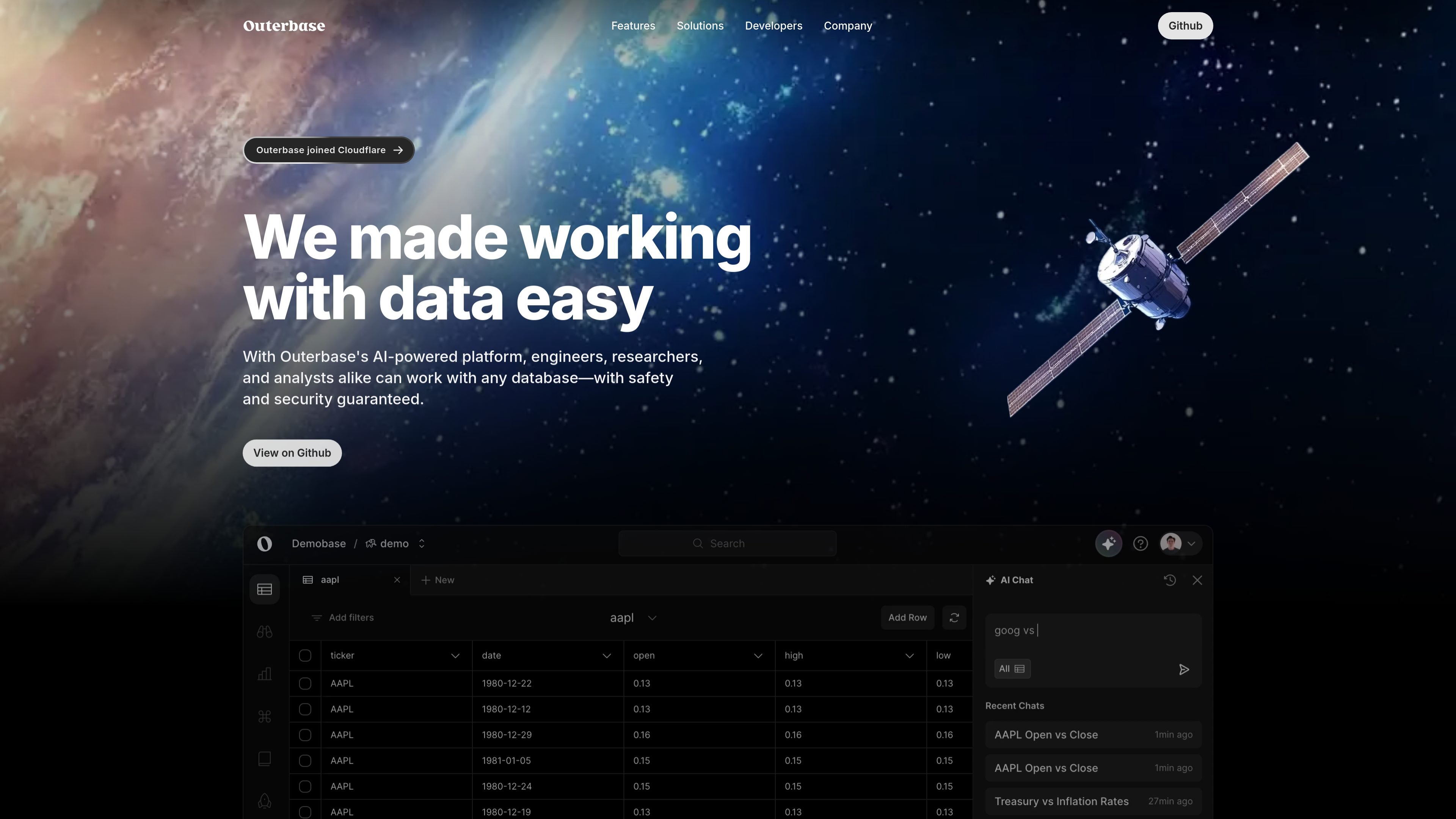
Table editor
Work with database tables in a spreadsheet-like interface that is built for speed, responsive navigation, and keyboard use.

Query, edit, visualize, and organize SQL and NoSQL data with AI assistance.
Outerbase is a database interface for managing, exploring, and presenting data across connected SQL and NoSQL sources. The product combines a table editor, AI assistant, dashboards, and a data catalog so teams can work with data in one place.
Its workflows center on querying data, editing tables, generating charts, and sharing dashboards or embeddable components. The site also positions the product for teams that need privacy controls and workspace collaboration, with pricing tiers that scale from a small free plan to paid plans and enterprise options.
Work with database tables in a spreadsheet-like interface that is built for speed, responsive navigation, and keyboard use.
Sort columns, apply no-code filters, hide columns, search with shortcuts, browse tabs, and export data as CSV or JSON.
Use EZQL to generate queries from natural language, fix broken SQL, optimize queries, and create charts or dashboards from conversations.
Build dashboards from scratch or let AI assemble them, then customize chart type, colors, legends, labels, and callouts.
Define business terms, view relational diagrams, and create virtual relationships to help teams understand how data connects.
Connect to multiple database types and embed tables or charts using Outerbase's open-source web components.
Use the table editor to inspect records, sort and filter columns, search across tables, hide noise, and export results for follow-up analysis.
Ask EZQL questions in natural language to generate queries, repair query mistakes, and turn results into charts or dashboard views.
Build dashboards from SQL or NoSQL data, then tune chart types, labels, colors, legends, and callouts for reporting.
Define business terms, view relational diagrams, and add virtual relationships when a team needs a clearer picture of how data connects.
Embed tables or charts in other products or internal tools using open-source web components instead of iframes.
Outerbase can connect to a range of SQL and NoSQL databases, including Postgres, MySQL, SQLite, MongoDB, ClickHouse, Microsoft SQL Server, Snowflake, Google BigQuery, and Amazon Redshift. The pricing page also lists SQLite, Postgres, MySQL, Microsoft SQL Server, Snowflake, BigQuery, and Redshift in plan comparisons.
The pricing page says anyone you invite to your workspace counts as a user, and it does not differentiate between editors and read-only users.
Outerbase keeps your actual data in your own database. It stores an encrypted version of your schema to enable AI capabilities.
The pricing page says Enterprise customers can request self-hosting. For non-Enterprise plans, self-hosted deployment is not listed as available.
The product pages show AI-assisted query generation, chart creation, dashboard building, table editing, and a data catalog for business terms and relationships.
Traffic data is for reference only.

datarc.cn
Enterprise AI data insights through natural-language queries

supaboard.ai
AI business intelligence for connected data, natural-language queries, and collaborative dashboards

myscale.com
MyScale is a managed SQL vector database for AI applications with vector search, SQL analytics, and hybrid retrieval.

querio.ai
Querio is a data platform for agentic notebooks, embedded analytics, and AI-assisted insights delivered in Slack or products.

basedash.com
Basedash is an AI-native BI platform for connecting data, asking questions, and creating dashboards and reports.

www.basedash.com
Basedash is an AI business intelligence platform that analyzes data, builds dashboards, and works with Excel files both ways for teams.