
Text-to-sound generation
Describe the sound you need and the system generates an audio result from text. The site says it supports stereo output, 44.1 kHz audio, and clips up to 60 seconds long.

Web-based AI sound generator for creators, game developers, artists, and video makers. Create sound effects from text prompts or variations from uploaded audio.
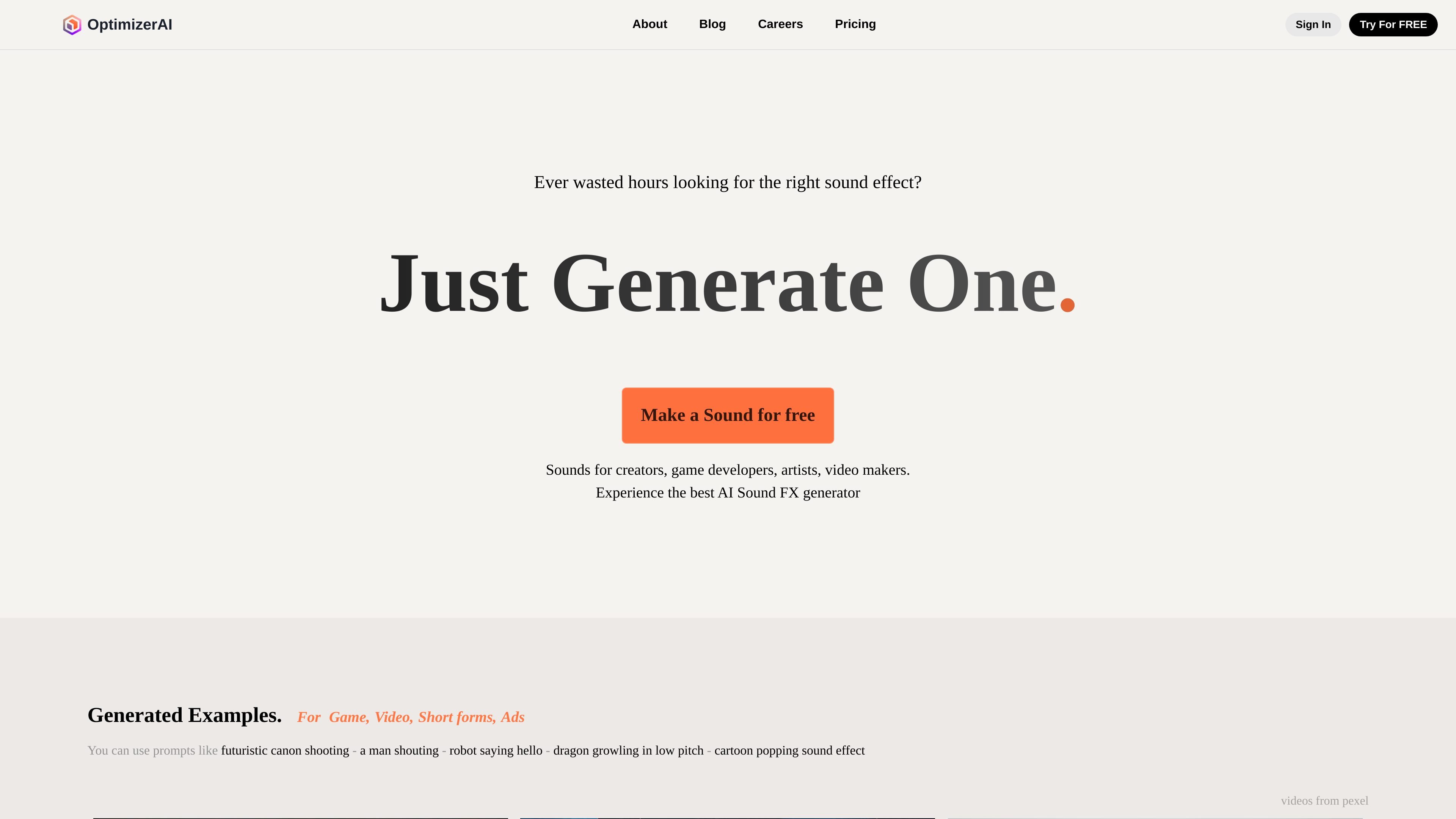
OptimizerAI is a web-based AI sound generator that turns text prompts into sound effects and short audio clips. The homepage positions it for creators, game developers, artists, and video makers who need to produce sounds quickly instead of searching for or editing them manually.
The site also supports variation generation from uploaded audio, so it covers both prompt-driven creation and iterative sound modification. Published details mention stereo output, 44.1 kHz audio, and sounds up to 60 seconds long.
Describe the sound you need and the system generates an audio result from text. The site says it supports stereo output, 44.1 kHz audio, and clips up to 60 seconds long.
Upload an audio file to create multiple modified versions of it. This supports variation work when you already have a source sound.
Use higher-level prompt wording when you do not want to describe the sound in detail. The site calls this a Magic prompt workflow for turning a situation into the proper audio.
Choose from an audio style before generating. The site presents style selection as a way to steer the output toward the sound you want.
Browse example sounds and prompt ideas on the homepage, including game, animation, and video-oriented examples. This helps users understand the kinds of prompts the tool accepts.
Generate game sound effects such as shooting, jumping, and other short action cues from simple prompts when you need quick placeholders or production audio.
Create sounds for short-form videos, ads, and other visual content where a prompt can describe the scene or action that needs audio support.
Turn a situation into a sound without writing a precise technical prompt, using the site’s Magic prompt workflow to let the model infer the audio from context.
Upload an existing sound and generate multiple modified versions when you want alternatives from a reference clip.
The site says you can generate sounds from text prompts, and it also offers variation generation from uploaded audio. The homepage examples suggest it is aimed at sound effects and short audio cues rather than long-form music production.
The homepage says the generator supports stereo output, 44.1 kHz audio, and sounds up to 60 seconds long.
The homepage includes a "Try For FREE" / "Make a Sound for free" prompt, but the pricing page currently returns a 404-like page. That means the public site does not currently provide usable pricing details.
The homepage is written for creators, game developers, artists, and video makers. It appears to be a web-based product rather than a downloadable desktop app or a tool with published integrations.
Traffic data is for reference only.

freemusicdemixer.com
Music Demixer separates songs into stems and converts audio to MIDI or sheet-music drafts.

dubformer.ai
Dubformer is a web-based AI dubbing studio for creating localized video voice tracks with line-by-line control over pronunciation, emotion, and delivery. Built for broadcast, localization, and streaming teams, it supports reviewable exports and collaborative workflows.

topmediai.com
AI platform for creating videos, music, and voiceovers

voxfactory.app
AI vocal synthesizer for creating and editing singing parts from MIDI, lyrics, or recorded voice.

tomoviee.ai
ToMoviee AI is a creative studio for generating video, images, music, sound effects, and voice from text and media references—built for creators, marketers, filmmakers, designers, and teams.

cassetteai.com
Real-time generative audio for music, effects, and speech