
Back-scheduled meal timeline
Choose a serving time and Mise works backward to place each dish and its preparation steps. The timeline shows each dish separately and distinguishes hands-on work from hands-free time.

Mise is a browser-based meal-timing planner that schedules multiple dishes backward from a chosen serving time. It helps home cooks coordinate preparation, cooking, resting, and serving so a meal is ready together.
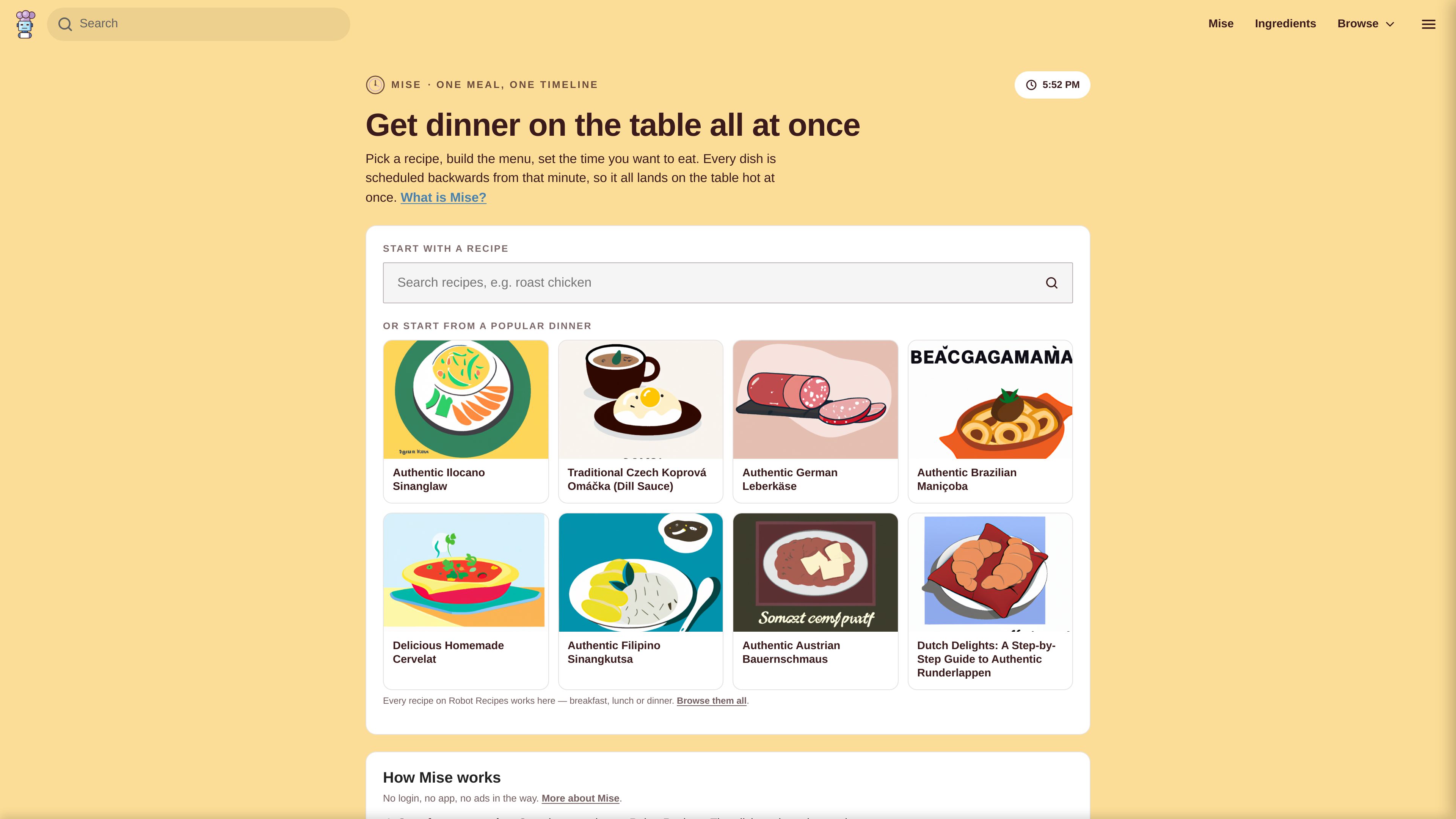
Mise is a free, browser-based meal-timing planner for coordinating several dishes around one serving time. Start with a Robot Recipes recipe, accept or adjust suggested menu items, choose how many people you are feeding, and set when you want to eat. Mise then schedules each dish backward from that time, separating hands-on work from oven, simmering, resting, chilling, or proving time.
The result is a single meal plan rather than separate recipe instructions: a timeline, ordered cooking sequence, combined shopping list, tools list, cooking mode, and printable or PDF-friendly sheet. You can also add dishes without a recipe by entering their estimated active and passive times, or share a saved plan through an unlisted link.
Mise runs in a web browser without an account or app installation. Cooking mode works without a connection after the plan has loaded, but the generated timing is only an estimate and may need adjustment for different ovens, cookware, ingredients, or kitchen conditions.
Choose a serving time and Mise works backward to place each dish and its preparation steps. The timeline shows each dish separately and distinguishes hands-on work from hands-free time.
Start from a recipe and let the service suggest accompanying dishes. You can remove suggestions or add your own items, including dishes with no recipe, by supplying estimated hands-on and hands-free durations.
Set the number of servings and the plan scales quantities across the menu, combining ingredients from different dishes into one shopping list that can be checked off.
A full-screen view presents the current instruction one step at a time, attempts to keep the display awake where the browser permits, and beeps when a step is due.
The plan can be printed or saved as a PDF, including the running order, shopping list, tools, and checkboxes. Saving creates an unlisted link that others can open.
Mise places dishes and shifts timing to reduce overlapping active steps. If a collision cannot be avoided, it identifies the conflicting steps and their scheduled time instead of hiding the conflict.
Anchor the plan with a main recipe, add suggested sides or other dishes, and schedule preparation so cooking, resting, and serving converge at one mealtime.
Use the hands-on markers and ordered action list to see when chopping, searing, plating, or other active work is required, while passive cooking continues in parallel.
Add items such as gravy, rice, bread, or warming plates even when they do not have a Robot Recipes page, then provide rough active and passive timings for the schedule.
Scale the menu to the number of diners, use the merged ingredient list while shopping, and print or save the plan for use at the counter.
Send an unlisted plan link to another cook so they can open the same menu and view its schedule adjusted to their own clock.
No. Mise is presented as a web page with no login and no app installation. The site says plans remain on the device unless you choose to save one as an unlisted link.
It reads each recipe's instructions and breaks them into timed blocks, marking steps that need active attention separately from hands-free periods such as roasting, simmering, resting, chilling, or proving. Actual timing can vary by oven, cookware, and ingredients.
Yes. Use the custom-dish option to enter the item and provide or adjust its hands-on and hands-free minutes. This supports additions such as gravy, rice, garlic bread, or warming plates.
Mise attempts to move dishes earlier to prevent hands-on steps from colliding. If a conflict cannot be resolved, the plan identifies the two steps and their time so you can move the meal later or delegate one task.
The site says cooking mode needs no connection once the page has loaded. It shows the current step, can keep the screen awake where the browser permits, and beeps when a step is due.

famori.my
Famori is an AI-powered family assistant for coordinating schedules, reminders, meals, fitness, and everyday household information in a shared family space. It works through an installable web app, with WhatsApp available as an optional add-on.

dishgen.com
AI recipe generator and meal planner for cooks and food brands
bargpt.app
BarGPT is a web product at bargpt.app; features and plans are unverified.

cliprecipe.com
Extract and organize recipes from YouTube, TikTok, Facebook, Instagram, and Pinterest videos.

cookaifood.com
cookAIfood is an AI recipe platform for creating recipes, food images, and event menus, with tools for ingredients, PDF exports, image downloads, and nearby restaurants.

www.foodieprep.ai
FoodiePrep is an AI meal-planning and recipe management app for creating personalised weekly plans, adapting recipes to dietary needs and nutrition targets, and producing grocery lists. It is available on iOS, Android, and the web.