
Personalized second profile
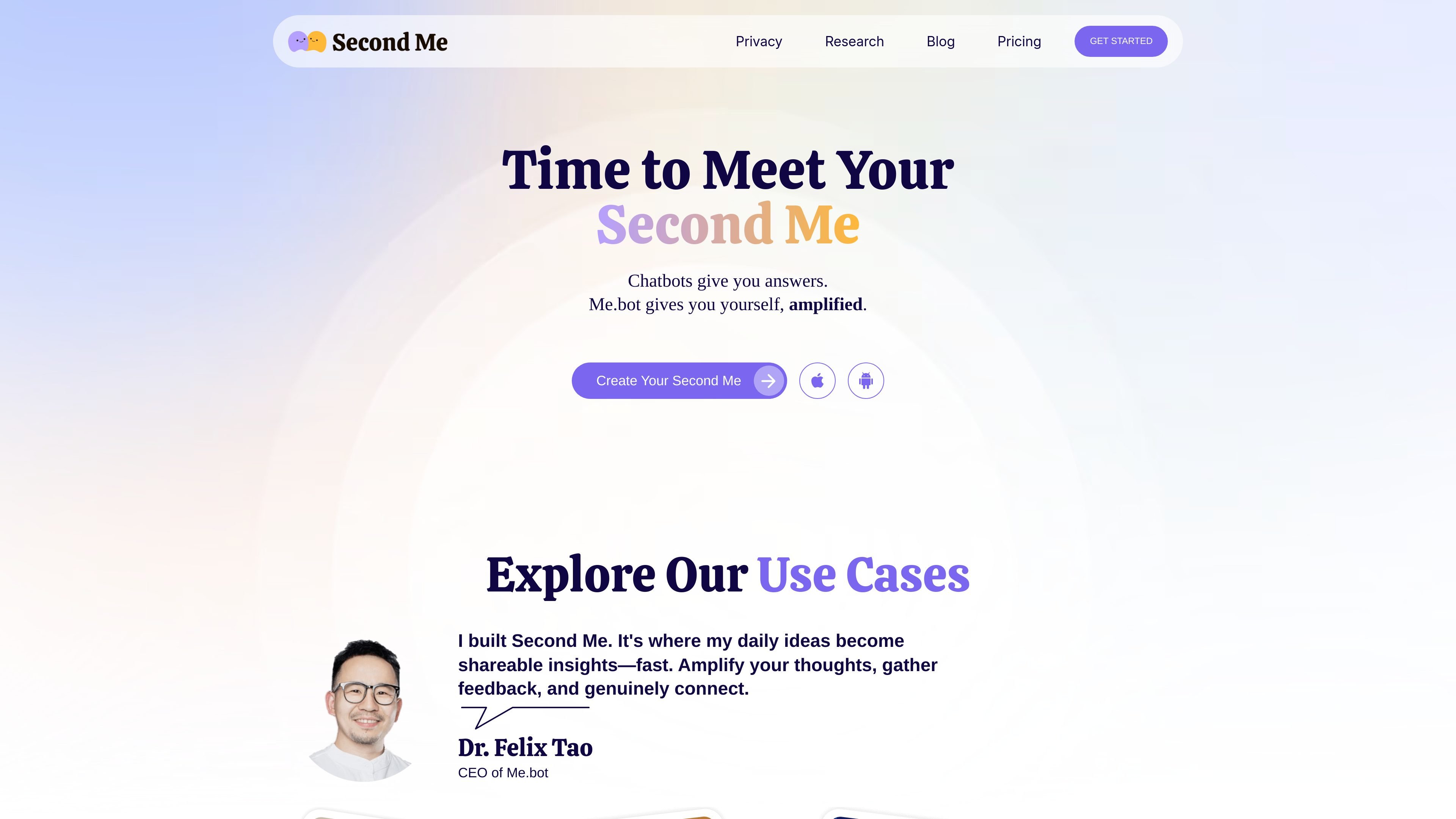
Create a Second Me that learns from the data you share and speaks in a voice that reflects your own material.

AI personal assistant that turns your records into a personalized “Second Me”
Me.bot is an AI product that turns the material you share into a personalized “Second Me” that can speak and present on your behalf. The homepage describes it as a way to turn ideas into voice and visuals, while the product pages emphasize importing notes, audio, and other records to help the system learn from you.
In practice, Me.bot is positioned for people who want to capture thoughts, organize personal knowledge, and turn that material into shareable output such as talks, stories, or messages tailored to different audiences. The site also presents the product as privacy-focused, with encrypted storage, anonymous handling of personal data, and controls for deletion and sharing.
Create a Second Me that learns from the data you share and speaks in a voice that reflects your own material.
Import notes, audio, and other records to shape the model with a wider range of source material.
Capture quick thoughts and voice notes so ideas can be added without a full writing session.
Turn your records into a talk that combines voice and visuals for sharing with others.
Adapt the output for different listeners, such as investors, peers, or family members.
Present content in a more interactive format and review engagement insights from the audience.
Turn daily notes, ideas, and meeting fragments into something you can share with teammates or an audience without rebuilding the material from scratch.
Prepare a message for different listeners by adjusting the talk for people such as investors, collaborators, or family members.
Record thoughts or meetings, then convert them into a structured talk with voice and visuals for later sharing.
Use the product as a personal reflection tool for journaling, insight generation, or organizing sensitive life context, with privacy controls in mind.
Create shareable stories or explanations from technical or complex topics so they are easier to understand on social platforms or in conversation.
Yes. The pricing page says Me.bot is free to use, with an optional Pro subscription for added capacity and larger file uploads.
The pricing page says Me.bot Pro is available monthly or annually, and the annual option is billed at a discounted rate. It also notes that students can request a 40% discount by emailing support for verification.
The privacy page says you can retrieve your data in markdown format from Account Settings, and you can request deletion through the help page or by emailing support, subject to any legal or regulatory retention requirements.
The site says data is encrypted and stored on Microsoft Azure, and that Me.bot employees will not access your data under any circumstances.
The homepage describes Second Me as a way to import notes, audio, and other records, capture thoughts, and turn records into interactive talks with voice and visuals.
Traffic data is for reference only.

notis.ai
AI productivity assistant that turns voice notes and messages into organized notes, drafts, tasks, and follow-ups across Telegram, iMessage, WhatsApp, Slack, email, and 1,000+ apps.

easynoteai.com
AI note-taking assistant that turns audio, videos, and PDFs into study-ready notes, summaries, flashcards, quizzes, and chatbots.