
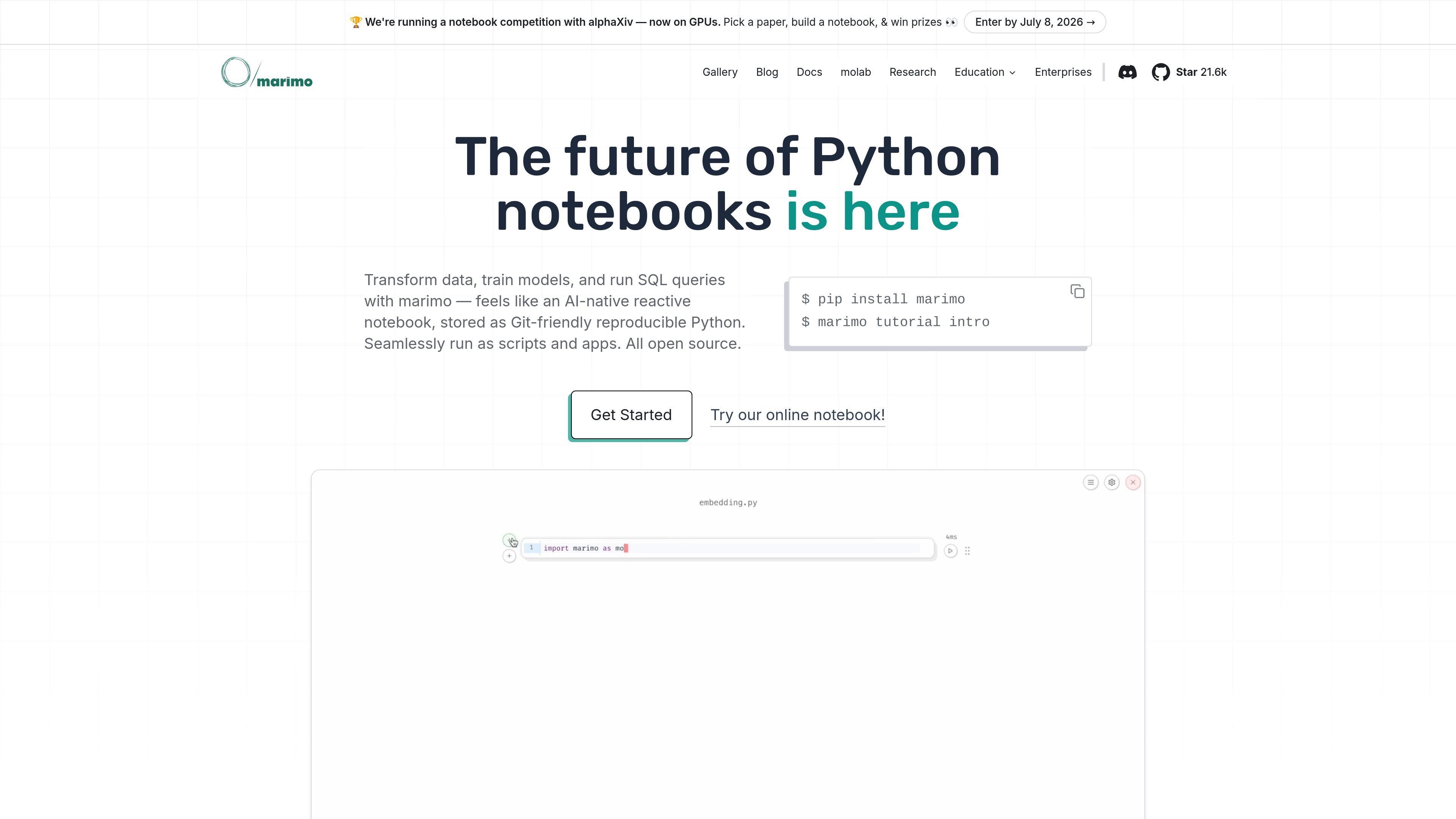
Dependency-aware execution
Cells execute in a deterministic order. Deleting a cell removes its variables and updates affected cells. For expensive computations, users can mark dependent outputs as stale instead of rerunning them automatically.

An open-source reactive Python notebook for data scientists and AI engineers.
marimo is an open-source Python notebook for exploring data, developing models, and building interactive applications. It stores notebooks as plain Python files, connecting notebook work with standard software development workflows.
Its reactive execution model tracks dependencies between cells and updates affected outputs when code or inputs change. The same notebook can serve as an analysis workspace, an executable script, or an application for people to explore through a browser.
Cells execute in a deterministic order. Deleting a cell removes its variables and updates affected cells. For expensive computations, users can mark dependent outputs as stale instead of rerunning them automatically.
Dataframe tables offer sorting, filtering, search, column statistics, data types, and missing-value information. Sliders, dropdowns, and selectable plots let users control analyses through interactive inputs.
Built-in SQL cells query dataframes and databases, with support for Pandas, Polars, PyArrow, DuckDB, SQLite, Postgres, and MySQL.
Configure context-aware completion, suggested error fixes with visual diffs, and sidebar chat. marimo pair gives coding agents access to live notebook cells and state; the Agent sidebar supports ACP-compatible agents.
Store notebooks as .py files for Git versioning, module reuse, and PyTest testing. The editor includes formatting, debugging panels, vim keybindings, and hotkeys, alongside a CLI and VS Code extension.
Serve notebooks as web apps with the marimo CLI or export compatible notebooks to WebAssembly-powered HTML. Run the same files as scripts locally or in pipelines.
Data scientists can inspect data quality, adjust preprocessing parameters, and explore Altair or Plotly visualizations with hover details, zooming, and filtering.
Turn an existing notebook into an application where colleagues can adjust parameters and explore results independently, without rebuilding the analysis in a separate dashboard tool.
AI engineers can combine custom chat widgets, file uploads, and dynamic visualizations to test model interactions and share working demos with colleagues.
Create custom annotation tools, model comparison dashboards, and human-in-the-loop workflows for evaluating multimodal models or preparing fine-tuning examples.
Install the Python package with `uv pip install marimo`. Open a notebook for editing with `marimo edit notebook.py`.
Yes. Notebooks can optionally include package requirements through PEP 723 metadata, with marimo managing virtual environments.
marimo supports OpenAI, Anthropic, Google Gemini, Ollama, and OpenAI-compatible APIs. You can configure hosted providers or models running locally.
Run `marimo run notebook.py` to serve the notebook as an interactive application. Existing widgets provide controls for app users.
The notebook software is free and open source under Apache-2.0. AI assistance uses your configured model provider, which can be hosted or local. Model services and deployment infrastructure are separate from the notebook license.
Traffic data is for reference only.
| Apr | 171025 |
|---|---|
| May | 156621 |
| Jun | 171371 |

livekit.io
LiveKit is an open source platform for building, deploying, and observing voice, video, and physical AI agents with Python or TypeScript, plus LiveKit Cloud for production.

phospho.ai
phospho offers open-source robotics tools, hardware kits, PRO subscriptions, and custom solutions for robot control, data collection, and AI model training.
aipy.app
AiPy is a desktop AI assistant combining AI reasoning and Python execution for local computer tasks, with open-source local deployment on Mac, Windows, and Linux.

tensorflow.org
Open-source machine learning platform for building, training, and deploying models across desktop, mobile, web, cloud, and edge.

opencode.ai
OpenCode is an open-source AI coding agent for terminal, IDE, and desktop, helping developers understand codebases, plan changes, and use multiple LLM providers.

cline.bot
Cline is an open-source AI coding agent for VS Code, CLI, and enterprise, enabling code creation, editing, and verification through permission-based actions and usage pricing.