
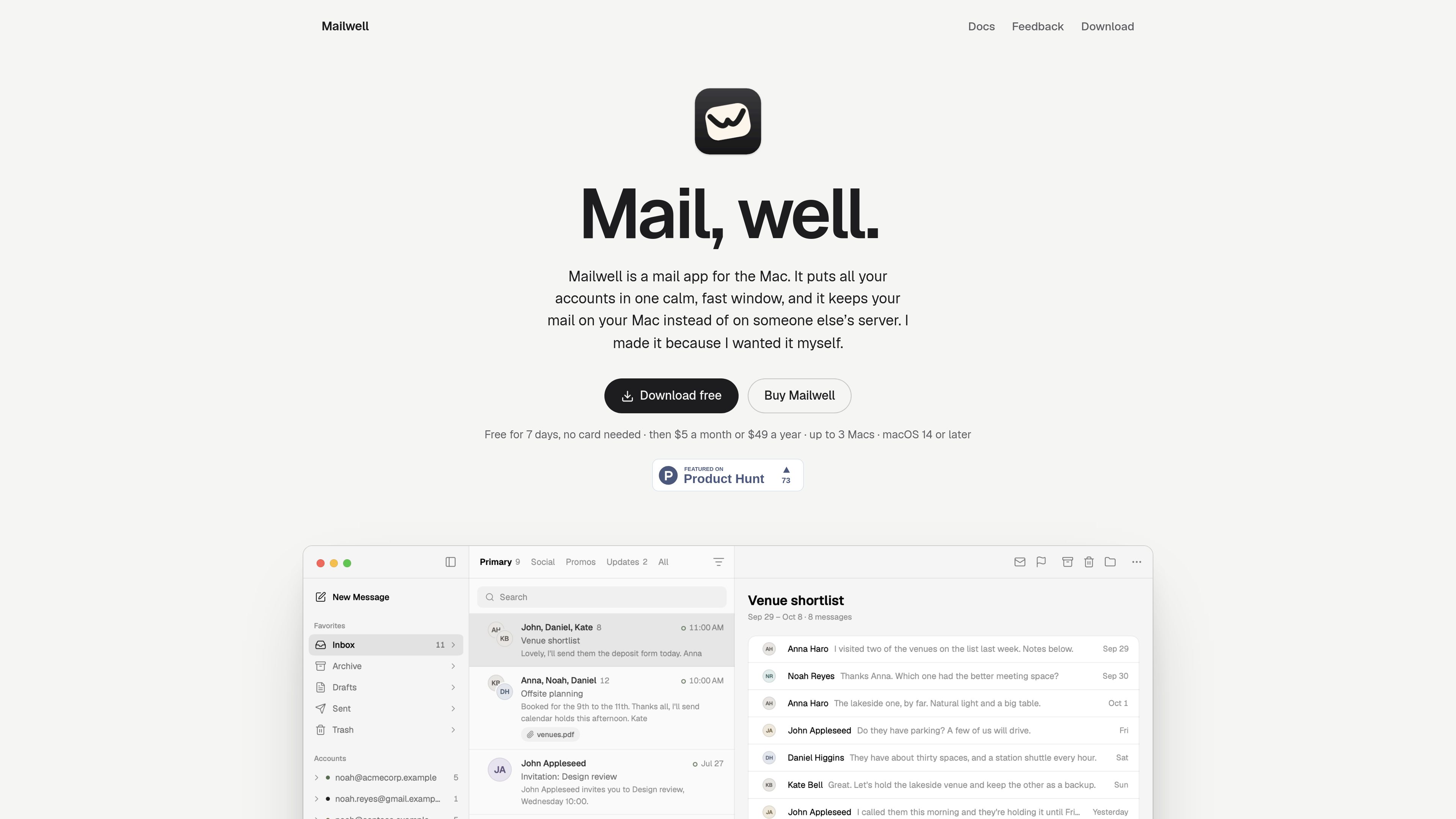
Multi-account setup
Add Microsoft, Google, Apple, Yahoo, Fastmail, Kagi Mail, Proton Mail, IMAP, and JMAP accounts. Mailwell detects provider settings where possible and guides you through app passwords, API tokens, or Proton Mail Bridge.

A local-first Mac mail app for managing Gmail, Outlook, iCloud, Fastmail, IMAP, JMAP, and other accounts in one window.
Mailwell is a mail application for Mac that combines multiple accounts in one window. It supports major providers including Gmail, Google Workspace, Microsoft 365, Outlook.com, iCloud, Yahoo, AOL, Fastmail, Kagi Mail, Proton Mail through Bridge, and other IMAP or JMAP services. Mail is stored on the Mac, where it can be searched locally, while the app synchronizes actions directly with each provider.
The app focuses on a compact reading and keyboard-oriented workflow. It provides unified folders and favorites, folded conversations, local search, snooze, undo, draft autosave, inbox organization, and optional AI for thread summaries or draft cleanup. Mailwell requires macOS 14 or later and can be tried free for seven days without a card.
Add Microsoft, Google, Apple, Yahoo, Fastmail, Kagi Mail, Proton Mail, IMAP, and JMAP accounts. Mailwell detects provider settings where possible and guides you through app passwords, API tokens, or Proton Mail Bridge.
Keep mail on the Mac for a selected period, from one month to everything. Search supports ordinary terms and filters such as from:, subject:, and has:attachment, including offline searches.
Earlier messages in a thread fold into a compact row while the newest message remains open. Remote images are blocked until requested, which also helps prevent automatic read tracking.
Drafts save as you type, and moves, deletes, and sends can be undone. Actions are recorded on the Mac before synchronization and can resume after an interrupted connection.
Use shortcuts, favorites, a command palette, unified folders, inbox tabs and splits, rules, snooze, archive, flags, and reading-pane options to manage mail.
AI is off by default. When enabled, it can summarize a long thread or tidy a draft using Apple Intelligence on the Mac or the user’s own key.
Combine work, personal, and other supported providers in one Mac application, while retaining access to individual account folders when needed.
Keep a chosen history range on the Mac and search it locally using ordinary words or focused filters for sender, subject, and attachments.
Use folded earlier messages, a configurable reading pane, text-size controls, and blocked remote images to focus on the current part of a thread.
Continue drafting and organizing mail with local-first actions, then let Mailwell synchronize pending work after the connection returns.
Microsoft 365 and Outlook.com users can view mail, folders, contacts, and calendar invites, and accept or decline invitations in the message.
Mailwell supports Microsoft 365, Outlook.com, Hotmail, Gmail, Google Workspace, iCloud, Yahoo, AOL, Fastmail, Kagi Mail, Proton Mail through Proton Mail Bridge, and other accounts using IMAP or JMAP.
Mailwell requires macOS 14 or later. The app is signed and notarized by Apple.
The full app can be used free for seven days without a payment card or license key. Continued use costs $5 per month or $49 per year, with one license covering up to three Macs.
Mailwell stores account passwords in the macOS Keychain and communicates directly with mail providers. The site states that mail does not pass through the developer’s servers and that the app has no tracking or analytics. Mail is stored on the Mac according to each account’s retention setting.
Traffic data is for reference only.