
Image generation and editing
Generate images with AI models and refine existing work with editing tools such as background removal, relighting, mockup creation, variations, camera-angle changes, and character generation.

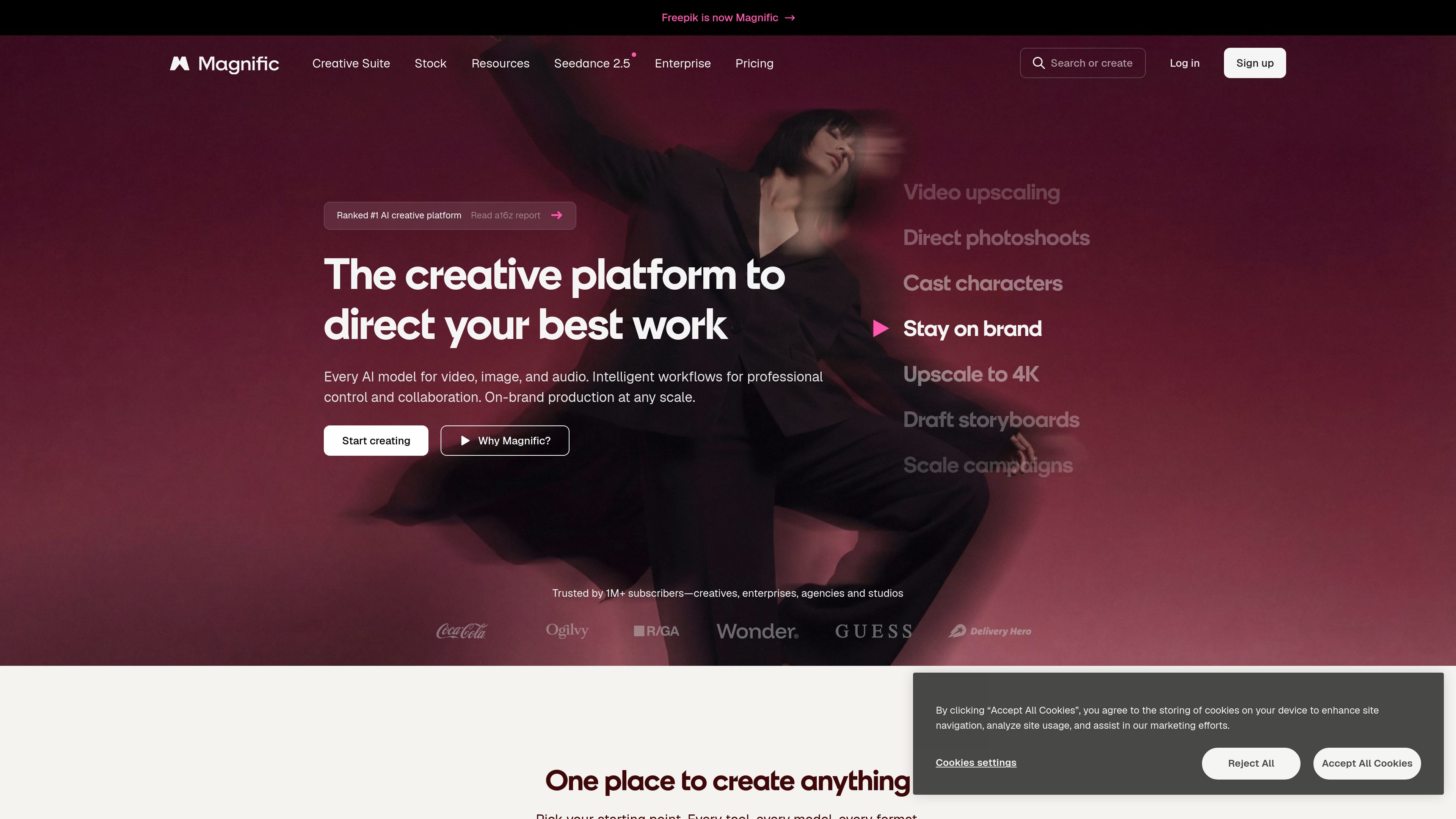
Magnific is an AI creative platform for generating, editing, upscaling, and organizing image, video, audio, and 3D work. It combines creative tools, shared workspaces, model access, stock assets, plugins, MCP, and credit-based API access for individual creators and teams.
Magnific is an AI creative platform for image, video, audio, and 3D production. It brings generation, editing, upscaling, asset organization, and workflow management into one service, with tools for tasks such as image creation, background removal, cinematic shots, character consistency, video generation, lip sync, sound generation, and image-to-3D work.
Its Spaces feature provides a node-based canvas for exploring ideas, comparing versions, connecting tools, and collaborating on projects. Teams can organize assets and generated content in Projects, save repeatable workflows as one-click Apps, and use shared templates, comments, version history, and permissions within project spaces.
Magnific also provides access to image, video, audio, and stock capabilities through desktop apps, plugins, MCP, and APIs. The site lists image, video, audio, and stock APIs, along with plugins for creative applications including Figma, Adobe Creative Cloud, Illustrator, Photoshop, After Effects, Premiere Pro, InDesign, Final Cut Pro, DaVinci Resolve, and Microsoft Office. API and MCP usage runs on credits.
The platform includes a stock library described as containing more than 250 million licensed photos, vectors, icons, templates, videos, and PSD files. Plans provide access to AI models and tools through credit-based usage; the pricing page also lists annual billing, commercial AI licensing, no model training on customer data, and additional capabilities that vary by plan.
Generate images with AI models and refine existing work with editing tools such as background removal, relighting, mockup creation, variations, camera-angle changes, and character generation.
Upscale images to high resolution and improve existing video footage, with the site listing image upscaling up to 10K and video upscaling as available tools.
Create clips from prompts or images, then use video editing, scene stitching, motion control, style transfer, lip sync, and video-with-audio workflows for campaigns and cinematic projects.
Generate soundtracks, sound effects, voiceovers, and speech; the toolset also includes audio cleanup, dubbing, audio synchronization, music remixing, and mastering presets.
Use a node-based canvas to connect tools, branch ideas, compare versions, and collaborate. Workflows can be saved as reusable Apps, while Projects organize assets and generated content.
Use image, video, and audio models alongside a stock library of more than 250 million licensed assets. Magnific also offers desktop access, plugins, MCP, and credit-based APIs for image, video, audio, and stock workflows.
Create product shots, resize or upscale campaign imagery, generate variations, and use mockups, stock assets, and reusable workflows to produce content in multiple formats.
Move from still concepts to generated clips and scenes, then apply motion control, camera direction, scene stitching, style transfer, lip sync, and audio tools during production.
Keep brand assets, generated work, and workflows together in Projects and Spaces. Shared templates, comments, version history, and permissions support review and collaboration.
Use Magnific through listed plugins for design, illustration, editing, office, and post-production applications instead of moving every task into a separate browser workflow.
Connect Magnific to external systems through MCP, APIs, webhooks, imports, exports, and flow automation. API and MCP operations use the account's credit-based usage.
The platform covers image, video, audio, and 3D workflows. Listed tools include generation, editing, upscaling, background removal, cinematic shots, character generation, video editing, lip sync, sound generation, dubbing, image-to-3D, 3D scenes, texturing, and 3D animation.
Yes. Spaces are shared, node-based canvases for workflows and collaboration. The tool listing also includes Projects, comments and feedback, version history, shared templates, and roles and permissions.
The site describes a desktop app, plugins for several creative applications, MCP access through AI agents, and APIs for image, video, audio, and stock. The desktop app uses the same account, credits, and tools, while API and MCP access use credit-based usage.
Yes. The platform describes a library of more than 250 million licensed photos, vectors, icons, templates, videos, and PSD files. The pricing page distinguishes Premium stock content from free stock content and lists commercial licensing benefits for plans.
The pricing page lists individual plans with monthly and annual billing options, annual savings, credits that are valid for one year, and credit top-ups. It also lists unlimited access for selected models or tools on some plans; exact availability and limits vary by plan and model.
Traffic data is for reference only.
| Jul | 89963989 |
|---|---|
| Aug | 82619033 |
| Sep | 79915112 |
Traffic analytics are not available yet.

scenario.com
Scenario is a creative AI infrastructure platform for generating image, video, audio, and 3D assets, with custom model training and workflow tools for teams and developers.

platform.stability.ai
Stability AI Developer Platform provides APIs for adding generative audio, image, image editing, upscaling, control, and 3D asset creation to applications. It is intended for developers and teams building creative workflows with Stability AI models.

wavespeed.ai
WaveSpeedAI is an AI media platform with 1,000+ models for image, video, audio, 3D, and language workflows, plus browser tools, APIs, SDKs, CLI, and integrations.

customuse.com
Customuse is an AI platform for creating 2D, 3D, and video assets, with prompt-based tools and node workflows for creators, game studios, Roblox developers, and enterprise teams.

www.meshy.ai
Meshy is a browser-based AI 3D model generator that turns text prompts and images into 3D assets, with tools for texturing, remeshing, rigging, animation, and export.

hyper3d.ai
Hyper3D is a web-based AI 3D platform creating models from text and images, with browser tools for HDRI skyboxes, image prep, mesh editing, and export.