
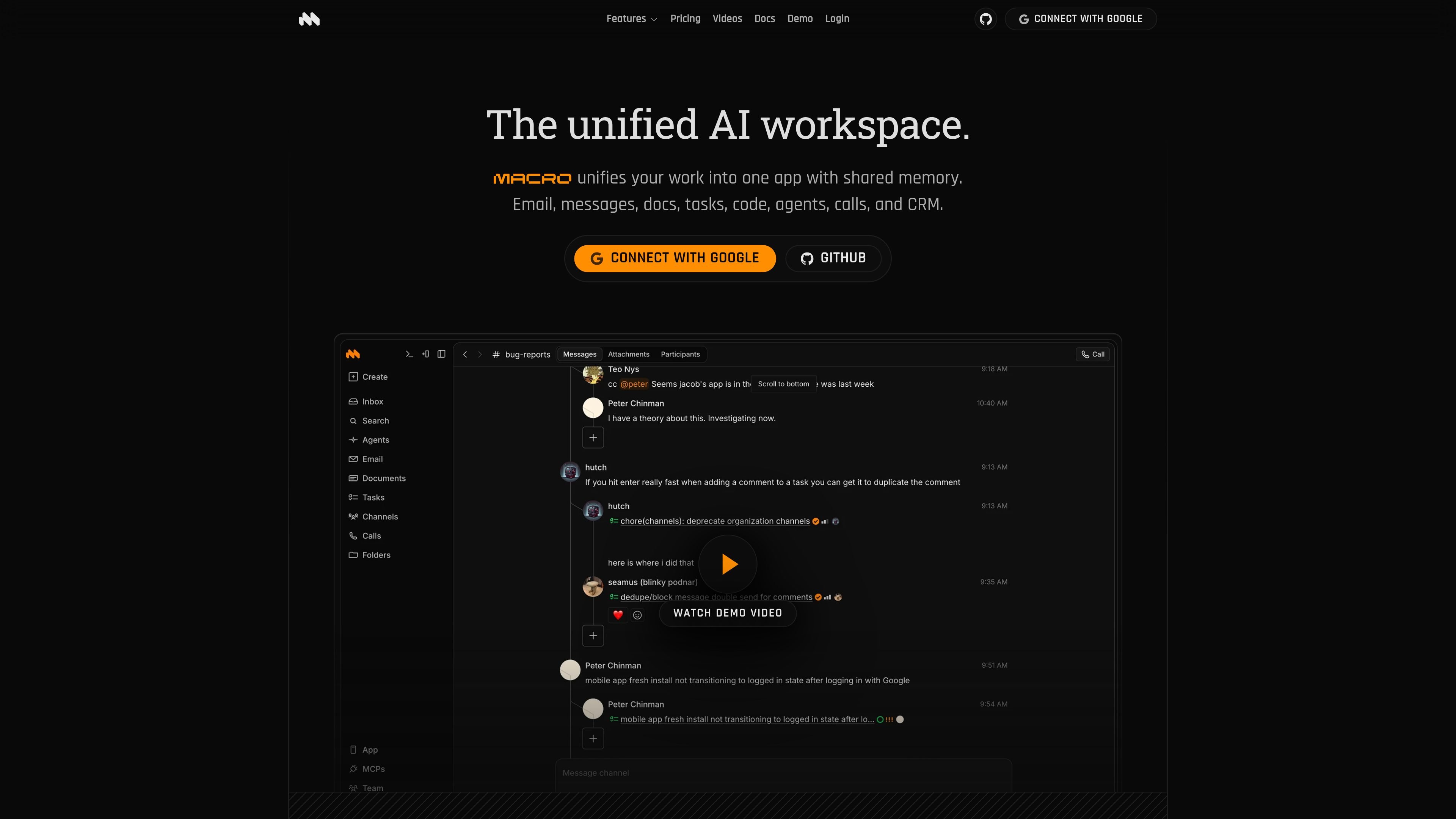
Unified workspace
Macro combines email, messages, tasks, docs, calls, CRM, and agents in one interface so work does not get split across separate tools.

Macro unifies email, messages, docs, tasks, calls, CRM, and agents in one shared workspace, keeping work connected, searchable, and rich with context.
Macro is a unified work platform that brings email, messages, docs, tasks, calls, CRM, and agents into one interface. The product is designed to keep work in a shared context instead of scattering it across separate apps.
At the center of the system is shared memory: messages, documents, tasks, and calls are connected, searchable, and linked to each other. Macro also emphasizes keyboard-driven workflows, with features for fast triage, document editing, and task management.
The site positions Macro as both a hosted product and an open-source system. It offers a free personal plan, a paid team plan, and an enterprise option for custom deployment and compliance needs.
Macro combines email, messages, tasks, docs, calls, CRM, and agents in one interface so work does not get split across separate tools.
A single inbox brings email, messages, and tasks together, with keyboard shortcuts for fast triage and a shared context model across modules.
Documents are markdown-native, real-time, and editable collaboratively, with comments, version history, properties, and inline @links to the rest of the workspace.
Tasks stay connected to GitHub, email, and messages, and can be created from threads, updated automatically from PR status, or delegated to agents.
Channels and messaging are shared with workspace context, so @linked items are visible to the right people without manual access requests.
Team-level memory stores activity in one place so agents can work with broader context across tasks, emails, docs, and calls.
Use Macro as the day-to-day home for mail, tasks, docs, and messages when you want one place to triage incoming work and keep it linked to the source thread.
Use the document system when teams need markdown-native pages with live collaboration, comments, version history, and links to tasks or people.
Use the task module when work needs to stay tied to email or GitHub, such as turning a message into a task or tracking PR-driven status changes.
Use the shared workspace context when agents need to draft, edit, or act across multiple modules without losing access to prior decisions or references.
Use channels and CRM when a team wants shared context around customer communication, deals, or internal discussion without moving between separate systems.
Macro is an email client, not an email server. It connects to existing Google Workspace or Gmail accounts, and the pricing page says Outlook and custom IMAP/SMTP are coming soon.
Yes. The pricing page says Macro works solo or as a team, and team plans add auto-shared email, tasks, and calls plus team-level memory for agents.
Macro is built around one workspace that combines email, messages, docs, tasks, calls, CRM, agents, and unified search, with shared memory across those modules.
Yes. The documents page says Notion can be connected under Settings → Connectors and imported through an agent chat, and the pricing page also mentions MCP connectors such as Notion and Slack.
The hosted version is the primary focus today. Macro also says it is open source under the AGPLv3 and can be self-hosted, while some enterprise needs such as HIPAA or FedRAMP are handled by contacting the team.
Traffic data is for reference only.
