
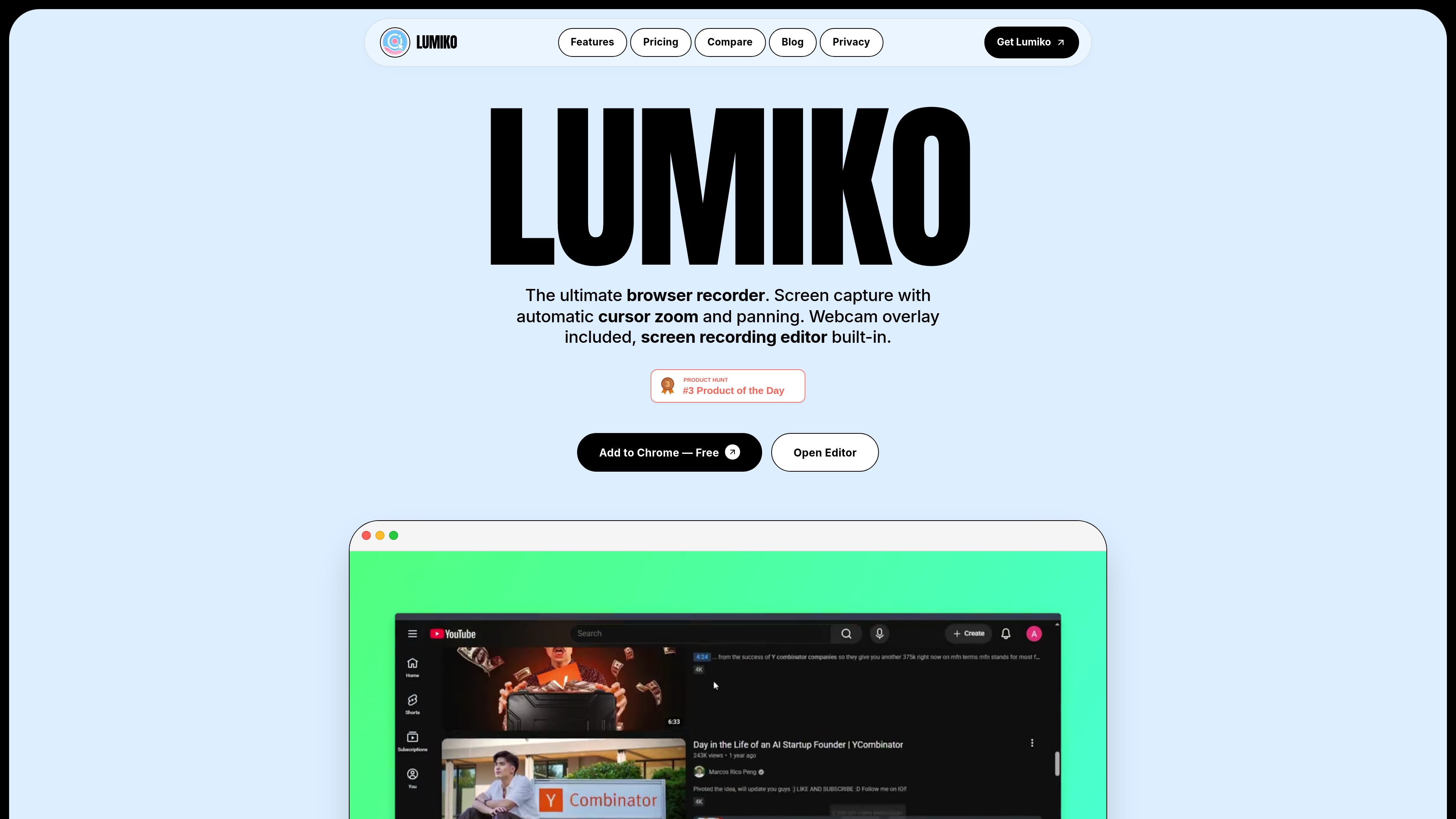
Automatic cursor zoom and panning
Lumiko analyzes cursor movement and clicks to generate smooth zooms and pans that emphasize the interface area being demonstrated, without requiring manual keyframes.

Lumiko is a Chrome screen recorder for tutorials, product demos, and software walkthroughs. It combines cursor-following zoom, webcam overlays, privacy blur, browser-based editing, and local video export.
Lumiko is a Chrome screen recorder for tutorials, product demos, onboarding videos, and software walkthroughs. It captures the screen, system audio, and microphone voiceovers, then uses cursor and click activity to create automatic zooms and pans that keep attention on the relevant interface area.
Recordings can be refined in Lumiko’s browser-based editor by trimming pauses, splitting clips, deleting mistakes, and reordering segments. The editor also supports a draggable, resizable circular webcam overlay, click animations, custom backgrounds, and privacy blurs for information such as API keys, passwords, emails, and revenue dashboards.
Lumiko records through a Chrome extension using Chrome’s desktopCapture capability, which allows it to capture the full screen, external monitors, or standalone desktop applications. Processing takes place locally in the browser rather than uploading recordings to Lumiko.
Lumiko analyzes cursor movement and clicks to generate smooth zooms and pans that emphasize the interface area being demonstrated, without requiring manual keyframes.
The recorder can capture the screen along with system audio and microphone voiceovers, supporting narrated software walkthroughs and demonstrations.
Trim dead space, split clips, delete mistakes, and reorder segments in the built-in timeline before exporting the finished recording.
Add a circular, draggable, and resizable face-cam with a drop shadow, and apply Ripple, Orb, or Pressure animations to mouse clicks.
Draw a blur box over sensitive content such as API keys, passwords, emails, or dashboards, then place the recording on gradients, solid colors, transparent canvas, Unsplash images, or uploaded brand assets.
Export in 16:9, 9:16, or 1:1 aspect ratios, with free exports up to 1440p and Pro rendering available in 4K. Automatic framing supports channels such as YouTube, Shorts, TikTok, and LinkedIn.
Record a step-by-step walkthrough with microphone narration, then use automatic zooms to keep small buttons, menus, and settings panels visible to viewers.
Show a product workflow while combining cursor emphasis, a webcam introduction or explanation, and branded backgrounds for a more prepared presentation.
Reuse one screen recording in 16:9, 9:16, or 1:1 formats with automatic framing for destinations such as YouTube, Shorts, TikTok, Reels, or LinkedIn.
Capture desktop applications or external monitors and obscure credentials, API keys, email addresses, or dashboard data before exporting the recording.
Install the Lumiko Chrome extension and use the Add to Chrome flow. The site says no sign-up is required to use the free tier.
Yes. Although it is installed as a Chrome extension, Lumiko uses Chrome’s desktopCapture capability to record the entire screen, external monitors, or standalone applications such as VS Code, Figma, Slack, and terminal windows.
Yes. Lumiko provides a circular webcam overlay that can be resized and repositioned on the screen recording.
The free tier supports exports up to 1440p, including 1080p HD. It includes unlimited recording and automatic zoom, but free exports carry the “Made with Lumiko” watermark.
The site presents Pro as a $9 one-time lifetime purchase. It removes the watermark, enables 4K exports, and includes up to three device activations. The pricing page states there are no recurring subscription fees.

guidesnap.app
Guidesnap is a web app that turns screen recordings into editable PDF documentation, helping teams create onboarding guides, internal process docs, and walkthroughs from demos or software screens.

techsmith.com
TechSmith creates screen capture and recording software for making and sharing visual explanations, from screenshots and edits to training, documentation, and product demos.

cvat.ai
CVAT is a data annotation platform for computer vision teams working with images, video, and 3D data, with AI-assisted labeling, review, collaboration, and dataset export.

brainloom.app
BrainLoom is a local-first learning workspace that combines PDF annotation, linked flashcards, FSRS v6 spaced repetition, notes, and visual canvases. It is designed for learners and researchers who want to capture source context, review material, and organize connected ideas in one application.