
Image-based search
Search with an uploaded image instead of text. The product pages describe reverse image search as matching visual similarity through content-based image retrieval and deep learning.

Lenso.ai finds matching, similar, and duplicate images, people, and places from a photo.
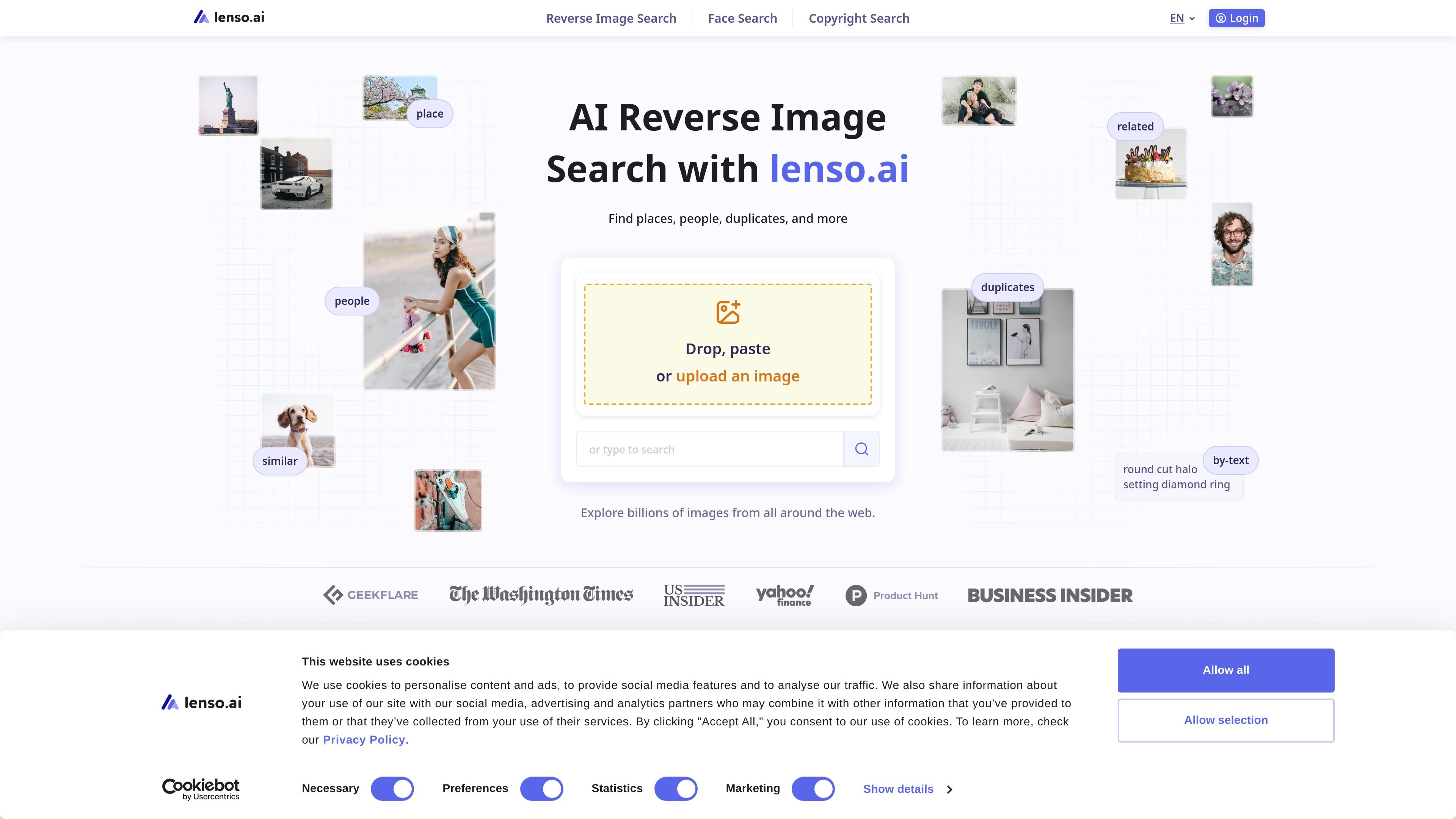
Lenso.ai is an AI reverse image search product for finding images, people, places, duplicates, and related results from a picture upload. Its public pages position it as a browser-based search tool that uses visual matching rather than keywords, so users can start with an image and then inspect matching results and source URLs.
The site emphasizes three main workflows: general reverse image search, face search, and copyright or duplicate search. It also adds paid capabilities such as Research Mode, advanced filters, alerts, source-link unlocks, and API access for teams or developers who want to build image search into their own software.
Search with an uploaded image instead of text. The product pages describe reverse image search as matching visual similarity through content-based image retrieval and deep learning.
Look up people and faces from photos using the People category. The face-search page explains that lenso.ai uses facial recognition to find potential matches for a person in an image.
Find copies, edited versions, and closely related versions of the same image. The copyright page describes duplicate search for identical images, similar edits, and other appearances of the same photo.
Use Research Mode to access deeper result sets. The home and pricing pages say it can surface up to 10,000 results for People and Duplicates and explore matches not shown in normal search.
Refine results with filters for page language, domain, date range, image size, and keywords in page titles. The pricing page presents these as advanced filters for narrowing searches.
Unlock source links, set alerts, and use API access on paid plans. The pricing page lists unlocks for result sources, email alerts for new matches, and API access for integrations.
Upload a photo to find visually similar images, exact copies, or pages where that image appears. This is the core reverse-image workflow described across the product pages.
Use the People category to search for a person from a face photo and review likely matches. The site presents this as a dedicated facial-search workflow for finding people, celebrities, and other faces online.
Check where your photos appear online and look for copies, edits, or older and newer versions of the same image. The copyright pages frame this as a way to support image rights and privacy checks.
Narrow a search to a specific domain, language, date range, image size, or title keyword when broad results are too noisy. Research Mode is positioned as a way to explore deeper result sets for more targeted review.
Use the API to bring face search or reverse image search into another application. The pricing page explicitly lists facial search API and reverse image search API options for software integration.
Lenso.ai is an AI reverse image search tool that lets you upload a picture and search for matching or related images across categories such as People, Places, Duplicates, Related, and Similar.
You upload, paste, or drag an image into the search field, then open the category you want to inspect. The product pages describe this workflow for desktop and mobile browsers.
The pricing page shows paid plans that add features such as unlocks, alerts, Research Mode, advanced filters, and API access. It also indicates that the free search has limits, since the Starter plan is described as unlimited search when free search credits are not enough.
Yes. The site says lenso.ai is mobile-friendly and works in popular browsers on Android, iOS, Mac, Windows, and Linux.
The source pages describe copyright and duplicate search, facial search, and reverse image search for places, people, duplicates, and similar images. They also note that results include matched images and source URLs.
Traffic data is for reference only.

askstockgpt.com
AI financial research assistant for S&P 500 and Nasdaq data

dotient.com
Dotient is a local-first desktop app that uses AI embeddings and visual search to help you find and organize personal files by describing what they look like.

jina.ai
Search-focused AI platform with APIs and models for web reading, search, embeddings, reranking, and multimodal or multilingual retrieval.

ontosight.ai
AI research assistant for scientific search, document chat, and cited writing

bochaai.com
博查AI搜索 is a multimodal search engine for AI apps, helping developers and agents access external knowledge and search results.

citely.ai
Citely finds original sources, verifies citations, and supports academic research workflows.