
Instant AI detection
Check text for AI likelihood with a 0–100 confidence score, so you can see how likely content is to be flagged before rewriting.

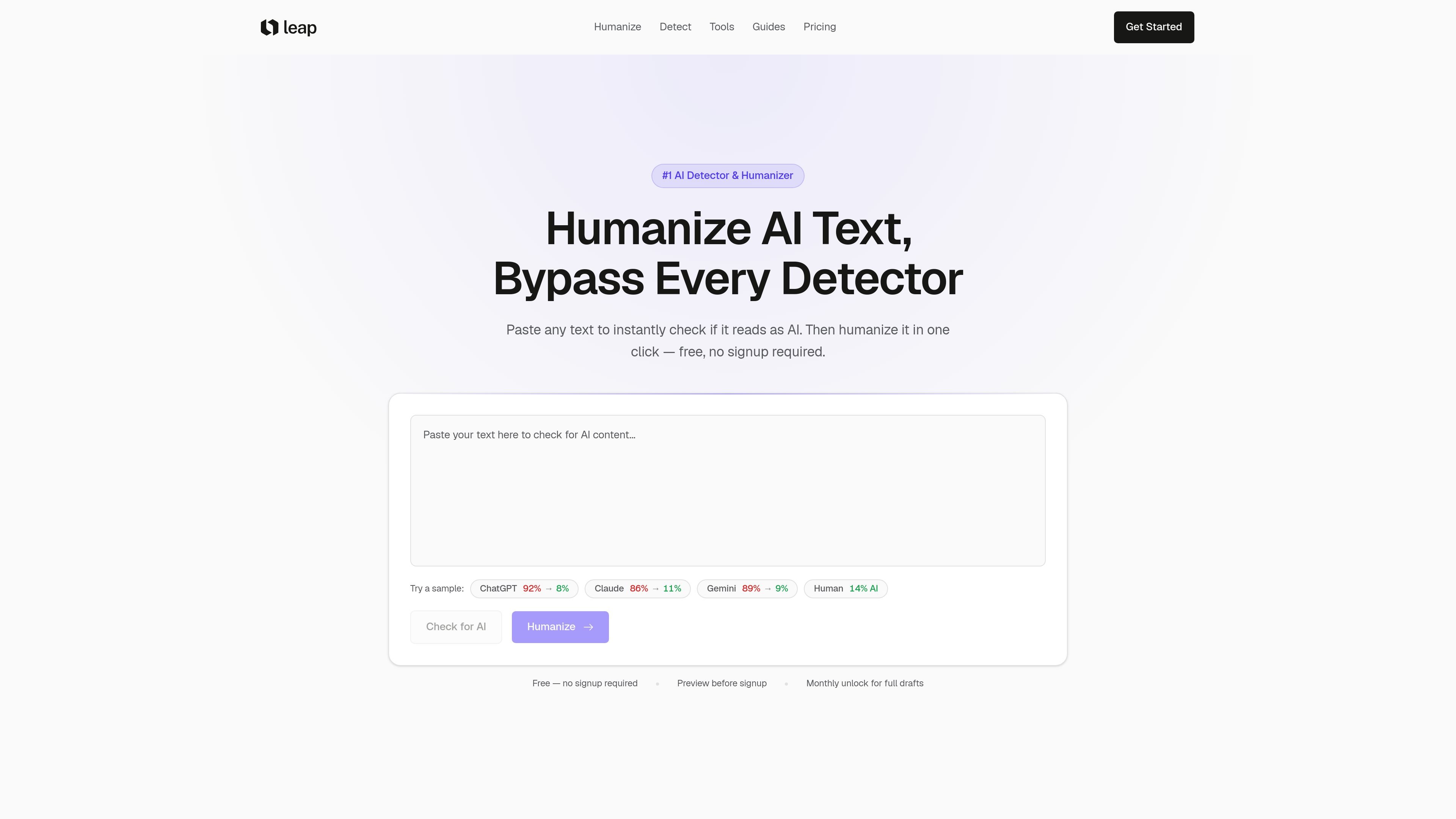
Leap AI detects AI-written text, highlights passages, and humanizes drafts in one click.
Leap AI is an AI detector and text humanizer that lets you paste in a draft, check how likely it is to be flagged as AI-generated, and then rewrite it in one click. The homepage positions it as a tool for writers who want text that reads naturally while keeping the original meaning and tone intact.
The free flow focuses on detection, sentence highlighting, and a limited amount of humanization, while paid plans add more monthly humanization words and saved history for longer drafts. The pricing page shows monthly Starter, Pro, and Power plans, alongside a free tier with unlimited detection scans.
Check text for AI likelihood with a 0–100 confidence score, so you can see how likely content is to be flagged before rewriting.
Color-coded sentence highlighting shows which parts of a draft are most likely to read as AI-generated.
Rewrite flagged text in one step to make it read more naturally while keeping the original meaning and tone.
Detects multiple model families mentioned on the site, including ChatGPT, Claude, Gemini, Llama, and Mistral, and updates automatically.
Saves checks and rewrites to a dashboard so drafts can be revisited, compared, and re-run later.
Works from a paste-and-go editor and does not require signup for the free detection flow.
Students or researchers can paste an essay or draft to see which sentences look most AI-like, then revise the flagged sections before submitting.
Writers can run blog posts, emails, or documents through detection first, then humanize the copy to make it read more naturally.
People comparing output from different model styles can use the detector to check how content from ChatGPT, Claude, Gemini, Llama, or Mistral is scored.
Frequent users who work on multiple drafts can use saved history on paid plans to revisit previous checks and compare revisions.
Teams and professional users can use the monthly plans when they need more humanization words than the free tier provides.
Yes. The site says detection is free and available without signing up, while paid plans are for additional humanization words and saved history.
The pricing page says paid plans are monthly and can be managed in settings. It also offers a 3-day trial on paid plans and a 7-day money-back guarantee.
The homepage says the workflow is paste, detect, then humanize in one click. The product also saves history on paid plans so you can re-run and compare drafts.
The homepage and pricing page both describe the tool as preserving meaning and tone while rewriting text to sound natural. The site also says it is meant to pass major detectors, but it does not promise a specific result for every text.
The pricing page includes an FAQ item about team or enterprise plans, and the Pro plan is described as suitable for professionals and teams. No separate enterprise package details are provided in the captured copy.
Traffic data is for reference only.

hastewire.com
Hastewire humanizes AI text and detects AI authorship in one web workflow for drafting and review.

www.zerogpt.com
ZeroGPT detects likely AI-generated text and helps refine drafts with plagiarism checks, paraphrasing, summaries, grammar tools, translation, and API access.

aidetect.com
AI Detect checks for AI-generated text and humanizes content before publishing or submission.

aidetector.com
Analyze text for AI-generated passages with sentence-level results and optional detector comparisons.