
Multi-model workspace
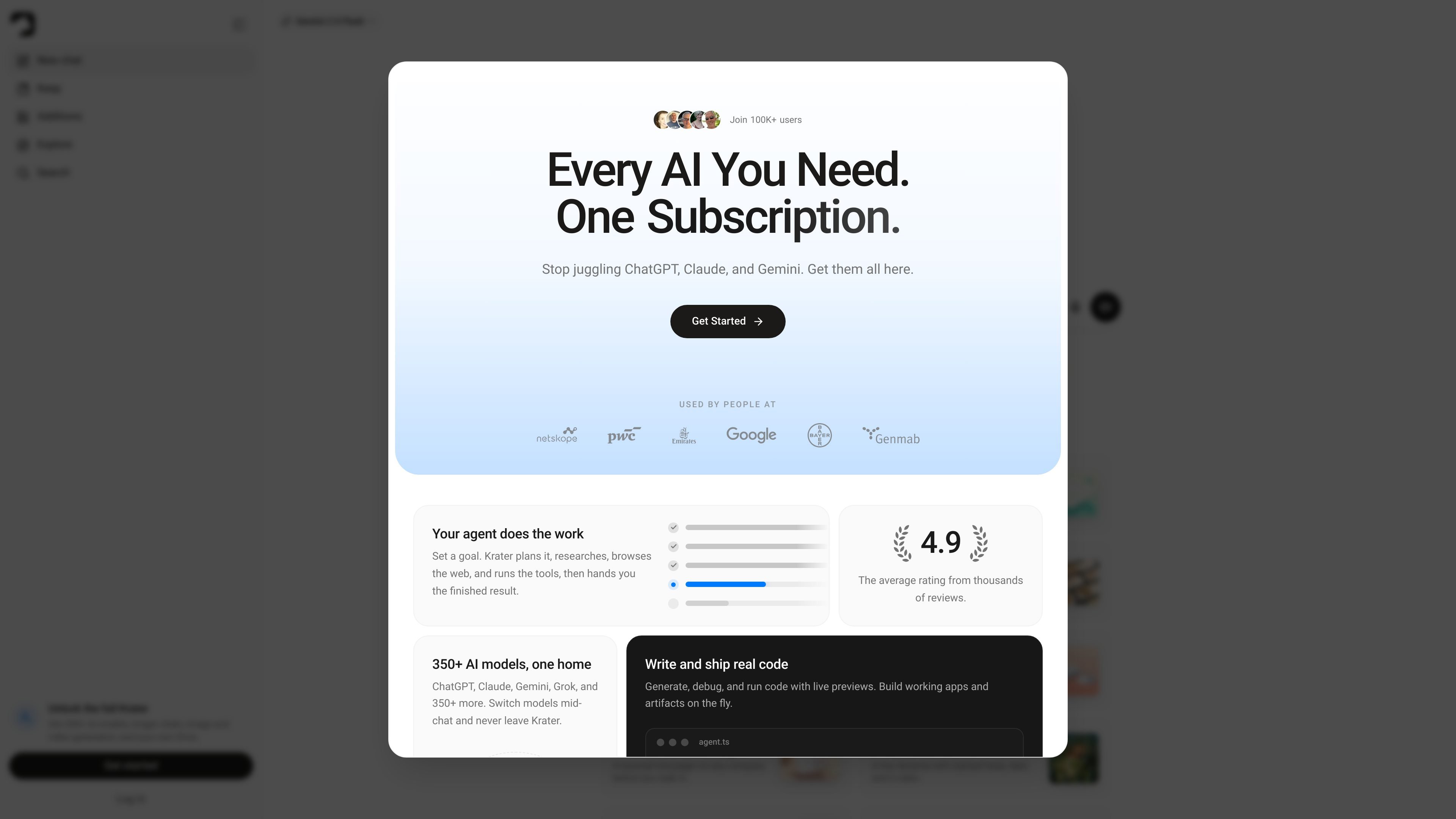
Access more than 350 AI models from one interface, including major chat models such as ChatGPT, Claude, Gemini, Grok, Llama, and Mistral. The product is designed so you can switch models mid-chat without leaving the workspace.

AI workspace with 350+ models, creation, coding, and automation
Krater is an AI workspace that brings together chat models, image and video generation, audio tools, coding, and automation in one product. The site positions it as a single place to use 350+ AI models rather than switching between separate apps and subscriptions.
The product is built for individual creators, teams, and enterprise buyers that want one workspace for research, content generation, software work, and routine tasks. The homepage and help center emphasize goal-based workflows, while the enterprise page adds centralized billing, team controls, and EU-hosted data handling for larger organizations.
Access more than 350 AI models from one interface, including major chat models such as ChatGPT, Claude, Gemini, Grok, Llama, and Mistral. The product is designed so you can switch models mid-chat without leaving the workspace.
Use Krater Agent to set a goal and have the system plan, research, browse the web, and run tools before handing back the result. The help center also separates agent guidance, slash commands, and model browsing into learning sections.
Generate images, video, audio, speech, and transcriptions from the same workspace. The homepage and help center both point to image generation, video creation, voice mode, text-to-speech, and voice-related features.
Write, debug, and run code with live previews and generated artifacts. The homepage highlights a coding workflow where the workspace can produce working apps and outputs instead of only text responses.
Connect the workspace to apps such as Gmail, Slack, Notion, and GitHub so Krater can act inside existing tools. The enterprise page also describes workflows for teams that need shared context across systems.
Organize output in Keep, support scheduled tasks, and publish websites from within the product. The pricing page includes storage, scheduled tasks, and publish limits, while the homepage shows Keep as a place to store images, video, sound, and documents.
Ask for comparisons, summaries, or background research in chat, then switch models mid-task if a different model is a better fit for the job.
Draft blog posts, campaign copy, slides, and documents, then generate supporting images, audio, or short video without leaving the workspace.
Set a goal, let Krater plan and browse, and use scheduled tasks or the agent to automate recurring work such as digests, status updates, or research briefs.
Generate, debug, and run starter code with live previews when you need working prototypes, internal tools, or small apps instead of text-only output.
Connect services like Gmail, Slack, Notion, and GitHub so the workspace can help move information between the tools a team already uses.
Krater is an AI workspace for chat, research, content generation, coding, and automation. The help center groups it around getting started, slash commands, AI models, plans and credits, and account settings.
The source materials show 350+ AI models available in one workspace, including ChatGPT, Claude, Gemini, Grok, Llama, and Mistral. The help center also includes a section on chat models and the pricing page says all plans include access to 350+ models.
The pricing page shows self-serve plans with monthly or yearly billing, and the enterprise page offers custom plans for larger teams with annual pricing, centralized billing, and direct sales contact.
Yes. The enterprise page is written for company use and describes shared credit pools, central billing, usage analytics, spend caps, model allow-lists, and team collaboration.
The product is positioned as a single workspace that can generate images and video, create audio and speech, write and run code, and automate recurring tasks. The help center also references image generation, video creation, voice mode, and slash commands.
Traffic data is for reference only.

aimagicx.com
AI Magicx unifies chat, image, video, voice, music, email, and developer tools in one AI workspace.

stepfun.com
阶跃AI is a personal productivity assistant for knowledge queries, writing, coding, and everyday automation, with desktop and mobile apps plus voice-triggered actions for webpages, files, and reminders.

creao.ai
CREAO is an AI agent platform that turns recurring business work into reusable workflows with tool integrations, schedules, and approval gates.

browseros.com
BrowserOS is an open-source AI browser with local agents for automating web tasks from plain-language prompts. Supports macOS, Windows, Linux, Chrome extensions, and MCP integrations.

xiaohuanxiong.com
Raccoon is SenseTime’s AI assistant for coding, office tasks, data analysis, and programming learning.

gradient.ai
Hyperagent is an AI agent platform from Gradient.ai that turns a brief into websites, dashboards, documents, slides, and video, then delivers current outputs to Slack, inboxes, Telegram, and webhooks.