
Agent-oriented page rendering
Renders supported web pages for AI workflows, with emphasis on the DOM and other browser behavior needed for automation rather than pixel-perfect desktop-browser presentation.

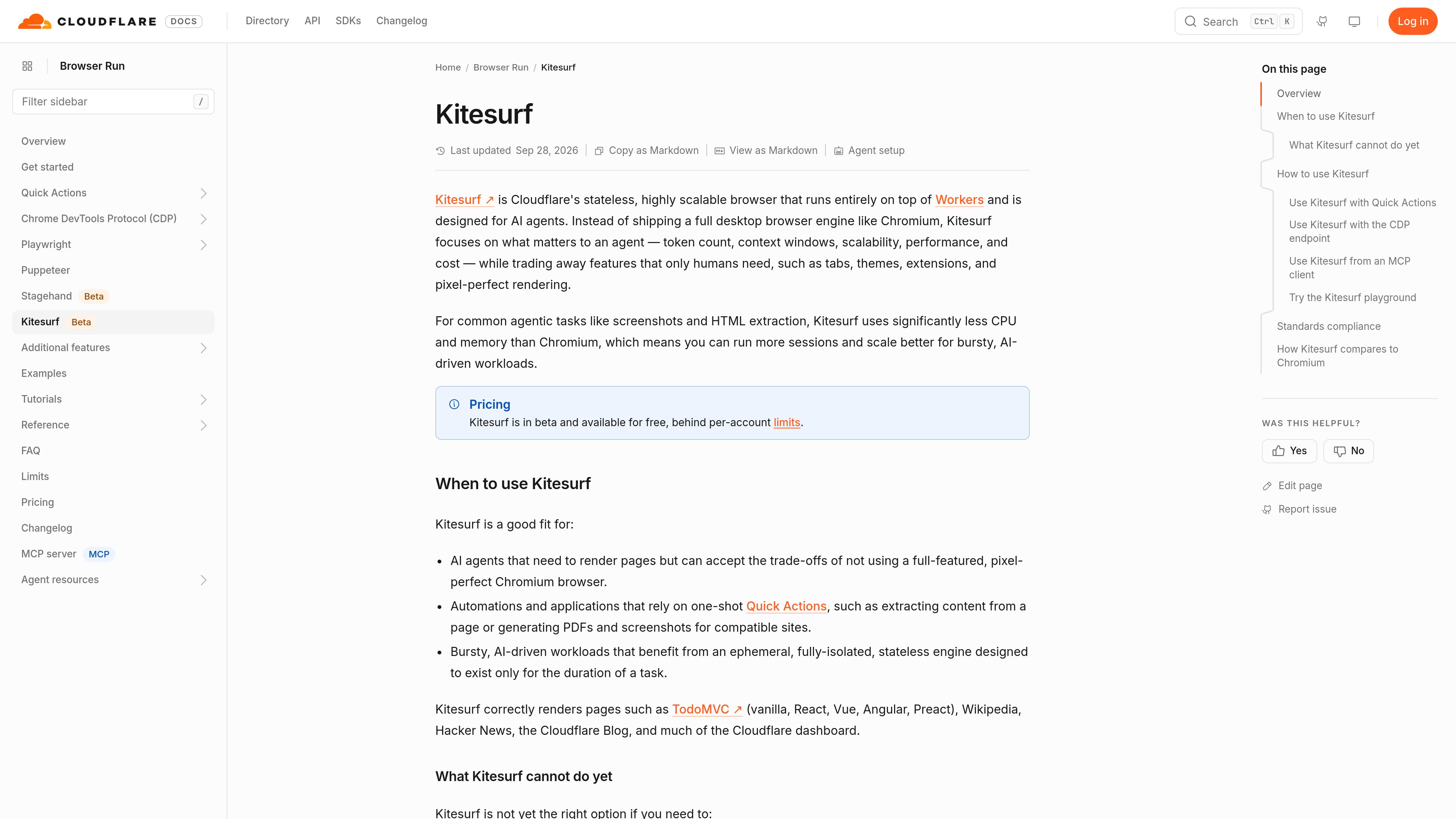
Kitesurf is Cloudflare’s stateless browser engine for AI agents and bursty automation. It renders web pages and supports actions such as HTML extraction, screenshots, and PDFs while using less CPU and memory than Chromium for common agentic workloads.
Kitesurf is Cloudflare’s stateless browser engine for AI agents. It runs on Workers and provides an ephemeral, isolated environment for rendering web pages and completing agent-oriented tasks such as HTML extraction, screenshots, and PDF generation. Unlike Chromium, it omits human-focused features including tabs, themes, extensions, and pixel-perfect rendering in favor of lower CPU and memory use for common workloads.
Kitesurf is designed for bursty automations and one-shot tasks where scalability and resource consumption matter more than exact visual fidelity or persistent browser state. It is available through Browser Run Quick Actions, the CDP endpoint, compatible browser automation tooling, and MCP clients. A public playground can be used to test a site before integrating it.
Renders supported web pages for AI workflows, with emphasis on the DOM and other browser behavior needed for automation rather than pixel-perfect desktop-browser presentation.
Use Kitesurf with Browser Run one-shot endpoints for tasks such as HTML extraction, screenshots, and PDF generation by adding the Kitesurf browser option to a request.
The Browser Run CDP endpoint supports Kitesurf, allowing existing Puppeteer, Playwright, and chrome-remote-interface setups to connect through a Kitesurf WebSocket endpoint.
AI agents that speak MCP and CDP can connect through an MCP client using Cloudflare account credentials and the Kitesurf CDP endpoint.
The public playground exposes expanded DOM elements, console messages, network activity, and WebAssembly memory usage. Cloudflare also tests Kitesurf against Web Platform Tests, with the documented run exceeding 235,000 subtests and reporting strong coverage in several agent-relevant areas.
In Cloudflare’s comparison of five Quick Action runs across a 14-URL corpus, Kitesurf used less CPU and memory for screenshots and HTML extraction, while Chromium had faster median wall time.
Use a Quick Action to retrieve content from a compatible page without maintaining a long-lived browser session. This suits agent tasks that need page data for a single step or response.
Generate visual or document outputs for supported sites through Quick Actions when lower resource consumption is more important than pixel-perfect rendering or the fastest wall time.
Run isolated browser tasks that appear on demand and finish quickly, such as agents processing changing URLs or handling bursts of page-rendering work without persistent browser state.
Connect a Puppeteer, Playwright, or chrome-remote-interface application through Browser Run’s CDP endpoint, or expose the endpoint to an MCP-compatible AI client.
Test a target URL in the public playground before deployment, using the rendered page, DOM inspection, console output, network activity, and memory panel to assess behavior and resource use.
Add `browser=kitesurf` to the Browser Run Quick Action endpoint. For example, a screenshot request can send a URL to the screenshot endpoint with that query parameter.
Yes. Browser Run’s CDP endpoint supports Kitesurf. Add `browser=kitesurf` to the WebSocket endpoint and connect with Puppeteer, Playwright, or chrome-remote-interface.
Use the public Kitesurf playground to enter a URL and inspect the rendered page. The playground also exposes DOM elements, console messages, network activity, and WebAssembly memory usage. Cloudflare notes that real-world compatibility should be tested even when standards coverage is strong.
Use Browser Run’s default Chromium-powered browser when the task requires video, WebGL, a bot-challenge handshake with real TLS fingerprints, or a long-running authenticated session that depends on persistent state. Kitesurf also trades pixel-perfect rendering and some human-browser features for lower resource use.
Kitesurf is in beta and available for free behind per-account limits. The source does not specify the exact Kitesurf limits.
www.simular.ai
Simular is an autonomous computer platform that uses AI agents to operate real computers and automate digital workflows. It serves individuals, builders, operators, and businesses that need to automate tasks across desktop applications and websites, including workflows that do not expose traditional APIs.

www.stagehand.dev
Stagehand is an SDK for building browser agents with Playwright-style APIs, natural-language actions, structured extraction, and self-healing behavior. It supports TypeScript, Python, and Go for agents that need to operate web pages with browser-level control.

www.tinyfish.ai
TinyFish is web infrastructure for AI agents that searches, fetches, browses, and completes tasks on live websites. It helps developers and enterprise teams gather current web data, use authenticated portals, and automate browser-based workflows.

steel.dev
Steel is open-source browser infrastructure for AI agents and web automation. It provides cloud browser sessions through an API, with support for common browser automation tools and workflows such as scraping, research, RPA, and agent-driven web tasks.

www.hyperbrowser.ai
Hyperbrowser provides on-demand cloud browsers and sandboxes for AI agents, web automation, scraping, testing, and agentic code execution. It connects browser workflows through an API, Playwright, Puppeteer, Python, or Node.js.

www.notte.cc
Notte is browser infrastructure for AI agents and production web automation. It provides managed cloud browsers, AI-driven workflows, developer interfaces, and operational tools for authenticated or recurring web tasks.