
AI app building
Describe the workflow you need and use AI to scaffold tables, forms, and views for a new business app.

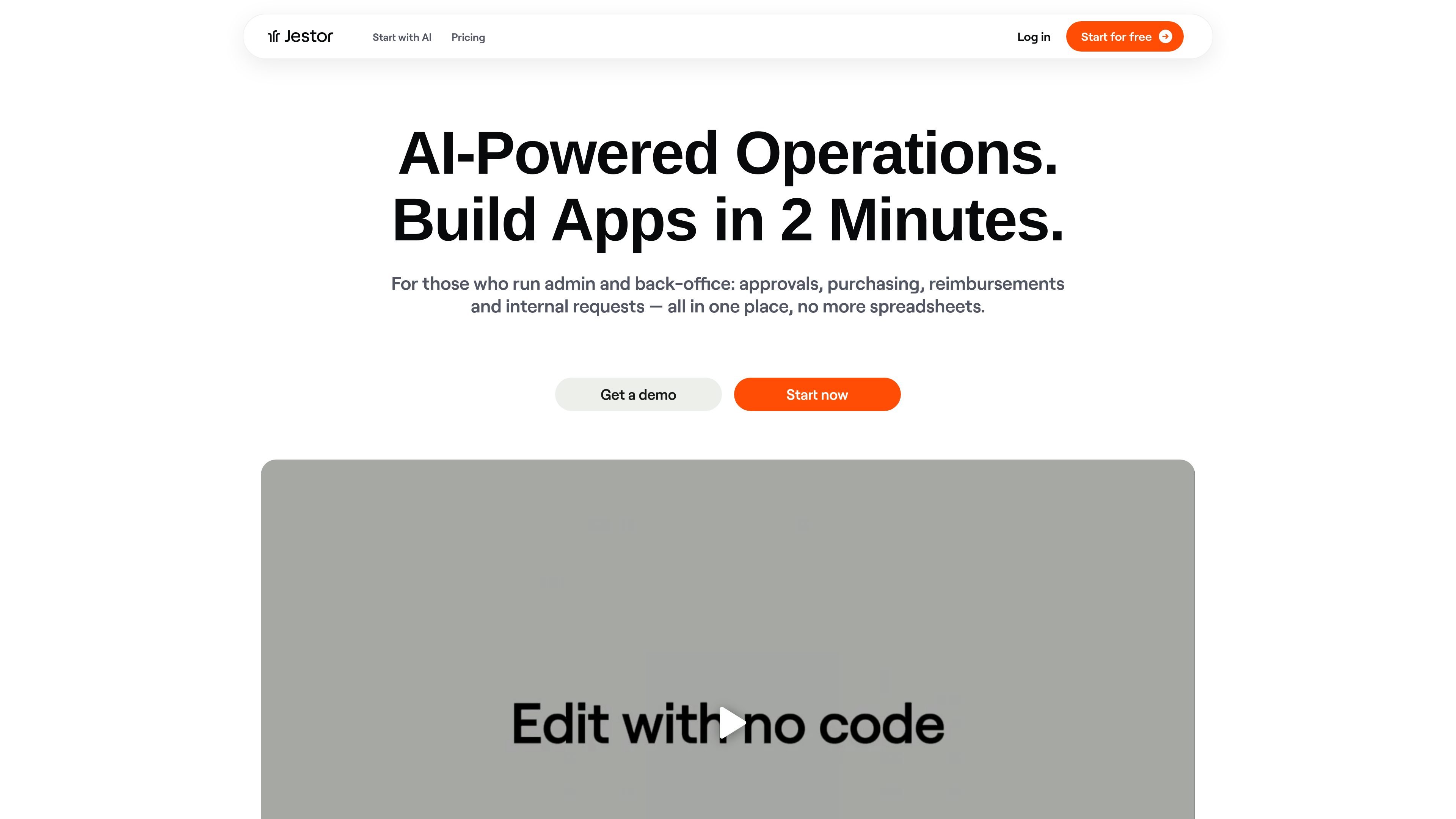
Jestor is a business process platform for building internal apps, forms, tables, dashboards, and automations, helping operations and back-office teams replace spreadsheets and disconnected tools with one system.
Jestor is a business process platform for teams that want to build internal apps, forms, tables, dashboards, and automations in one place. The site positions it for back-office and operations work such as approvals, purchasing, reimbursements, internal requests, sales tracking, and task management.
The product combines no-code building with AI-assisted app creation. Users can describe what they need, get tables and views scaffolded by AI, and then extend workflows with forms, automations, permissions, dashboards, and integrations. The pricing page also shows plans ranging from a free tier to paid tiers with more advanced automation and AI features.
Describe the workflow you need and use AI to scaffold tables, forms, and views for a new business app.
Create branded forms that capture requests, approvals, and intake, then feed submissions into internal records and workflows.
Model work in spreadsheet-like tables with relations, formulas, and views, without relying on spreadsheets as the system of record.
Run approvals, tasks, and recurring steps with no-code automations, with options for custom code in Python, PHP, or .NET.
Build dashboards and BI views on top of live operational data to monitor activity without exports.
Connect workflows with 400+ integrations, including Google Workspace, Microsoft 365, Slack, WhatsApp-related tools, and finance and process apps.
Build an internal app for approvals, purchasing, reimbursements, or other requests that would otherwise live in email and spreadsheets.
Create a sales CRM and pipeline app to track leads, follow-ups, deal stages, and forecast updates in one workflow.
Set up task boards and project workflows for teams that need owners, priorities, deadlines, and record-linked tasks.
Use branded forms to collect intake, approvals, and structured submissions that automatically become records in the system.
Connect external tools and messaging apps to operational workflows so updates, notifications, and record changes happen automatically.
Yes. The pricing page says the Free plan is free forever for up to 10 users and does not require a credit card. It supports building apps, tables, forms, and automations, with upgrades available when a team needs more.
Yes. Jestor is described as no-code by default, with drag-and-click building. For teams that want more technical control, the site also mentions an Open API, webhooks, SDKs, and low-code automations.
The site says the Builder agent can scaffold tables, forms, and views from a description. Higher plans add AI agents that can answer questions about data, reply on WhatsApp and email, and turn documents into structured records.
Yes. The pricing page says most customers replace spreadsheets and tools like Google Docs, WhatsApp, and other workflow apps by importing data and rebuilding processes in one place.
The pricing page says paid plans come with a 30-day money-back guarantee, and there are no long-term contracts.
Traffic data is for reference only.

powerbi.com
Microsoft Power BI is a business intelligence and data visualization platform for interactive reports, dashboards, and analytics, with free, paid, and Desktop options.

dtiq.com
DTiQ provides business operations software for restaurants, convenience stores, and retailers, combining intelligent video, analytics, auditing, and drive-thru tools.