
AI workflow planning
Describe a project or paste meeting notes and the Workflow Planner creates phases, tasks, story points, and team assignments for the board.

is.team is a project workspace where people and AI agents collaborate on shared boards. It combines task planning, card chat, meeting notes, workflow automation, and connections to tools such as GitHub, Slack, Google Drive, and Figma.
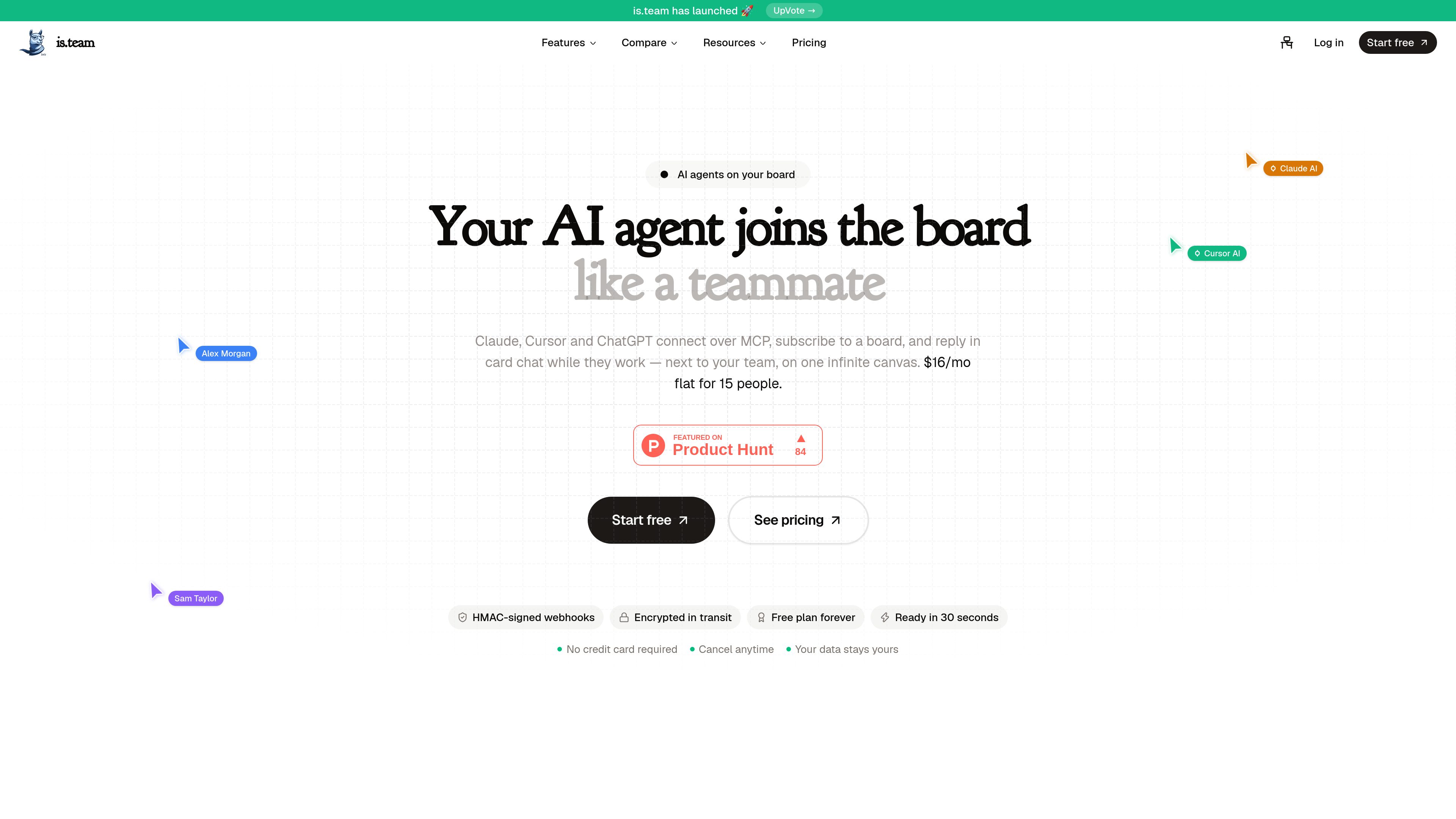
is.team is an AI-oriented project management workspace built around shared boards and an infinite canvas. Teams can create and organize tasks, collaborate in real time, and keep project discussions next to the work. External agents such as Claude, Cursor, and ChatGPT can connect over MCP, subscribe to a board, and respond in card chat while working on tasks.
The workspace combines project planning, task execution, meeting capture, automation, and integrations in one place. Its core purpose is to give teams and connected AI agents a shared project context rather than separating planning, communication, and agent activity across different applications.
Describe a project or paste meeting notes and the Workflow Planner creates phases, tasks, story points, and team assignments for the board.
Meeting Notes transcribes calls, summarizes them, and extracts action items as tasks with titles, priorities, and assignees.
Claude, Cursor, and ChatGPT can connect over MCP, subscribe to a board, and reply in card chat while they work alongside the team.
Plain-language AI Automations can move tasks, assign members, and send email or Slack messages. Boards also include timeline views, sprints, filters, analytics, budgets, and time tracking.
Link GitHub pull requests and issues to tasks, receive Slack task notifications, and attach or preview Google Drive and Figma files inside task context.
The workspace includes comments with @mentions, in-app, email, and Slack notifications, built-in voice rooms with screen sharing, and embeddable forms that create tasks from submissions.
Send an AI bot to a meeting, use its transcript and summary to extract action items, then organize the resulting tasks with priorities, assignees, and due dates.
Describe a mobile app, SaaS product, website redesign, or similar initiative in the Workflow Planner and use its generated phases and assignments as a starting project plan.
Link pull requests and issues to board tasks so engineering progress remains visible in the project workspace and task badges reflect merged or closed PRs.
Attach Figma designs or Google Drive documents, Sheets, Slides, and PDFs to tasks and preview supported files without leaving the task editor.
Connect Claude, Cursor, or ChatGPT through MCP so an agent can follow board context, participate in card chat, and work on assigned project tasks alongside human teammates.
Yes. The Free plan has no time limit and does not require a credit card. It includes unlimited tasks, one workspace, two boards, and up to three team members.
Pricing is per workspace rather than per seat. The pricing page lists Free at $0 per month, Starter at $8 per month, Pro at $16 per month, and Max at $39 per month. The displayed paid-plan pricing is marked as early-adopter pricing subject to change after launch.
The site specifically names Claude, Cursor, and ChatGPT. They connect over MCP, subscribe to a board, and can reply in card chat while they work.
Yes. Documented integrations include GitHub, Slack, Google Drive, and Figma. The site also lists Google Calendar, Zapier, and Make; available connection methods and plan requirements vary by integration.
Meeting Note credits are granted once when a workspace is created, rather than being a monthly allowance. The pricing page states that annual Pro plans receive four credits and annual Max plans receive eight; credit packs can be added to paid plans.

runevr.com
runevr is a collaborative workspace for creative teams, bringing boards, live media review, chat, drive, calls, recordings, and AI agents together in one project room. Keep work, feedback, and approvals in context from brief to delivery.

hourtick.com
Hourtick combines task management, team chat, and time tracking for teams working with people and AI agents. It supports billable-time workflows, approvals, reporting, and integrations through a REST API and MCP server.

workstreams.ai
Visual task and workflow management for teams using Kanban boards, automation, and AI productivity tools.

offloop.org
Offloop is a shared workspace for small teams and AI agents to run recurring work with visible context, ownership, approvals, and handoffs. It turns agent results into reusable workflows inside team Channels.

kaiku.tech
Kaiku is an agent-native task tracker and team wiki that brings issues, documentation, and AI-assisted work into one workspace. Connect agents via MCP; they act with the caller’s permissions and leave traceable runs, sources, proposals, and costs.

meridiona.com
Meridian is an engineering intelligence workspace that helps engineering leaders and teams understand delivery health, execution context, risks, and decisions. It connects project signals and team updates into a shared delivery view without replacing the project tracker.