
Resume Builder
Generate or refine resumes with professional formatting, modern styling, and customization aimed at tailoring the document to a job description.

interview.co provides AI-powered tools to tailor resumes and cover letters, generate interview questions, and practice for job interviews with mock sessions.
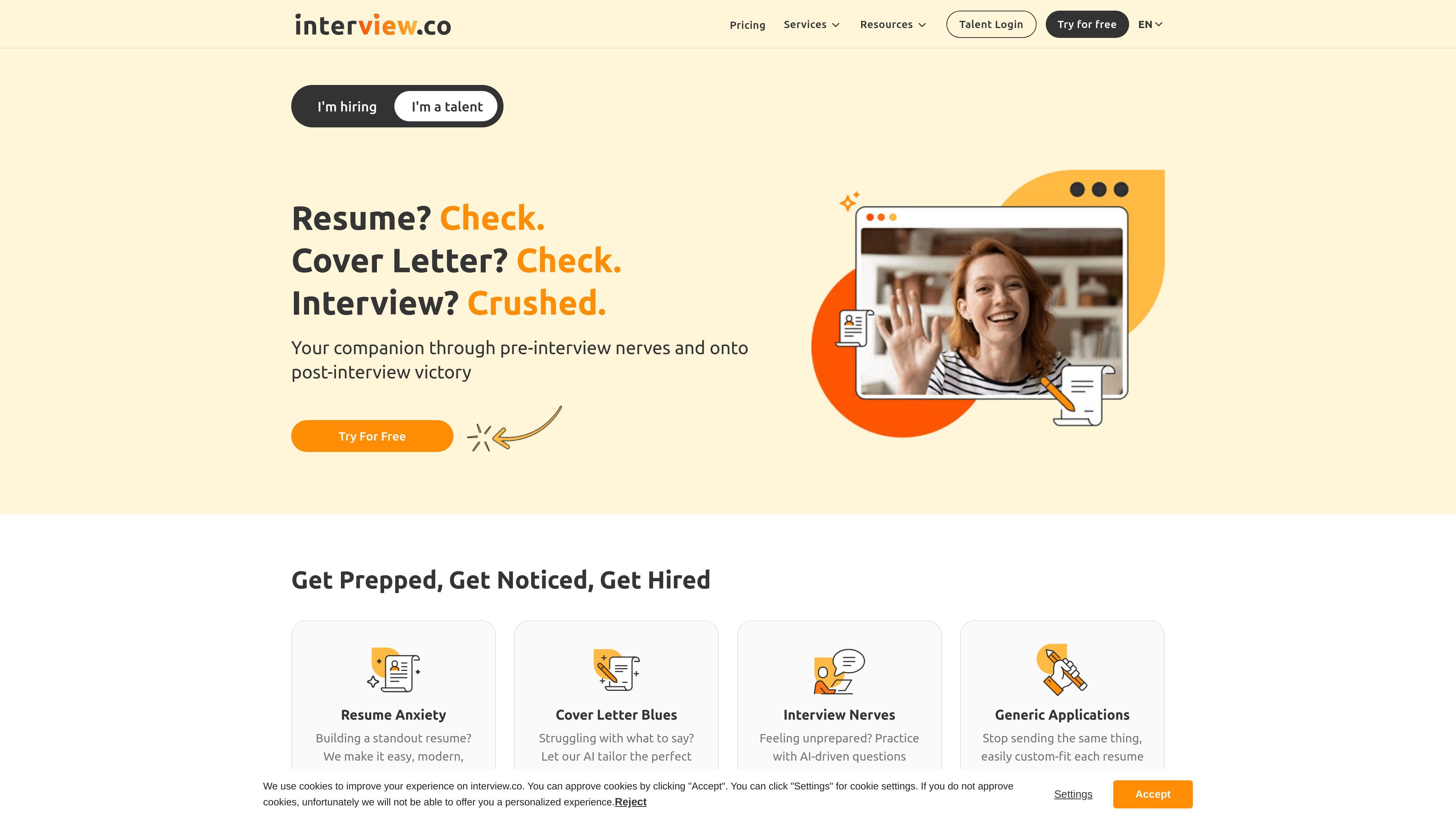
interview.co is an AI-powered job-seeking toolset built around resume writing, cover letter generation, and interview practice. The site presents it as a companion for moving from application preparation to interview readiness.
The product combines separate tools for resumes, cover letters, AI-generated interview questions, and mock interviews. Source pages also show workflow guidance such as adding personal information, tailoring content to a role, downloading finished documents, and practicing in a simulated interview flow.
Generate or refine resumes with professional formatting, modern styling, and customization aimed at tailoring the document to a job description.
Create cover letters that are customized to a specific role, with editing support and job-description-based guidance.
Practice with AI-generated interview questions that are tailored to a target role so preparation is more focused.
Run a simulated video interview, answer prompted questions, and receive AI insights after the session.
Use the resume and cover-letter tools on mobile, and save work to return to it later from an account.
Choose from recruiter-designed resume templates and keep resumes ATS-friendly with simpler, scanable formatting.
Use the resume builder when you need a polished resume that is customized to a specific job and formatted for easier reading by recruiters and ATS systems.
Use the cover letter generator when you want a role-specific letter based on your background and the job description instead of starting from a blank page.
Use the AI question generator or mock interview flow when you want to rehearse likely questions and practice answering in a realistic interview setting.
Use the saved-work flow when you are building application materials in stages and need to stop, return, and continue later.
Use the resume and cover-letter tools together when you want both documents to share a consistent presentation and message for a single application.
Users can start the interview from the invitation email by clicking the start interview button.
The interview experience is intended for a computer with a camera and microphone; the source says it cannot be attended from a mobile device or tablet.
Before the interview, users should check their internet connection, camera, and microphone, and the site recommends a quiet, well-lit environment.
The site provides a practice question before the interview begins so users can test their audio and video and confirm browser permissions.
Yes. The pricing page shows a free 7-day trial, and the product also offers paid monthly and annual plans.
Traffic data is for reference only.

resumebuild.ai
ResumeBuild is an AI resume builder that helps you create, tailor, and review resumes for job applications, with tools for mock interviews, job search, and cover letters.

apply-ai.work
Apply AI helps job seekers tailor resumes, write cover letters, practice interviews, and auto-apply to jobs.

sheetsresume.com
AI resume builder with tailored resumes, cover letters, interview practice, and job search tools.

wahresume.com
WahResume is an AI web tool for ATS-optimized resumes, cover letters, mock interviews, role-specific templates, and career guides.

rezi.ai
Rezi is an AI resume builder and job-search platform for ATS-focused resumes, job tailoring, application tracking, cover letters, interviews, and enterprise workflows.

acedit.ai
A Chrome extension for interview practice and real-time coaching during browser-based interviews, with premium personalized responses and cover letter generation.