
Local browser conversion
Converts images in the browser using Canvas. The site states that files stay on the user’s device and are not uploaded; no signup is required.

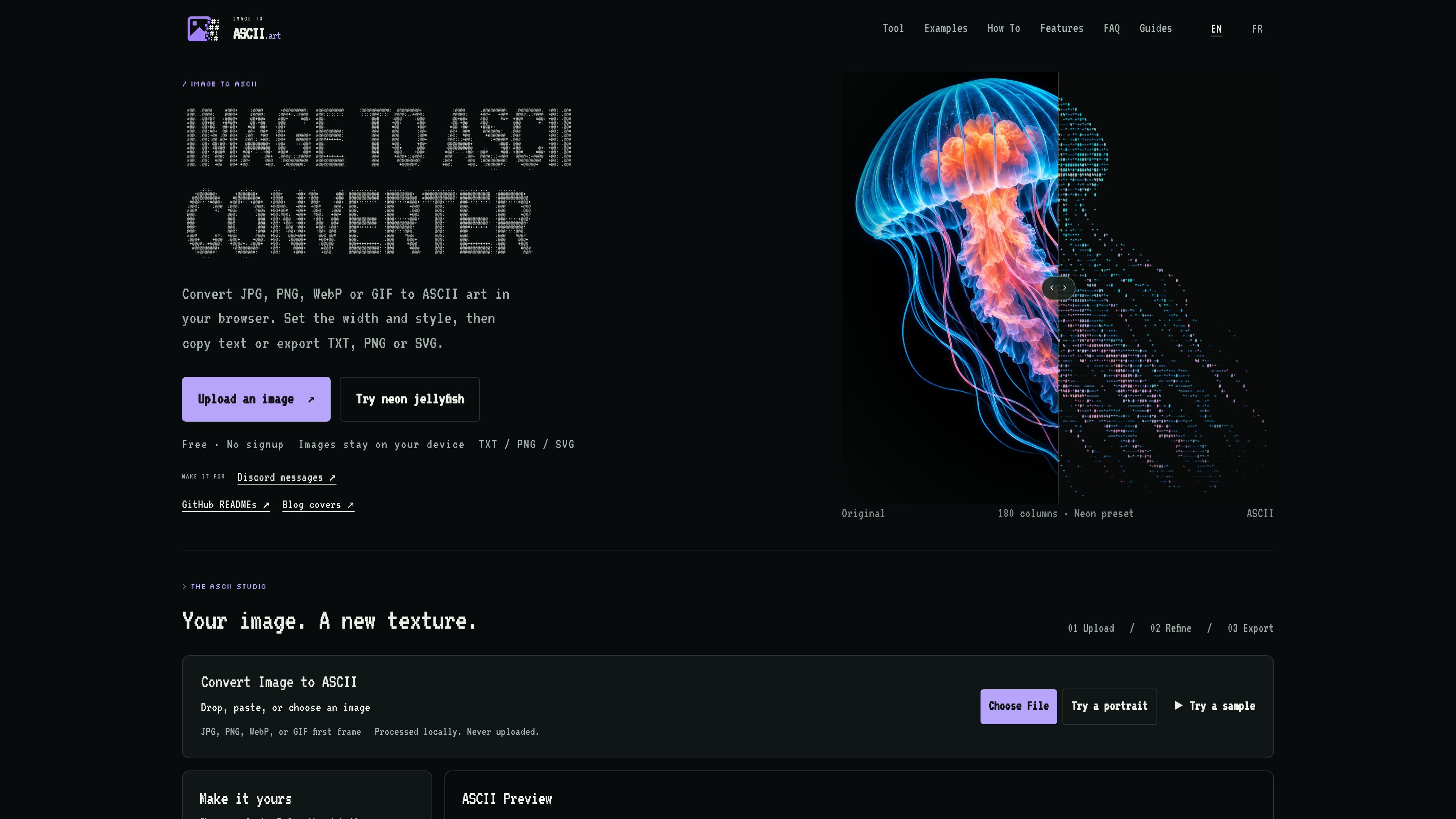
A browser-based converter that turns JPG, PNG, WebP, and GIF images into adjustable ASCII art. It processes images locally and lets you copy text or export TXT, PNG, SVG, HTML, ANSI, and Markdown-ready output.
Image to ASCII is a browser-based ASCII art generator for converting JPG, PNG, WebP, and GIF images into character-based artwork. Images can be uploaded, pasted, or loaded from built-in samples, and GIF input produces a still result from its first frame. The site says conversion happens locally in the browser and that the image file is never uploaded.
Its core workflow is upload, refine, export. Users choose a width and character style, tune image and tone controls, preview the result, then copy text or download a suitable output. Presets are available for destinations such as README files, terminals, social messages, posters, and blog covers.
The tool supports both selectable ASCII text and rendered exports. TXT, Markdown, README, and comment outputs preserve characters for code blocks, while PNG, SVG, and HTML preserve the visual rendering and sampled colors. ANSI export is intended for compatible terminal use. The product’s guides recommend checking narrow-screen destinations for wrapping and using image export when a fixed appearance is more important than selectable text.
Converts images in the browser using Canvas. The site states that files stay on the user’s device and are not uploaded; no signup is required.
Controls include output width, character style, tonal balance, brightness, contrast, sharpening, saturation, background cleanup, dithering, color, and inversion.
Presets such as README, Terminal, Social, Poster, Logo, and Blog Cover provide starting settings that can be refined for the source image.
Users can copy plain ASCII, Markdown, README, or comment-formatted text and download TXT, PNG, SVG, HTML, or ANSI output.
The workbench provides ASCII previews, original-versus-result comparison, paper and character views, and expanded display options for evaluating the result.
Images can be selected from the device, dropped into the workbench, pasted, or loaded from supplied sample artwork. JPG, PNG, WebP, and GIF formats are listed.
Use the Social preset or a narrower custom width, then copy Markdown so the artwork remains in a code block. The Discord guide recommends checking the draft on a narrow screen and switching to PNG if text wraps or clips.
Create a compact monochrome project or profile mark with a simple character ramp and roughly 80 columns as a starting point. Copy README or Markdown and keep the project name and links outside the artwork.
Turn a clear subject into a decorative cover illustration using a wider setting such as 200 columns. Export PNG or SVG when color and a fixed visual appearance matter, while keeping the headline, introduction, and image description as ordinary page text.
Choose a compact width and a clean background for terminal-oriented output, then use TXT for plain characters or ANSI for compatible terminals. The destination should be checked because ANSI appearance is not guaranteed in every application.
The site says conversion is performed locally in the browser and that the image stays on the device rather than being uploaded.
The homepage lists JPG, PNG, WebP, and GIF. GIF input produces a still result from its first frame rather than an animated ASCII output.
Yes. You can copy plain ASCII and download TXT. Markdown, README, and comment actions are also available for placing the characters in code blocks.
PNG, SVG, and HTML preserve the visual rendering and sampled colors. ANSI is provided for compatible terminal workflows. Plain TXT, Markdown, README, and comment outputs remain character-based rather than preserving the color preview.
No direct posting workflow is established in the available product content. Copying and exporting happen locally, and the user decides where to paste or upload the result.
Traffic data is for reference only.