
Editable dynamic QR codes
Create QR codes that can be edited after printing, so the scan destination can change without reissuing the code. Hovercode ties this to dynamic redirect links.

QR code generator for dynamic, trackable, branded codes
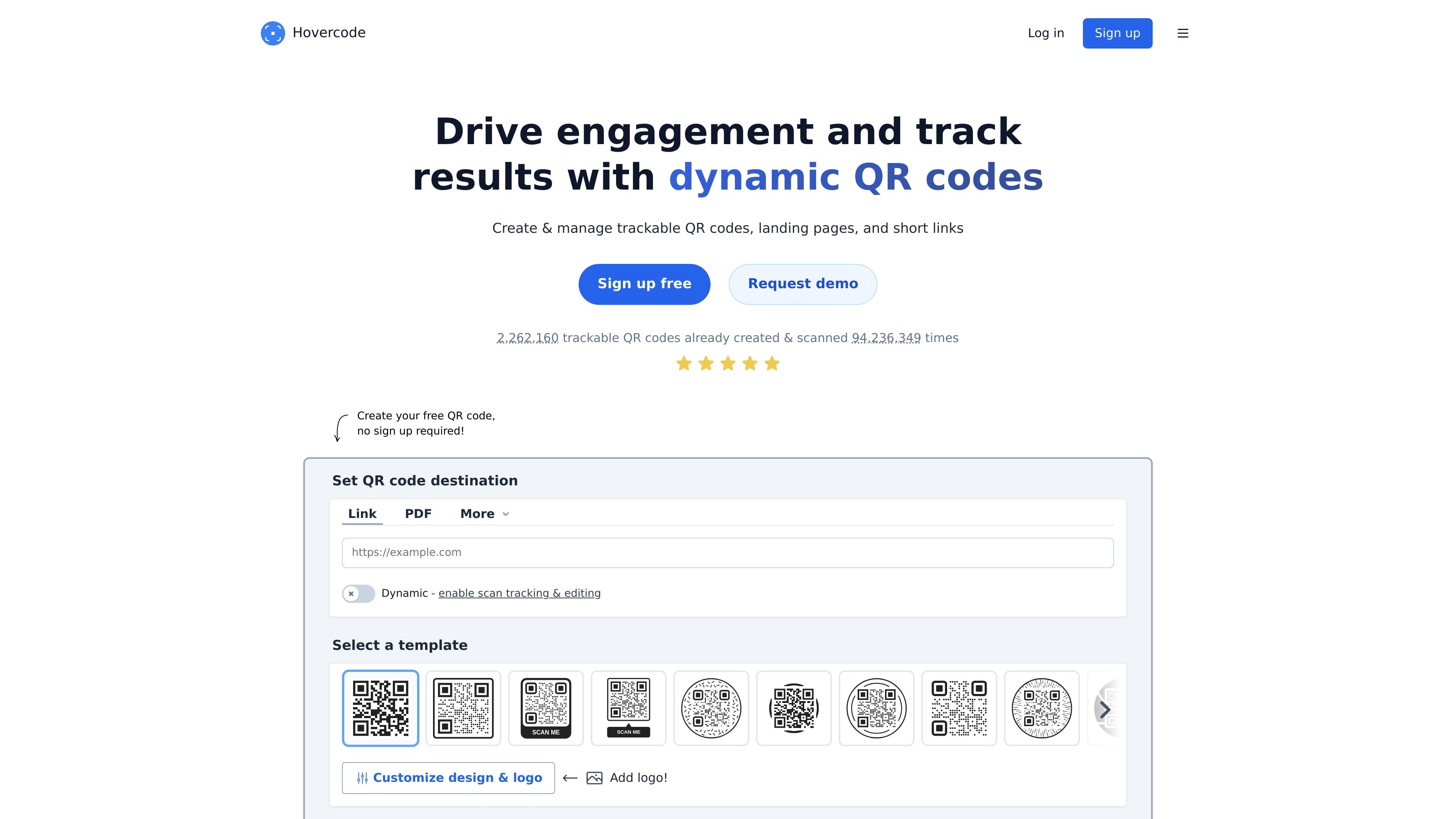
Hovercode is a QR code generator focused on dynamic QR codes, trackable links, and branded code design. The product lets users create QR codes without signing up, then add editing and tracking features by creating an account.
The site positions Hovercode as a tool for marketers, businesses, and anyone sharing links through QR codes or short links. In addition to standard QR destinations such as URLs, PDFs, vCards, app stores, email, SMS, Wi‑Fi, phone calls, text, and GS1 Digital Link, it also supports landing pages, forms, and link shortening.
Its core purpose is to make QR codes more flexible after printing or sharing. Users can change destinations later, measure scans, apply branding, and, on paid plans, connect custom domains and access more advanced workflow features such as team management, API access, and webhooks.
Create QR codes that can be edited after printing, so the scan destination can change without reissuing the code. Hovercode ties this to dynamic redirect links.
Track scan activity for dynamic QR codes and short links. Hovercode says you can see totals and unique scans, and paid plans add more detailed analytics.
Add a logo and brand colors to QR codes, with templates and styling controls such as pattern, eye, frame, and background settings.
Use custom redirect domains so scanners see your own domain instead of Hovercode’s default redirect domains.
Create micro landing pages and short links from the same product. The pricing page also includes a form builder and GS1 Digital Link QR codes.
Export and scale usage on paid plans with bulk QR code generation, CSV exports, API access, team management, and webhooks on the highest listed plan.
Create a QR code for a poster, package, or handout, then change the destination later if the link changes or the campaign needs an update.
Track scans for a marketing campaign and compare which codes or channels are getting more activity, using basic analytics on the free plan or more detailed reporting on paid plans.
Add a logo and brand colors when you need a QR code that matches packaging, signage, or other branded materials.
Use a custom redirect domain when you want scanners to see your own domain instead of Hovercode’s default redirect domain.
Build a micro landing page, form, or short link when a single QR code needs to send people to more than one resource or collect responses.
Yes. The free plan includes 3 dynamic QR codes that do not expire, along with unlimited scans. The pricing page also says the free plan is free forever, not a time-limited trial.
Dynamic QR codes let you change the scan destination after the code is created and printed. Hovercode describes this as editable QR codes, with tracking and analytics available for dynamic codes.
Hovercode says the custom domain feature lets you use your own redirect domain for dynamic QR codes, such as a subdomain like qr.yoursite.com instead of Hovercode’s default redirect domains.
The pricing page says the free plan includes basic analytics with 3 months of history, while paid plans add advanced tracking and longer analytics history. Hovercode also says tracked codes can show scan totals, unique scans, device and browser details, and estimated city and country on paid plans.
The pricing page says the Business and Business+ plans include API access, bulk QR code generation, CSV exports, team management, and webhooks on Business+; it also lists custom domains on paid plans.
Traffic data is for reference only.