
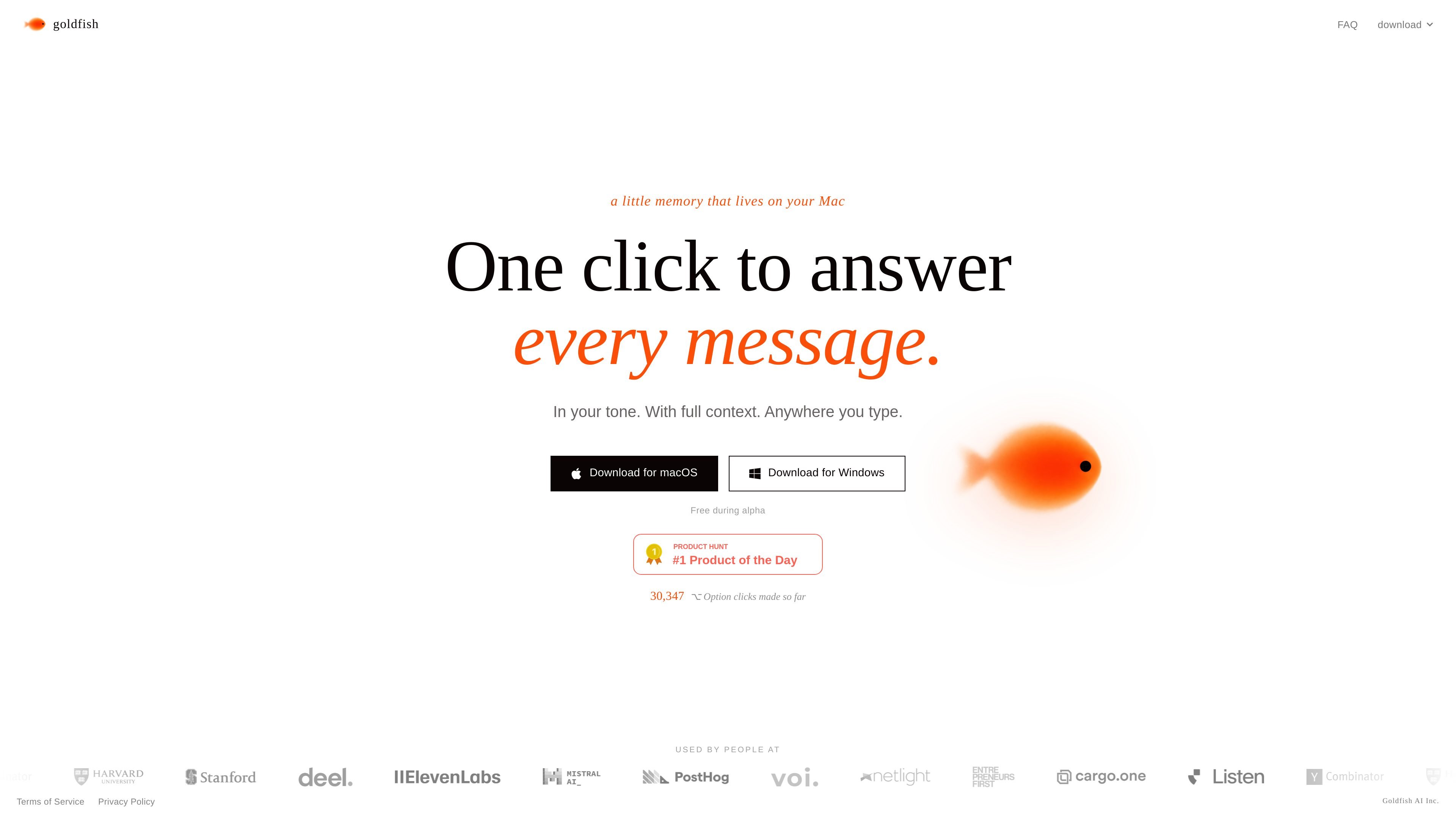
Keyboard-triggered writing help
Trigger Goldfish with Option wherever you type to get help drafting replies, writing text, summarizing content, or continuing a thought with the current context.

Goldfish is an AI memory app for Mac that helps you reply, write, summarize, and continue with the context already around you.
Goldfish is an AI memory app for Mac that helps you write with the context already around you. It is designed to live on your machine, capture what happens across apps, and make that context available when you need to reply, summarize, or continue writing.
The product is aimed at reducing repeated explanation. Instead of copying details between tools or rebuilding context for each prompt, Goldfish turns ongoing work into searchable memory and can be used anywhere you can type on macOS.
Trigger Goldfish with Option wherever you type to get help drafting replies, writing text, summarizing content, or continuing a thought with the current context.
Goldfish captures context as you work and turns it into searchable local memory so you do not need to restate the same background in every prompt.
The app learns your writing style across apps, scenarios, and people so generated text is closer to how you already write.
Goldfish can surface repetitive workflows and forgotten follow-ups, helping you notice recurring tasks and pending nudges.
You can chat with full context from the aquarium in the notch, or use Goldfish inside Claude Desktop through local MCP.
Goldfish stores its memory locally in SQLite on your Mac and says it uses Azure OpenAI with zero data retention.
Draft a response in a mail client or chat app while keeping the surrounding conversation and prior context in view.
Summarize notes, tabs, or ongoing work without manually reassembling the background from multiple sources.
Continue a draft or a thought in your own tone after switching between apps or sessions.
Use the app to notice repeated routines and overdue follow-ups that you might otherwise forget.
Pull the same memory into Claude Desktop when you want to work from a fuller local context in that environment.
Press Option anywhere you type, then use Goldfish to help reply, write, summarize, or continue with the context already on your Mac. You can also open the aquarium in the notch or use it from Claude through local MCP.
Goldfish says it works anywhere there is a text field on a Mac, including email, Slack, WhatsApp, Notion, your browser, and your editor.
Goldfish learns your writing style across your apps, scenarios, and people so it can draft replies in your tone, while also using the surrounding context to avoid asking you to re-explain the work.
Goldfish stores memory in a SQLite database on your Mac and says AI requests run through Azure OpenAI with zero data retention and no training on your data.
Goldfish is free while it is in beta.
Traffic data is for reference only.

hugo.ai
Hugo is an AI-powered support agent that resolves tickets and automates support work 24/7 using your data and connected systems.

dashworks.ai
AI assistant for workplace questions with unified search across company apps, docs, websites, and Slack

super.work
Slite is an AI knowledge base for team documentation and knowledge management. It helps teams write, verify, search, and maintain docs so information stays accurate over time.

salesviking.io
AI sales assistant for real-time call guidance and closing more deals

gemini.google.com
Google Gemini is an AI assistant for writing, planning, brainstorming, and everyday tasks, available on the web and in mobile apps for iOS and Android, with availability limited by device, language, and country.

atlas.nanonets.ai
Atlas turns your company’s documents, website, and source materials into shared rules that Claude, Cursor, and ChatGPT can follow using the same company context.