Flyte logo

Flyte

Claim

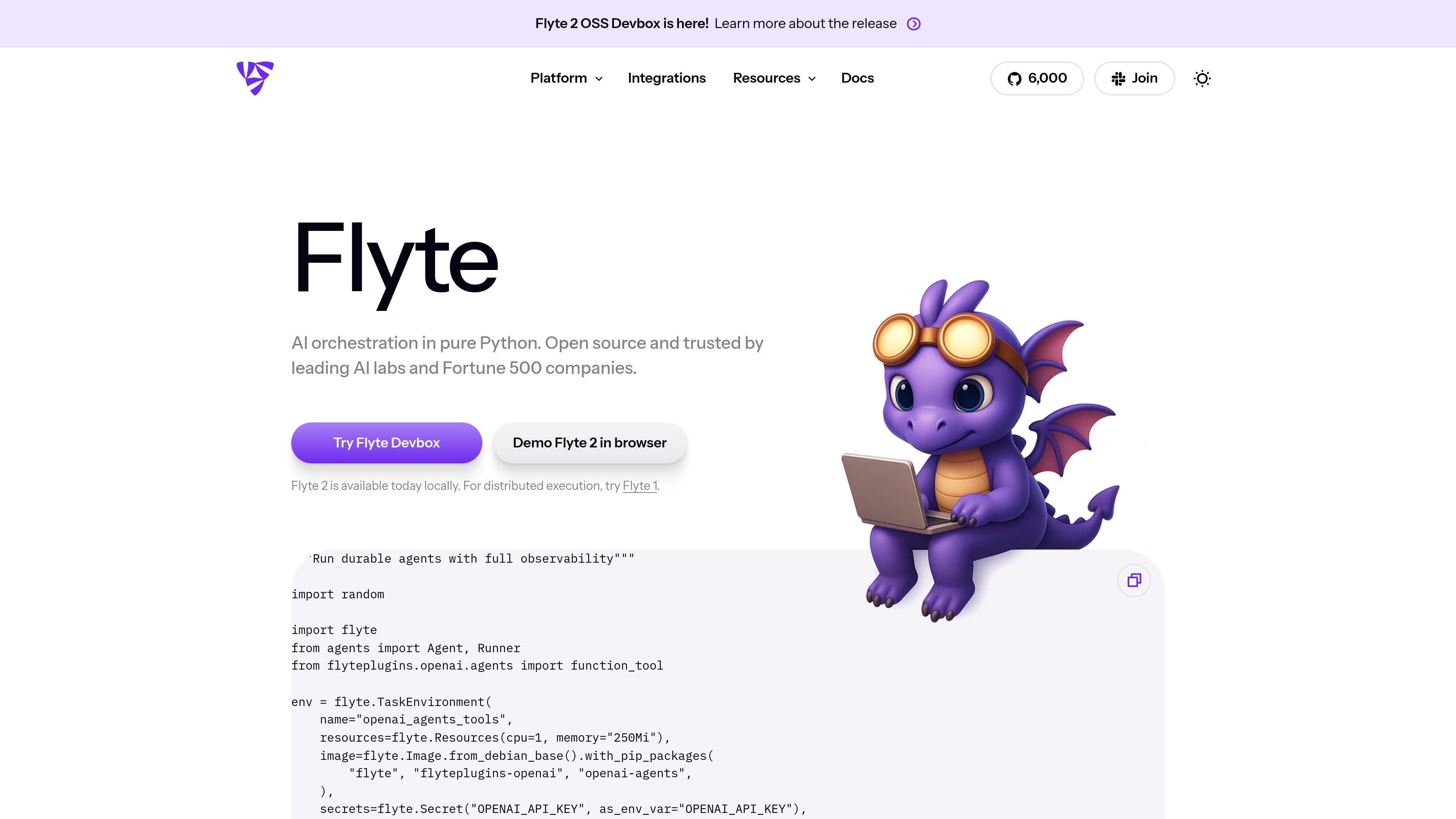
Flyte is an open-source workflow orchestration platform for AI, ML, and agentic workloads. Write workflows in pure Python, run them locally or at scale, with durable execution and observability.

Flyte preview

One platform for AI orchestration

Flyte is an open-source workflow orchestration platform for AI, ML, and agentic workloads. The site positions it as a dynamic orchestration layer that can run complex, long-running workflows with autoscaling, infrastructure awareness, and durable execution.

The platform is centered on Python authoring: users write workflows in pure Python, develop and test locally, and then run the same code at scale. Flyte 2 OSS adds local execution and a devbox that can run a full backend on a single machine, while the enterprise Union.ai platform adds larger-scale orchestration, inference, observability, and support.

Core capabilities

Pure Python workflow authoring

Write workflows in actual Python instead of learning a separate DSL. The source says you can author, test, and version workflows locally and then run them at scale.

Dynamic workflow execution

Build workflows that handle long-running and agentic execution with runtime branching, conditions, and retries. The platform is positioned for dynamic orchestration rather than only static job graphs.

Durable, self-healing runs

Retry automatically, resume where runs stopped, and keep failures from breaking the whole workflow. Flyte describes this as durable and self-healing execution.

Infra-aware orchestration

Provision and scale resources based on workload needs. The platform emphasizes autoscaling and infrastructure awareness for workflows and compute.

Local development and devbox

Run and debug locally before deploying. Flyte 2 OSS supports local execution, and the devbox release adds a single-machine backend that includes backend, frontend, and object storage in Docker containers.

Execution visibility and observability

Inspect runs through real-time execution state, logs, failures, timelines, lineage, and versioning. The UI and enterprise platform both emphasize observability.

Common ways teams use Flyte

  • Dynamic AI workflows

    Build AI, ML, or agentic pipelines that need runtime branching, retries, and stateful execution instead of a fixed static graph.

  • Local-to-production development

    Develop and debug tasks locally with the same Python SDK, then move the workflow to production without changing languages or rewriting it in a DSL.

  • Data and ML orchestration

    Run data and training jobs that rely on tools such as Spark, BigQuery, Snowflake, Ray, or Weights & Biases, using the platform’s plugin ecosystem.

  • Resilient production runs

    Operate longer-running jobs that benefit from durable execution, automatic recovery, and visibility into run history, logs, and timelines.

  • Single-machine evaluation and demos

    Use the Flyte 2 devbox or reimagined UI to explore the system on a single machine, review execution state, and inspect workflow behavior before broader rollout.

Pros and Cons

Pros

  • Pure Python authoring removes the need to learn a separate workflow DSL.
  • Durable execution, automatic retries, and self-healing behavior are designed for long-running workflows.
  • Local execution and the Flyte 2 devbox make it possible to develop and test before deploying.
  • The integrations catalog covers common data, ML, and warehouse tools such as Spark, BigQuery, Ray, Snowflake, and Weights & Biases.
  • The UI and platform emphasize execution visibility, logs, lineage, and run history.

Cons

  • The pricing page was not available in the collected sources, so pricing and plan structure are not confirmed here.
  • Some integration entries are only briefly described on the site, so implementation depth may vary by plugin and is not fully detailed in the source.
  • The most advanced enterprise capabilities are presented under Union.ai rather than the open-source Flyte offering.

FAQ

What is Flyte used for?

Flyte is designed for building and running AI, ML, and agentic workflows in Python. The source describes it as an open-source workflow orchestration platform and an AI orchestration runtime with durable execution, autoscaling, and infrastructure awareness.

How do you develop workflows with Flyte?

The site says workflows are authored in pure Python, so users can build, test, and version them locally before running them at scale. Flyte 2 also supports local execution with the same Python SDK used in production on Kubernetes.

Does Flyte support dynamic or self-healing workflows?

Flyte supports dynamic workflows that can make runtime decisions, branch, loop, and recover from failures automatically. The UI for Flyte 2 also surfaces execution state, logs, and failures as runs progress.

What kinds of integrations are available?

The integrations page lists examples across dataframes, data validation, databases and warehouses, data processing, feature stores, model training, distributed model training, model deployment, monitoring, Kubernetes-native tools, and miscellaneous plugins.

Is pricing published on the site?

A pricing page was not available in the collected sources, so the site does not provide pricing details here. The home page points to Flyte 2 OSS and to Union.ai as the enterprise platform.

Quick Facts

Category
AI workflow orchestration platform
Product type
Open-source platform with an enterprise offering
Primary users
AI builders, ML teams, and developers
Source domain
flyte.org
Workflow style
Pure Python, dynamic, durable execution
Pricing
Not published on the collected pages