
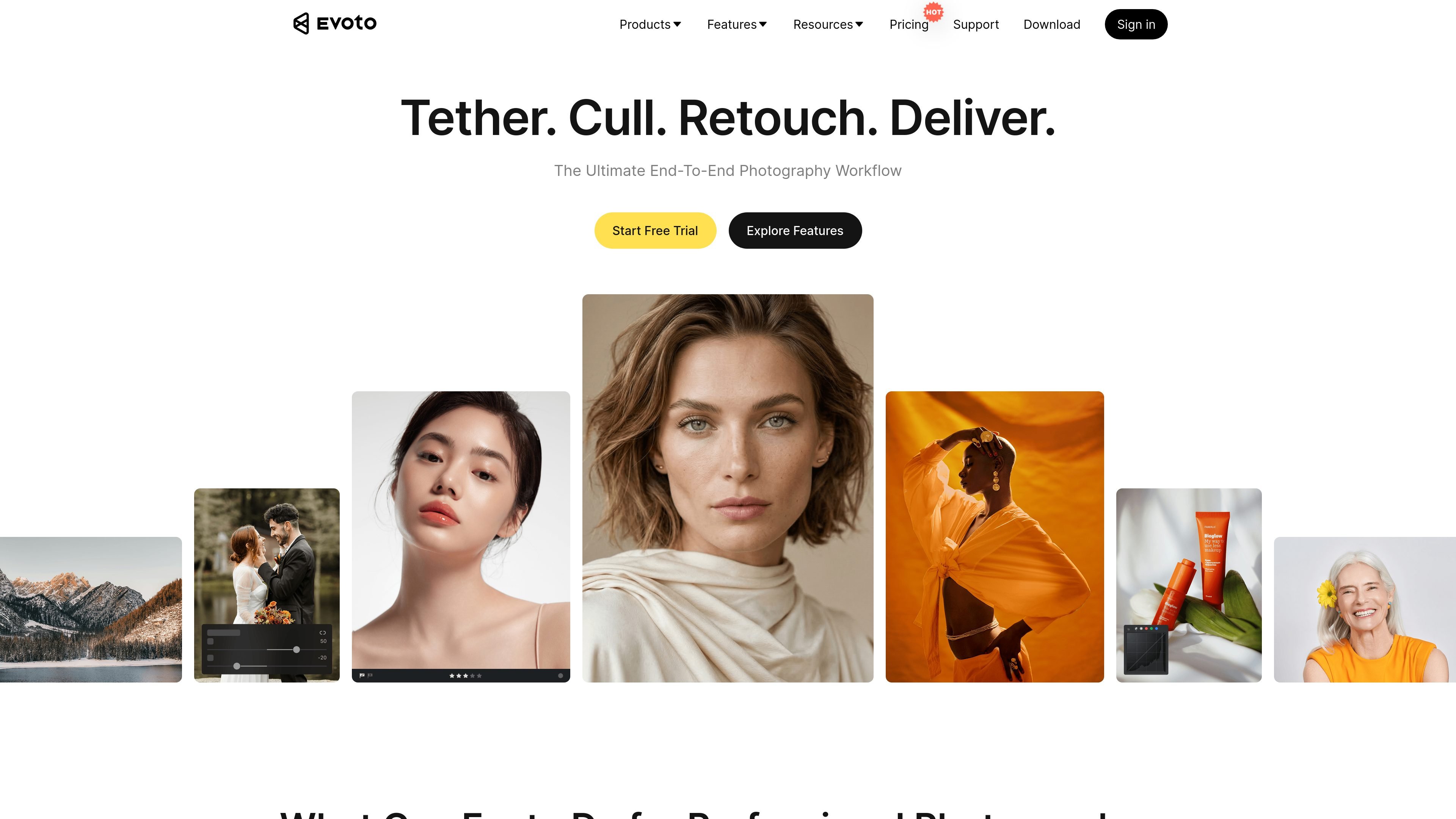
End-to-end photo workflow
Evoto combines culling, retouching, batch editing, and delivery in one workflow so photographers can move from selection to export without switching tools as often.

AI photo editing for professional photographers and studios
Evoto is AI photo editing software for professional photographers and related creative teams. The site describes it as an end-to-end workflow tool that brings culling, retouching, batch processing, and delivery into one place.
The product pages emphasize fast editing for high-volume work as well as subject-specific tools for portraits, weddings, and other event photography. Evoto also offers product variants for desktop, iPad, mobile, online editing, instant proofing, and video retouching.
Evoto combines culling, retouching, batch editing, and delivery in one workflow so photographers can move from selection to export without switching tools as often.
The site highlights per-face AI retouching for skin smoothing, blemish removal, and natural-looking adjustments that preserve texture.
Batch processing lets users apply edits once and sync them across large sets, which is positioned for high-volume shoots and event galleries.
Wedding-oriented tools include AI Color Match, wedding presets, portrait retouching, background replacement, and tethered shooting.
Evoto is presented across desktop, iPad, mobile, online, instant, and video products, with projects accessible across devices.
The payment page lists credit-free features such as basic color adjustments, crop and rotate, tethered shooting, manual tools, and auto import/export on supported plans.
For wedding galleries, Evoto provides color consistency tools, portrait retouching, background edits, presets, and tethered shooting to streamline a complete event workflow.
For portrait sessions, the software focuses on skin smoothing, blemish removal, makeup and facial adjustments, and other retouching work that keeps subjects looking natural.
For high-volume shoots and event coverage, users can batch-edit once and apply changes across large sets to reduce repetitive manual work.
For on-location or mobile work, the iPad and mobile products let photographers edit away from a desktop while keeping access to the same general workflow.
For studio capture sessions, tethered shooting lets photographers connect a DSLR directly to a computer or iPad to live view, adjust, and manage photos during the shoot.
Evoto is built to handle culling, retouching, batch editing, and delivery in one workflow, so it is aimed at photographers and studios rather than casual photo users.
The source shows Evoto Desktop, Mobile, iPad, Online, Instant, and Video variants, with editing available on desktop, iPad, and mobile across the site’s product pages.
The wedding photography page shows a step-by-step workflow: upload photos, choose presets, customize edits with the toolbar, then export the edited files.
The payment page shows subscription and pay-as-you-go options, and annual plans include credits, credit-free features, device limits, and credit rollover on renewal.
The source does not document a full list of limitations, but the pricing page is unavailable at the /pricing URL shown in the collected sources, so readers should verify current purchase details on the payment page.
Traffic data is for reference only.

piktid.com
PiktID automates image generation and editing with APIs for product backgrounds, face enhancement, and anonymization.

pixcakeai.com
AI photo editing for commercial photography with RAW color grading, retouching, background repair, and batch delivery across desktop and mobile.

douhuiai.com
豆绘AI is an online AI image creation and editing platform for e-commerce and design, supporting white-background, scene, interior renderings, and common post-processing.

upsampler.com
Upsampler is an online AI platform for generating, editing, and upscaling images and videos in one workspace. Pay per credit, with full API access and a commercial use license on every plan.

aihomedesign.com
AI HomeDesign is a web-based photo editor for real estate listings with AI staging, object removal, enhancement, and renovation tools.

photoeraser.app
Web-based AI photo editor for background removal, object erasing, and photo enhancement