
No sign-up homework intake
Upload a question, picture, PDF, scan, or audio file and get a response without creating an account. The homepage also allows voice recording directly in the workflow.

Web-based AI homework helper with step-by-step answers
Edubrain.ai is a web-based AI homework helper that turns questions, photos, PDFs, scans, and audio into step-by-step answers. The homepage positions it as a free tool with no sign-up required, designed for students who want quick help across many subjects.
The product’s core workflow is simple: submit the assignment, choose the style of help you want, and review the result. The site emphasizes clear explanations, curriculum-based reasoning, multilingual support, and a private study environment where uploaded files are removed after processing.
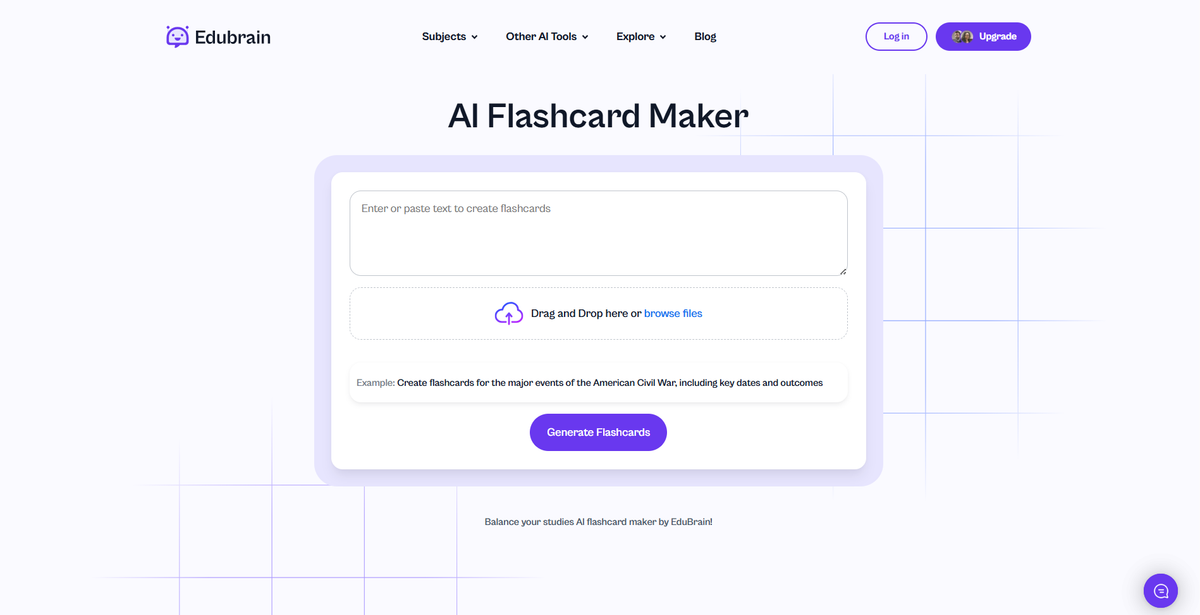
Beyond homework solving, the pricing page shows a broader study toolkit that includes flashcards, notes, presentations, research assistance, diagram generation, AI detection, and humanization tools. That makes Edubrain more than a single-answer generator; it is presented as a study workspace for preparing, revising, and polishing schoolwork.
Upload a question, picture, PDF, scan, or audio file and get a response without creating an account. The homepage also allows voice recording directly in the workflow.
Choose between a quick answer, a step-by-step solution, math formula display, or homework correction. The homepage describes multi-step logic and curriculum-based explanations.
Supported inputs include PDFs, images, scans, and audio, plus text entry. This makes it possible to work from printed worksheets, handwritten notes, or spoken prompts.
The site emphasizes explanations that break difficult problems into clear parts, especially for math and STEM subjects. It also says the system can handle multiple subjects and multilingual support.
The pricing page lists a wider AI tool set, including flashcards, notes, presentations, research assistance, diagram generation, AI detection, and humanization tools.
Free users can download responses and share them with others, while paid users get ad-free access and advanced reasoning.
Students can submit a math, science, or language assignment and ask for a quick answer or a full explanation. The tool is positioned for homework help across many school subjects.
A student can upload a worksheet photo, a scanned page, or a PDF of class notes and get a step-by-step response without retyping the material.
Teachers can use the wider toolkit on the pricing page to create flashcards, notes, and presentations for lesson planning and review materials.
Adult learners can use the site to check logic, review methods, and get clearer explanations when returning to difficult topics after a long break.
Users who want a polished study workflow can start with an answer, then move to flashcards, notes, or humanized text using the other tools listed on the pricing page.
Yes. The homepage says Edubrain.ai is free online and needs no sign-up. The pricing page also lists a Free plan with unlimited use, ads included, free access to all AI tools, downloads, and sharing.
The site supports pictures, PDFs, scans, and audio files, and the homepage also mentions recording your voice directly in the tool. The file upload examples on the homepage list txt, pdf, doc, png, jpeg, and jpg.
The pricing page says the free plan includes all AI tools, while AI-Plus removes ads and adds advanced reasoning. It also highlights access to tools such as the AI detector, diagram generator, PowerPoint generator, answer generator, flashcard maker, notes generator, and research assistant.
The pricing page says each output has a share link, and the free plan includes downloads for responses such as answers, presentations, and flashcards.
The pricing page advises using Edubrain as a study aid and notes that users stay the author and should follow their course policy. It also says no tool can guarantee whether work will be detected as AI.
Traffic data is for reference only.
answersai.com
Answers AI helps students and educators with answers, study materials, assignments, grading, and progress tracking.

getsuperteacher.com
Tutoring app for elementary reading and math with step-by-step instruction

solvely.ai
AI study tool for homework, notes, quizzes, flashcards, and exam practice

cramly.ai
AI writing and academic support for students

alice.tech
Alice is an AI study assistant that turns uploaded class materials into structured overviews, practice exercises, and exam prep for university and high-school students. It offers free Basic and paid Pro plans.

transcript.study
AI study platform for homework help, explanations, and organization