
DOCX and Markdown conversion
Import Microsoft Word documents or Markdown files into WordPress. Markdown headings, lists, tables, blockquotes, fenced code, and supported image references can be retained.

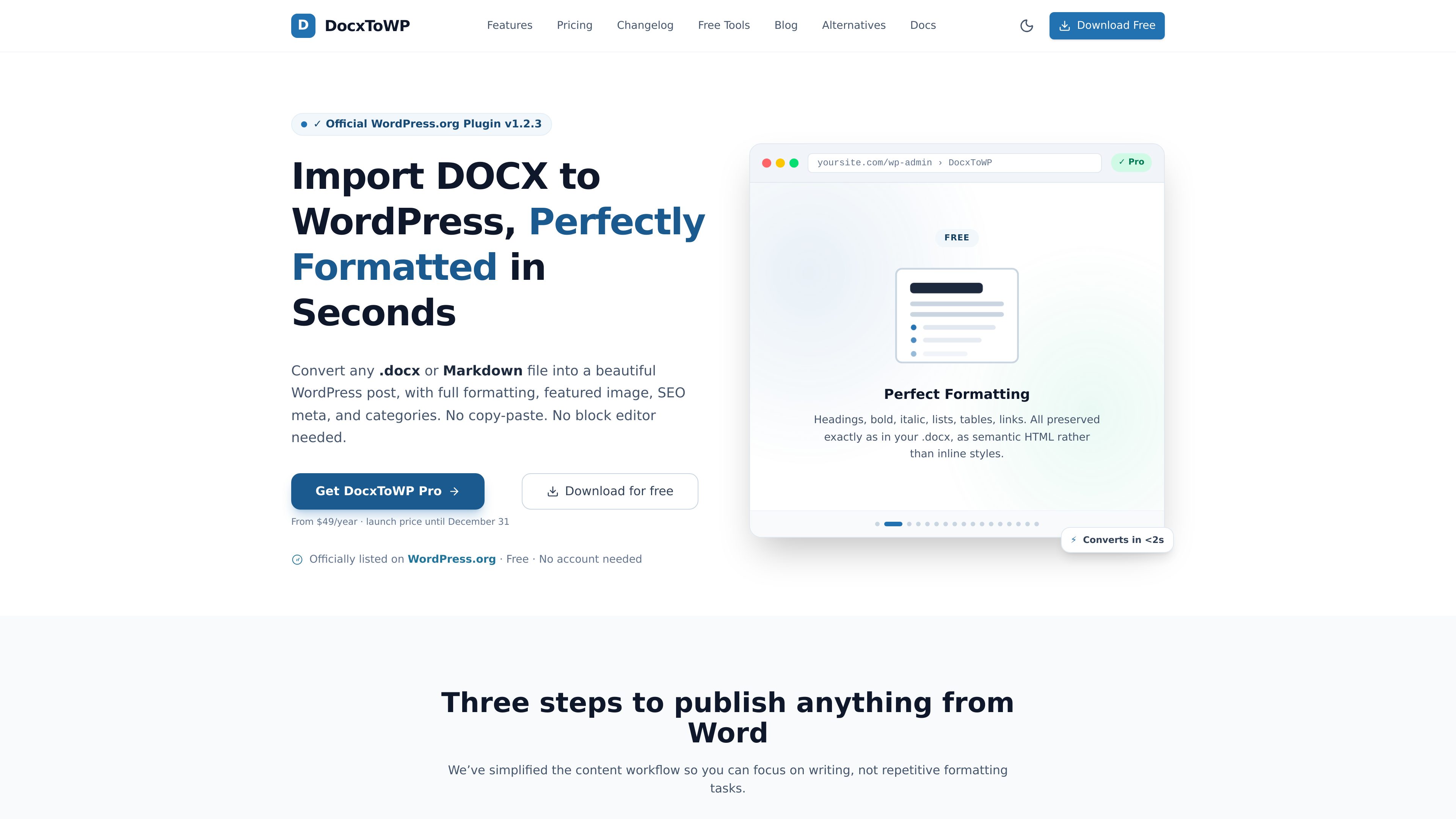
DocxToWP is a WordPress plugin that converts Microsoft Word DOCX and Markdown files into posts, pages, and custom post types while retaining document structure, images, and selected metadata. It is designed for writers, publishers, agencies, and documentation teams that prepare content outside WordPress.
DocxToWP is a WordPress importer for Microsoft Word .docx and Markdown .md files. It converts files into posts, pages, WooCommerce products, documentation, portfolios, and other registered custom post types from within the WordPress admin. The workflow includes a preview step before content is created, so users can review document output and publishing details without manually rebuilding the content in the block editor.
The plugin is intended for content that starts in Word or Markdown and needs to be published in WordPress with its structure intact. It preserves common formatting such as headings, lists, tables, links, and inline text styling, while extracting document images into the WordPress Media Library. Free supports one file at a time; Pro adds batch importing, scheduling, review controls, and additional publishing workflow features.
Import Microsoft Word documents or Markdown files into WordPress. Markdown headings, lists, tables, blockquotes, fenced code, and supported image references can be retained.
The importer preserves heading levels, bold, italic, underline, ordered and unordered lists, tables, hyperlinks, and other supported document structure as semantic content rather than requiring manual reformatting.
Embedded DOCX images are extracted as WordPress Media Library attachments. Users can upload a separate featured image, match one by filename, or use the first image from the document.
Review imported content before it is created, then set the post type, author, categories, tags, slug, excerpt, and status. Available statuses include publish, schedule, draft, and private.
Pro can process up to 100 DOCX or Markdown files in one run, with shared batch settings, live progress, a review stage, pause-and-resume support, and one-click undo for a bulk job.
Pro can populate meta title, description, and focus keyphrase fields for Yoast SEO and Rank Math. It can also convert imported JPEG and PNG images to WebP only when the converted file is smaller.
Bloggers and writers can draft in Microsoft Word, upload a DOCX, review the resulting content, and publish without copying sections into the WordPress editor.
Technical writers and documentation teams can transfer manuals, specifications, and knowledge-base material into the documentation or other custom post type registered on their WordPress site.
Agencies handling multiple client documents can use Pro bulk import to review a batch of up to 100 files, apply shared publishing settings, and exclude documents before creation.
Publishers or site teams can use Pro drip publishing to spread a group of imported documents across selected dates and intervals instead of releasing the entire batch at once.
Teams with content in Markdown—including notes, README files, or material from tools such as Obsidian, Notion, or Joplin—can import files into WordPress while retaining supported Markdown structure.
No. The product documentation states that it runs inside the WordPress admin, documents are not uploaded to an external service, and no account is required.
Files can be imported as WordPress Posts, Pages, WooCommerce products, documentation, portfolios, or any custom post type registered by the site.
The free version is described as supporting unlimited conversions one document at a time. Pro adds bulk import for up to 100 DOCX or Markdown files in one run.
Yes. The standard workflow includes a preview and lets users review formatting, images, and publishing details before proceeding. Pro also provides a review step for bulk jobs.
Pro supports SEO fields for Yoast SEO and Rank Math, including meta title, meta description, and focus keyphrase fields. The source does not establish broader integration coverage beyond these named plugins.
Traffic data is for reference only.
