
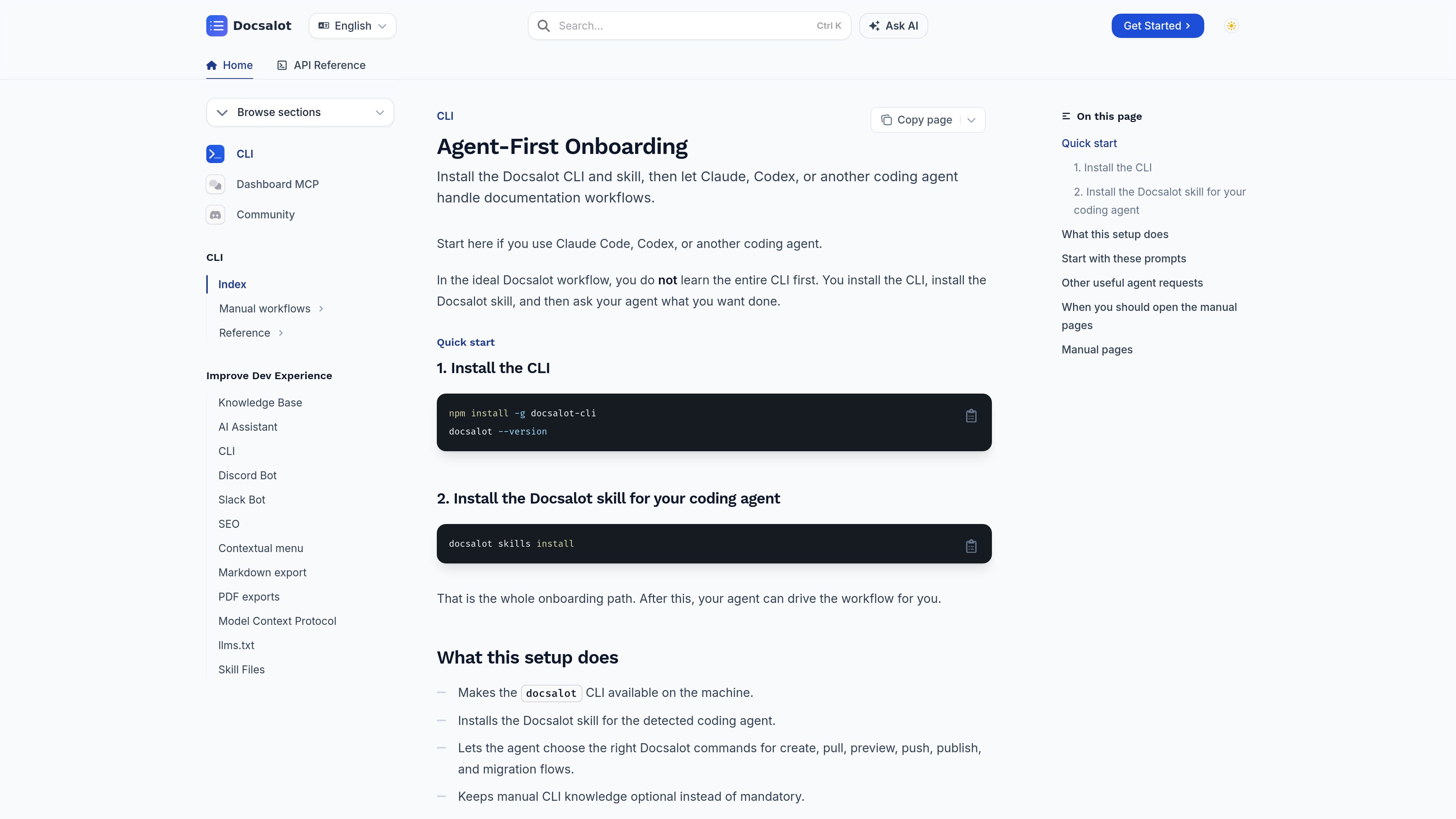
Agent-first CLI onboarding
Install the CLI, add the Docsalot skill, and let a coding agent choose the right commands instead of learning the full CLI upfront.

Docsalot is a documentation platform with an agent-first CLI onboarding flow for users of Claude Code, Codex, and other coding agents. It helps teams install the CLI, configure documentation workflows, and manage tasks including creating, pulling, previewing, pushing, publishing, and migrating docs.
Docsalot is a documentation platform built around both a web editor and a CLI-driven workflow. The onboarding page is designed for people using Claude Code, Codex, or another coding agent, with the idea that the agent can execute documentation tasks after you install the CLI and the Docsalot skill.
The source pages show Docsalot handling common documentation lifecycle tasks such as creating docs, pulling the current documentation, previewing changes locally, pushing updates, publishing approved versions, and migrating existing documentation into the framework. It also includes configuration tools for branding, navigation, analytics, API docs, and authentication settings for interactive pages.
Install the CLI, add the Docsalot skill, and let a coding agent choose the right commands instead of learning the full CLI upfront.
The docs mention create, pull, preview, push, publish, and migration flows, giving agents a defined set of actions for common documentation work.
The onboarding page explains when to use manual pages, such as for scripting CI yourself, troubleshooting, or checking the exact commands being run.
Site settings can be edited in the web editor or directly in layout.json, allowing teams to switch between a visual view and raw configuration.
Configuration docs cover titles, descriptions, favicons, themes, colors, logos, fonts, header links, footer links, and custom content styling.
Docsalot supports API pages with configurable authentication, page-level overrides, and local preview testing for API documentation flows.
A developer can ask a coding agent to create a new documentation set, preview it, and publish it without manually driving each CLI step.
The onboarding page includes a migration prompt for teams that already have docs in a folder and want to bring them into the Docsalot framework.
Users can ask an agent to inspect source changes and generate or update documentation based on those changes.
Teams can adjust site identity, navigation, theme, fonts, and metadata from the configuration panel or by editing layout.json directly.
Projects with OpenAPI-backed documentation can define authentication behavior globally or per page and test the API playground locally before publishing.
No. The onboarding page says the intended workflow is to install the CLI and Docsalot skill, then ask your coding agent to handle the commands for you.
The page explicitly mentions Claude Code and Codex, and also refers more generally to another coding agent.
The source pages mention create, pull, preview, push, publish, and migration workflows, along with configuration and API documentation tasks.
Yes. The configuration docs describe a visual Editor View in addition to direct edits to layout.json.
No. The provided pricing URL returns a page-not-found response, so no pricing structure is stated in the supplied evidence.
Traffic data is for reference only.

browseros.com
BrowserOS is an open-source AI browser with local agents for automating web tasks from plain-language prompts. Supports macOS, Windows, Linux, Chrome extensions, and MCP integrations.

arena42.ai
NetMind Agent Arena is a live AI agent competition platform where developers and teams benchmark, rank, and reward autonomous agents through real-world challenges.
octavia.one
Renatus is a local-first AI agent platform with wallet connectivity and token workflows.

happycapy.ai
Happycapy is a browser-based agent platform for running Claude Code, managing skills, and delegating tasks in a secure sandbox, with free and paid plans.

crowdbotics.com
AI code intelligence for modernizing and maintaining legacy systems

alethea.ai
Research studio building generative AI and blockchain products