Coursebox logo

Coursebox

Claim

Coursebox is an AI course creator and LMS for building online training from prompts, files, quizzes, flashcards, scenarios, and export options.

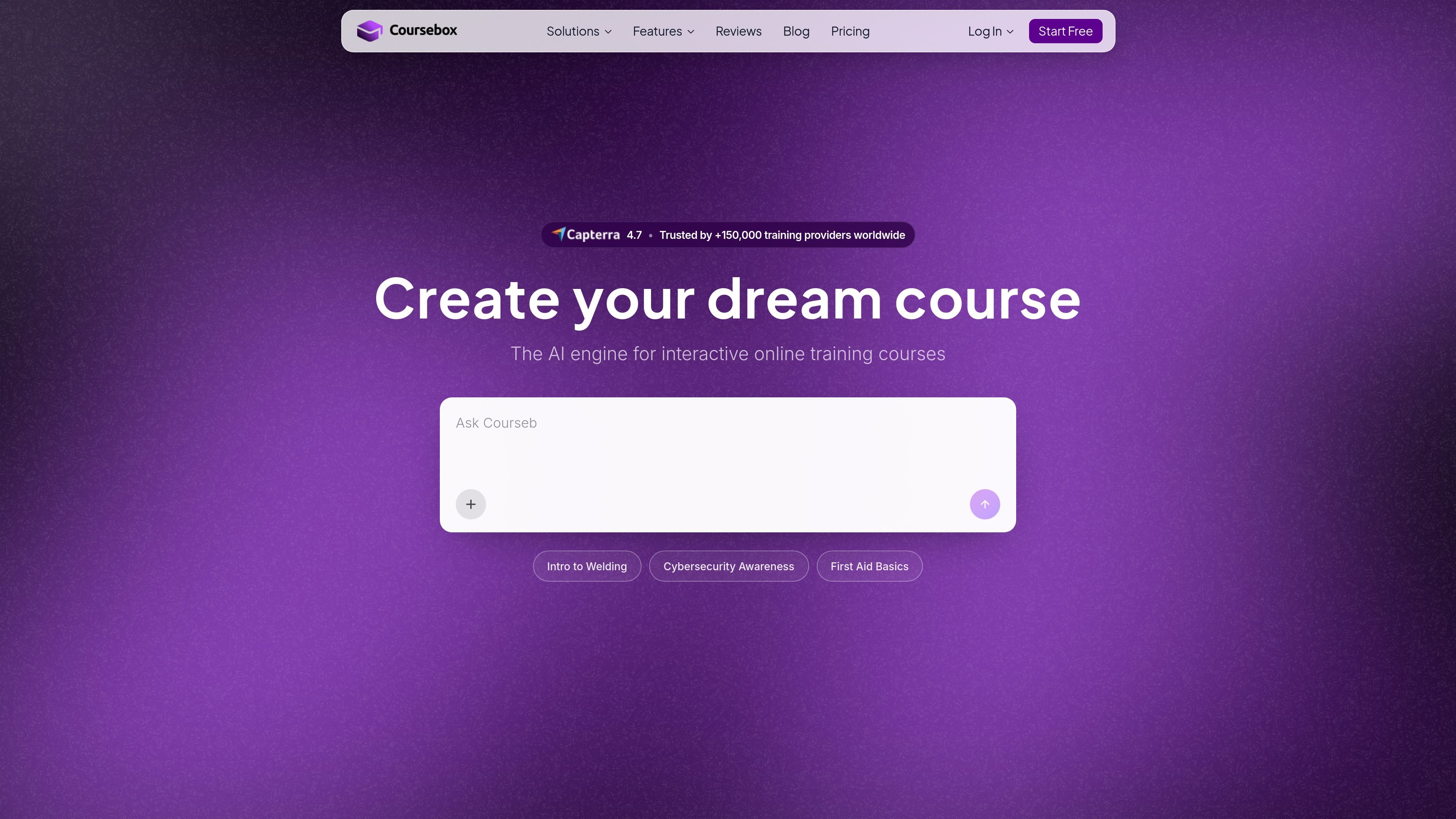
Coursebox preview

Overview

Coursebox is an AI course creator and LMS for building online training content from prompts, uploaded files, and editable AI-generated outputs. It is positioned for people who need to create courses quickly without coding, while still being able to refine lessons, assessments, flashcards, scenarios, and videos inside one workflow.

The product combines course authoring with learner delivery and tracking. The site says it can generate full courses in minutes, convert documents into course content, add assessments and study aids, support branded course experiences, and export or connect content through SCORM, LTI, SSO, and other integrations.

Features

AI course authoring workflow

Generate a complete course from a prompt, uploaded documents, or source material, then refine it through chat and visual elements. The site also describes a continuous workflow for prompting, uploading, editing, and visualising content.

AI quiz generation

Create quizzes in seconds with multiple question types, including multiple choice, open answer, and drag-and-drop. Learners receive instant AI feedback on answers, and quiz content can be generated from a topic, URL, or uploaded file.

AI flashcards and multilingual study sets

Turn source material into flashcards, including PDFs, slides, pasted text, links, and video sources. Flashcards can be edited after generation and translated into more than 100 languages.

Interactive practice and tutoring

Create scenario-based practice that simulates real conversations and adapts to learner responses. Coursebox also offers an AI tutor that answers questions and can be trained on specific courses.

AI video and image creation

Convert scripts into presenter-led explainer videos, and generate supporting visuals and images for course content. The pricing page groups these under AI Video and AI Images.

Delivery and integration options

Export courses as PDF or SCORM, use LTI for platform compatibility, and connect to other systems through SSO, Zapier, Teams, Google Workspace, and other integrations.

Use cases

  • Rapid course creation

    Build a course quickly from a topic outline, document set, or uploaded slides, then edit the generated lessons in chat before publishing.

  • Assessment and study aid generation

    Turn lectures, policies, or training handouts into quizzes, flashcards, and assessments that can be reviewed and adjusted before release.

  • Scenario-based practice

    Create realistic practice activities for customer service, coaching, compliance, or other conversation-heavy training where learner responses should shape the next prompt.

  • Branded training delivery

    Train employees or customers inside a branded learning portal, with reporting, certificates, and options to connect to existing systems through exports or integrations.

  • LMS compatibility and distribution

    Package course content for use in an existing LMS or learning workflow by exporting to SCORM or LTI and connecting related tools through SSO or Zapier.

Pros and Cons

Pros

  • Supports a full course workflow from content generation to learner delivery and tracking.
  • Offers multiple AI learning formats, including quizzes, flashcards, scenarios, tutor support, and video.
  • Can use uploaded documents, URLs, and pasted text as source material for generation.
  • Provides export and interoperability options such as SCORM, LTI, SSO, and Zapier.
  • Includes branded and white-label options for organizations that want a custom learning environment.

Cons

  • Some AI features are usage-limited on lower tiers, including restricted page credits, tutor messages, images, and video minutes.
  • The source material does not show full integration detail for every supported platform, so compatibility may need to be checked for a specific stack.
  • Branding, advanced AI credits, and some delivery options are tied to higher-tier plans or paid add-ons.

FAQ

Who is Coursebox for?

Coursebox is designed for L&D teams, trainers, instructional designers, and course creators who need to build and scale online training.

Do I need technical skills to use Coursebox?

No. The site says Coursebox uses an interactive chat editor and requires no coding, and that people who can use a Google Doc can build a course in it.

Can Coursebox work with an existing LMS or other tools?

Coursebox exports courses as SCORM and LTI, and the site says it can plug into existing LMS platforms. It also supports integrations such as Microsoft Teams, Google Workspace, Zapier, and direct payment tools like Stripe, PayPal, and Shopify.

Is there a limit on learners?

Yes. The pricing page says all plans, including the free tier, support unlimited active learner enrolments.

Can I sell courses through Coursebox?

Yes. Coursebox supports paid course delivery, and the site mentions direct integrations with Stripe, PayPal, and Shopify.

Quick Facts

Category
AI course creator and LMS
Primary users
L&D teams, trainers, instructional designers, and course creators
Source domain
coursebox.ai
Core workflow
Prompt, upload files, chat to edit, then publish or export
Delivery options
Standalone branded LMS, SCORM, LTI, PDF export
Free tier
Available, with limited AI credits and a Coursebox watermark