
Live call assistance
Live Assistant analyzes the conversation during a call and suggests next moves related to listening, objections, discovery gaps, timing, budget, and decision processes.

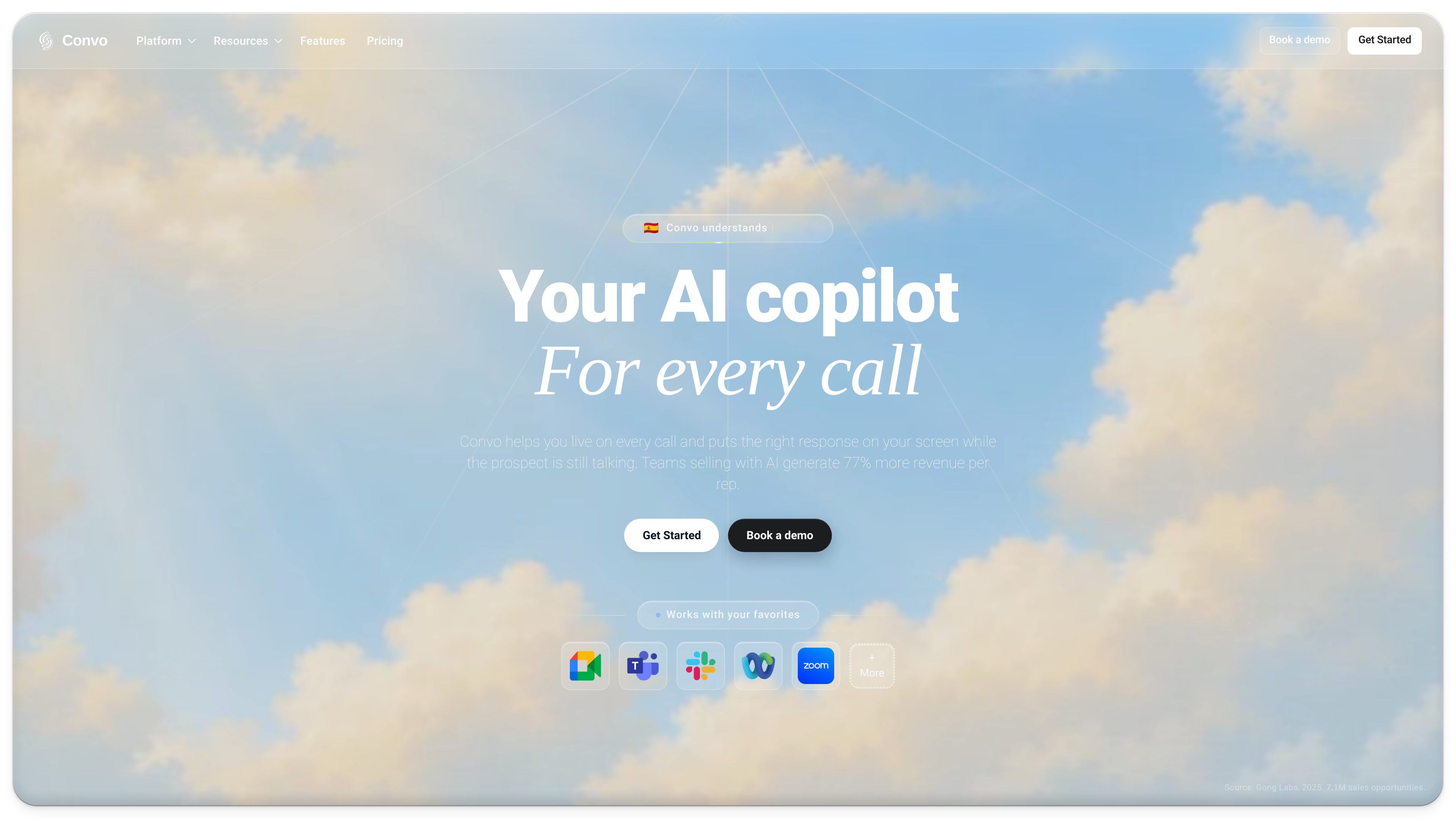
Convo is a real-time AI sales assistant and coach for sales and customer-success teams. It provides live call guidance, surfaces deal signals, answers questions using conversation and company context, and prepares follow-up and CRM work after meetings.
Convo is a real-time AI sales assistant and coach for sales and customer-success teams. It supports representatives during live calls by surfacing suggested responses, identifying objections and buying signals, and highlighting unanswered discovery questions. Its purpose is to help teams handle important conversation moments while they are happening rather than relying only on post-call review.
Convo also carries conversation work beyond the meeting. It can produce transcripts, summaries, action items, feedback, and follow-up drafts, then send meeting information to connected CRM, project, documentation, communication, recruiting, and storage tools. Team-oriented capabilities include shared company material, coaching cues, deal tracking, and revenue intelligence on the Enterprise plan.
Live Assistant analyzes the conversation during a call and suggests next moves related to listening, objections, discovery gaps, timing, budget, and decision processes.
Ask AI can answer questions using the live conversation, company knowledge, past calls, the user’s screen, or the web. Teams can also use their own documents and shared materials to keep responses aligned with approved context.
Convo identifies buying signals, objections, risks, missing stakeholders, and open commitments. It turns conversation details into account and pipeline context for earlier deal follow-up and manager intervention.
Self-filling playbooks support consistent qualification, while managers can save a useful coaching moment as a cue for the team to use on subsequent calls.
After meetings, Convo provides transcripts, summaries, call feedback, action items, contact briefings, and draft follow-up messages. These outputs can be reviewed and sent or synchronized to other tools.
Convo supports meeting platforms and connects with CRM, project, documentation, communication, recruiting, and storage tools. Automation options and a public API provide additional ways to move transcripts, summaries, and action items into a team’s workflow.
Sales representatives can use on-screen guidance to respond to objections, ask about budget and timing, clarify the decision process, and leave the meeting with an agreed next step.
Sales managers can make approved pricing, proof points, positioning, and playbooks available to reps, then save specific moments as cues that appear in later team calls. This provides a repeatable coaching workflow without requiring managers to review every recording.
Managers can use conversation-derived signals to spot open commitments, missing stakeholders, unresolved decision processes, and other account risks before a formal pipeline review.
Customer-success teams can carry decisions and commitments from one call into follow-up, CRM tasks, team recaps, and later renewal conversations. This helps keep items such as rollout plans or pending reviews visible between meetings.
Convo can carry conversation context into candidate interviews and connect interview notes with recruiting tools such as Greenhouse and Lever. Its broader integrations also support sending meeting outcomes to project, documentation, communication, and storage systems.
It supports both stages. Live Assistant and Ask AI provide guidance while the call is in progress, while transcripts, summaries, feedback, action items, and follow-up drafts are available afterward.
Ask AI can use the current conversation, company knowledge, past calls, the user’s screen, or the web. Professional and Enterprise materials also describe options for connecting documents or using shared team context.
Convo can prepare summaries, transcripts, action items, contact notes, and follow-up drafts. These outputs can be sent or synchronized to connected CRM, project, documentation, communication, recruiting, and storage tools, subject to the selected integration and plan.
Yes. Teams can share company material and playbooks, and managers can save a specific coaching moment as a cue for later calls. Enterprise adds centralized administration and team management.
Yes. The public API can be used to build custom integrations and access meeting data programmatically, including transcripts, summaries, and action items. Enterprise includes unlimited API, webhooks, and integrations according to the pricing information.
Traffic data is for reference only.

oliv.ai
AI agents and revenue apps for sales, customer success, and revenue operations teams.

livedemo.ai
LiveDemo is a product experience platform for embedding interactive HTML demos on websites and PLG flows. Marketing, sales, and customer success teams can reuse one demo library across the funnel.

vidyard.com
A business video platform for sales and marketing teams to create, host, and track customer videos.

vector.co
Vector identifies real people behind B2B site visits and ad interactions, then turns those signals into active audiences across major ad platforms.

boostly.com
Restaurant marketing software for SMS offers, customer review follow-up, and campaign reporting.

www.salesmartly.com
SaleSmartly is an omnichannel customer engagement platform for support, sales, and marketing teams, combining a shared inbox for social and messaging channels with CRM tools, automation, AI agents, and human collaboration.