
AI-assisted map creation
Drop in source material such as PDFs, lecture notes, ChatGPT conversations, abstracts, or a topic prompt, and the product extracts a hierarchy from it.

Turn PDFs, notes, and chats into study-ready mind maps
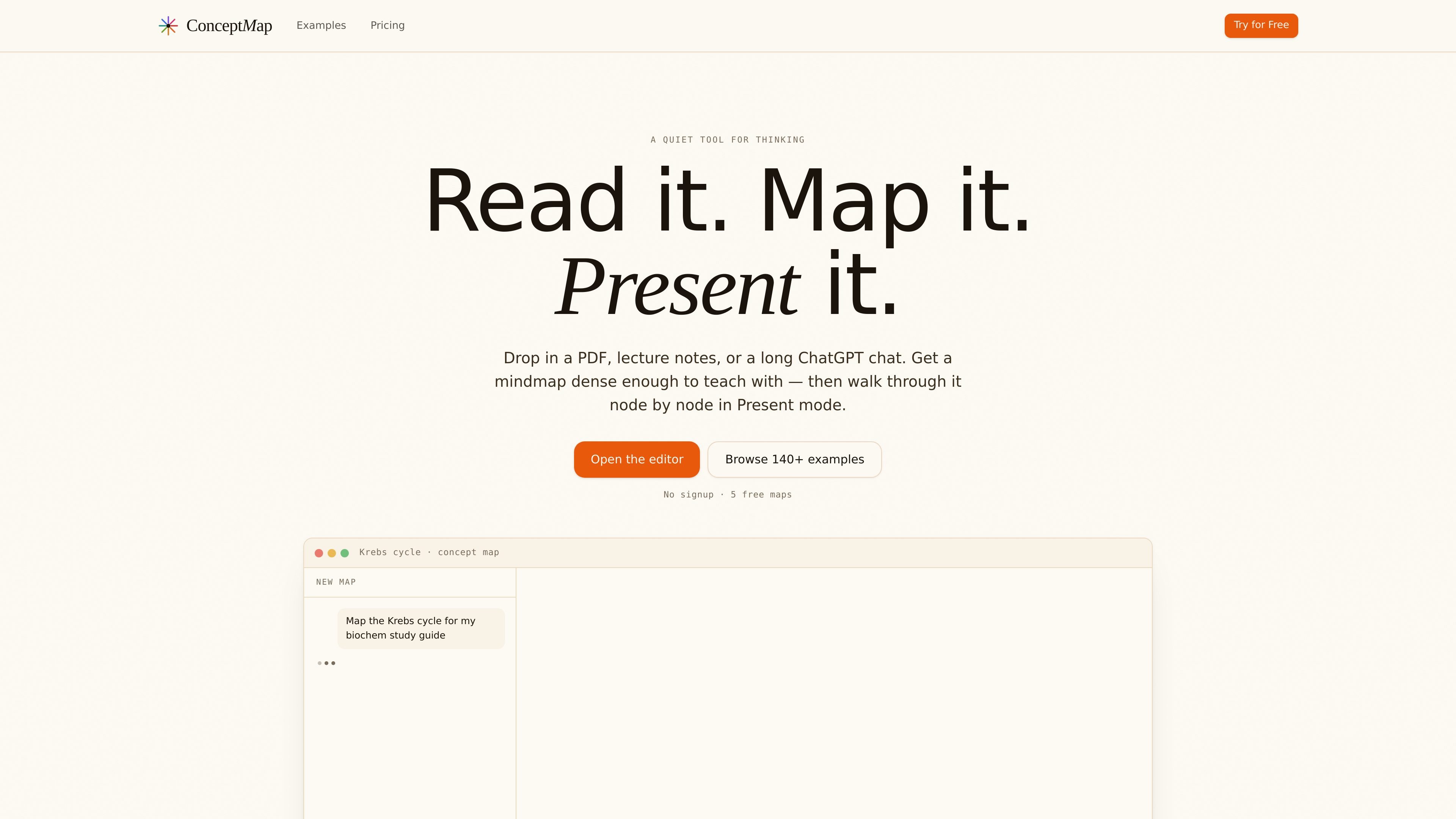
ConceptMap is a web-based mindmap editor built for reading and presenting structured material. The site positions it as a quiet tool for thinking: you drop in a PDF, lecture notes, a long ChatGPT chat, or another source, and it turns that material into a dense mindmap that can be walked through node by node in Present mode.
The product is aimed at teachers, self-learners, and students who need to understand material quickly and explain it back. It supports public links for sharing, a browser-based editor, and example maps across subjects such as physics, environmental science, biology, astrophysics, and materials science.
Drop in source material such as PDFs, lecture notes, ChatGPT conversations, abstracts, or a topic prompt, and the product extracts a hierarchy from it.
The editor turns dense reading material into a mindmap that is meant to capture argument structure, not just a flat summary.
Present mode converts the map into a linear, node-by-node walkthrough with keyboard navigation for class, study, or explanation.
Public links can be shared without requiring viewers to create an account, which supports classroom and group use.
Maps can be exported as SVG or PNG on the free tier, giving users image-based outputs for reuse elsewhere.
The product supports native comprehension in multiple languages rather than relying on translation alone.
Turn a chapter, paper, or lecture into a map you can use to teach the material step by step, then share the public link with students for review at home.
Import notes or a long AI chat and use the generated map to study the argument structure, then rehearse it in Present mode before an exam or meeting.
Convert thesis findings or research notes into a single visual outline that helps organize discussion points and present the work more clearly.
Use the example gallery and pre-filled editor prompts to start from an existing map structure, then adapt it to a topic or discipline.
Share a map with a class, lab group, or study circle so others can view, present, or remix it without creating an account.
ConceptMap accepts PDFs, papers, lecture notes, photos of handwritten notes, YouTube lecture URLs, ChatGPT conversations, abstracts, or a topic prompt.
It is presented as a mindmap tool rather than a generic graph editor. The site says it uses a hierarchy with a central topic and branches, and that Present mode walks the map linearly node by node.
Present mode is a built-in walkthrough: when you click Present, the current node centers, other nodes fade, and keyboard arrows advance through the map.
Yes. You can share a public map link, and anyone with the link can view, present, or remix it without an account.
The site lists native support for English, Spanish, Portuguese, Italian, French, German, Arabic, Hebrew, Japanese, Korean, and Traditional Chinese.
Traffic data is for reference only.
answersai.com
Answers AI helps students and educators with answers, study materials, assignments, grading, and progress tracking.

limbiks.com
AI flashcard generator for turning study materials into decks

transcript.study
AI study platform for homework help, explanations, and organization

summarize.ing
Summarize YouTube videos into digests, mind maps, and Q&A takeaways

scrintal.com
Visual note-taking and research workspace for linked ideas, sources, and writing.

knowt.com
AI study platform turning lectures, PDFs, videos, and notes into flashcards, quizzes, summaries, and study guides.