
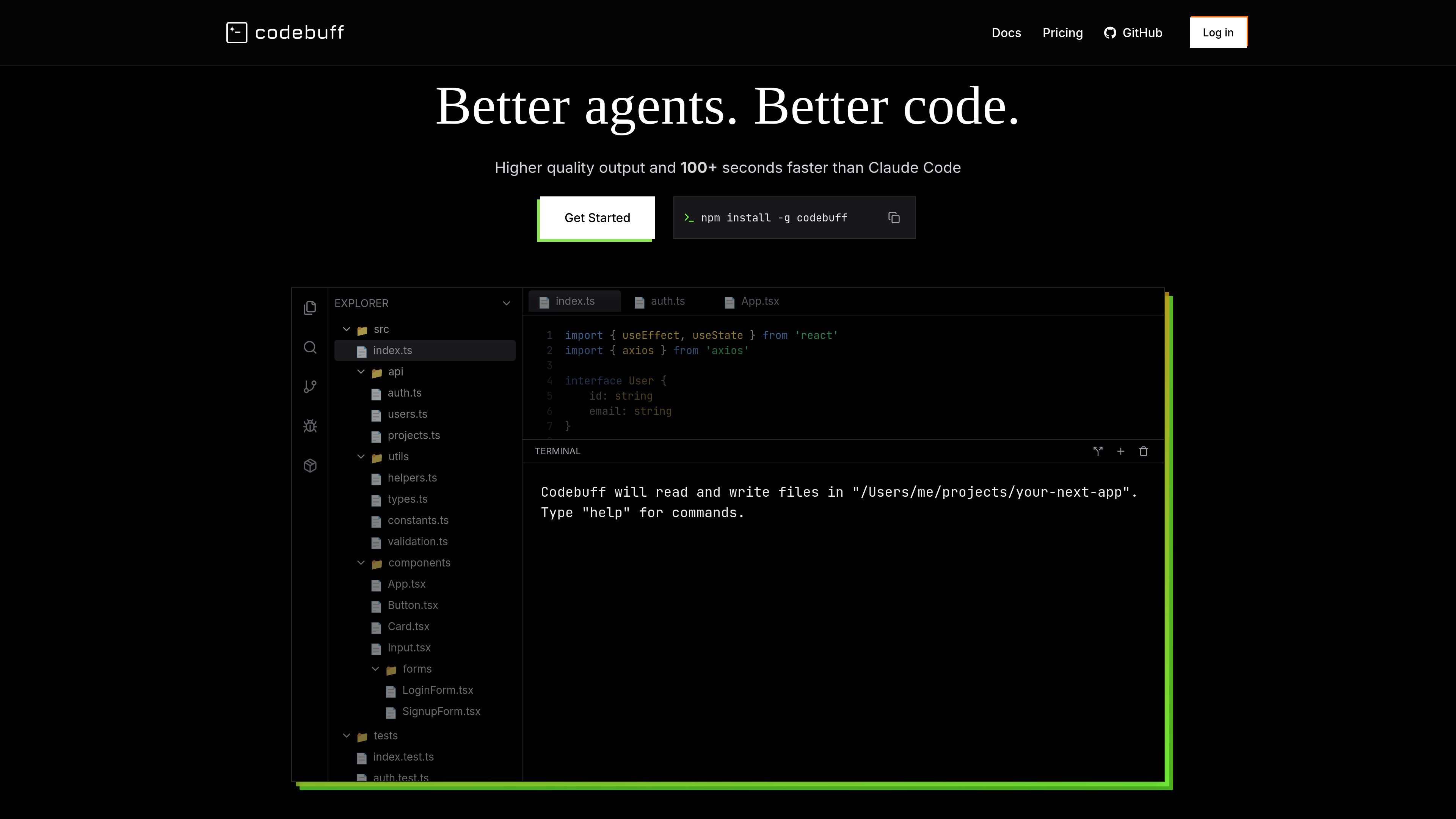
Terminal-based coding agent
Uses natural-language instructions to edit your codebase and run terminal commands from the terminal.

Codebuff is a terminal-based AI coding assistant that edits code and runs terminal commands from natural-language instructions for developers working in existing codebases.
Codebuff is an AI coding assistant for the terminal. It lets developers use natural-language instructions to edit code and run terminal commands inside an existing project, with a workflow designed to fit into the local development environment.
The site positions Codebuff around understanding a whole codebase before acting. It indexes project structure, dependencies, and patterns, then uses that context to make focused changes and support tasks such as setup, refactoring, and implementation work.
Uses natural-language instructions to edit your codebase and run terminal commands from the terminal.
Indexes the entire codebase and builds a map of project structure, dependencies, and patterns before making changes.
Makes targeted edits that respect existing structure and style rather than rewriting unrelated files.
Supports workflow modes such as Free, Max, and Plan, giving users different ways to work with the agent.
Can initialize project-specific files with `/init`, which is helpful for new projects and custom agent setups.
Use Codebuff when you want to ask for a code change in plain language and have the agent edit files and run related terminal commands in the same workflow.
Use it when a project has many files or hidden dependencies and you want the agent to build context from the codebase before making edits.
Use it for setup tasks in a new project, including optional `/init` initialization and creating the project-specific files the product expects.
Use it for refactors or structural updates where preserving existing code style and project structure matters more than making a one-off file edit.
Use it when you need to automate repetitive terminal-driven work from an interactive coding session, especially inside an IDE terminal.
Codebuff is installed globally with npm, then launched from your terminal inside a project directory. The help page shows the flow as `npm install -g codebuff`, `cd /path/to/your-repo`, and `codebuff`.
The help page says Codebuff works in your terminal and can be used inside IDE terminals such as VSCode or Cursor. The site does not describe a separate desktop app or browser-only workflow.
The help page says you can initialize a project with the `/init` command inside Codebuff. It notes this is useful for new projects without `AGENTS.md` or `CLAUDE.md`, and for building custom agents.
The pricing page offers subscription plans at $100/mo, $200/mo, and $500/mo, each with different usage levels, and also a usage-based option at 1¢ per credit after 500 free signup credits.
The advanced help page says chat history is stored locally at `~/.config/manicode/projects/<your-project-name>/chats`, and it also stores downloaded files under `~/.config/manicode`.
Traffic data is for reference only.

cursor.com
Cursor is an AI coding agent that helps developers turn ideas into software faster with next-action suggestions, agentic workflows, and cloud-based task execution.

github.com
GitHub Copilot is GitHub’s AI coding assistant and agent platform, helping developers write code, run background tasks, and manage agent-driven work across their workflow.

claude.com
An AI coding agent that understands codebases, edits files, and runs commands for developers.

devin.ai
Devin is an AI coding agent and software engineer for developers and engineering teams, with desktop, CLI, IDE, team, and enterprise access.

aider.chat
Edit a local codebase through terminal conversations with your chosen language model.

codeassist.google
Google’s AI coding assistant for teams and businesses, with code completion, chat, agent workflows, and terminal assistance.