
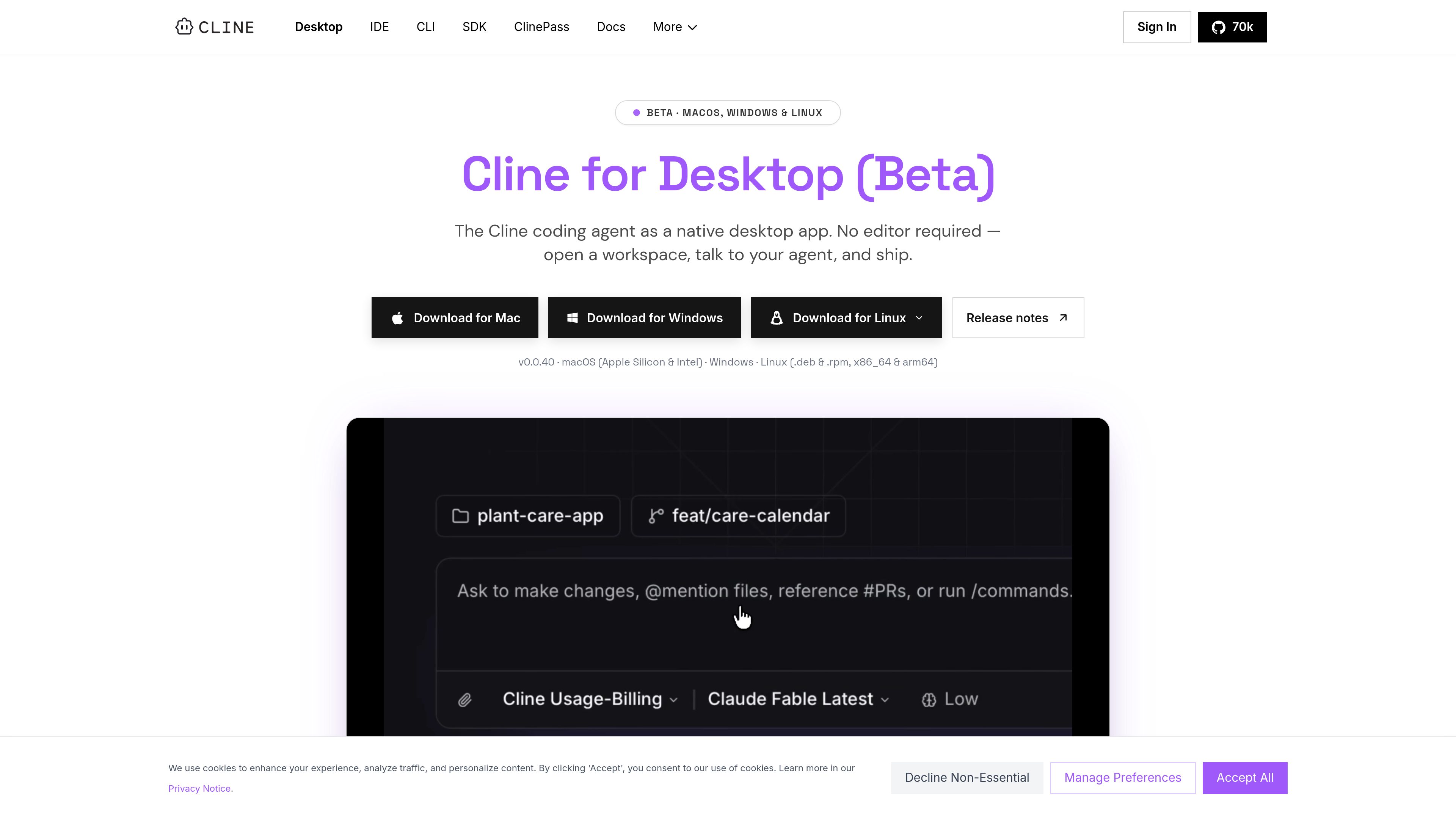
Standalone desktop workspace
Open a workspace in the native beta app and let the agent read, edit, and run code without opening VS Code.

Cline is an open-source AI coding agent that reads and edits code, runs commands, and works with connected tools. Its native desktop app provides a standalone workspace for coding tasks on macOS, Windows, and Linux, while the same agent is also available in IDEs and the CLI.
Cline is an open-source AI coding agent for developers who want an agent to work across their codebase rather than only provide inline autocomplete. It can read files, make multi-file edits, run terminal commands, operate a browser, and show changes for approval. Its Plan and Act workflow separates planning from execution for tasks that need more control.
Cline for Desktop is a beta native application that does not require an editor window. A developer opens a workspace, views its name and Git branch, and interacts with the agent while it reads, edits, and runs code. The desktop app is available for macOS, Windows, and Linux, with builds for Apple Silicon and Intel Macs and x86_64 and arm64 Linux packages.
The agent supports multiple inference options. Users can bring their own API key and connect to providers including Anthropic, OpenAI, Gemini, open-weight models, or a local endpoint; the broader Cline service also lists providers such as OpenRouter, AWS Bedrock, GCP Vertex, Groq, Cerebras, Vercel AI Gateway, and DeepSeek. Models can be switched during a desktop project, and Cline is also available through VS Code, JetBrains, Cursor, Windsurf, the CLI, and SDK.
Cline is free for individual developers; AI inference is usage-based, with support for using personal API keys or Cline credits. Enterprise plans add organizational capabilities such as centralized billing, SSO, role-based access control, team management, and audit logs.
Open a workspace in the native beta app and let the agent read, edit, and run code without opening VS Code.
Use a personal API key with supported hosted or local model endpoints, and switch models during a project.
Continue writing while a task is running; edit, reorder, send, or delete follow-up messages from the queue.
Edit an earlier message to fork a session, rewind the workspace to that checkpoint, and rerun the task from the revised prompt.
Review and favorite sessions from Desktop, CLI, the editor extension, and scheduled runs, with filtering by source.
In the IDE, Plan and Act modes, checkpoints, visual diffs, and approval prompts help users review proposed work and command execution.
Open a repository directly in the desktop app when a full IDE window is unnecessary, while still giving the agent access to the workspace and Git context.
Queue clarifications or follow-up requests during a long-running task, then reorder or edit them before they are sent.
Fork a conversation from an earlier prompt, revise the instruction, and rerun the work from the selected checkpoint rather than starting over.
Use the IDE surface to reference files, folders, problems, or Git diffs, ask for refactoring or review, and inspect changes before approving them.
Use MCP servers in the editor to let Cline interact with supported services such as bug trackers, deployment platforms, or data warehouses, subject to the configured tools and approvals.
The open-source Cline product is free for individual developers. Users pay for AI inference on a usage basis, either through their own provider API keys or Cline credits; the source does not specify fixed prices.
The desktop beta is available for macOS, Windows, and Linux. The listed downloads include Apple Silicon and Intel macOS builds, Windows builds, and Linux `.deb` and `.rpm` packages for x86_64 and arm64.
Yes. The desktop app supports bringing your own API key and connecting to providers such as Anthropic, OpenAI, Gemini, open-weight models, or a local endpoint. Cline also lists additional providers on its pricing and product pages.
Plan Mode is used to discuss requirements and develop an implementation plan. After the plan is approved, Act Mode carries out the work step by step, including code changes and commands that require the applicable approval.

getbb.app
bb is a local-first, open-source IDE for running coding agents in parallel, organizing their work in threads, and extending the workspace with plugins. It is designed for developers and teams that want to coordinate provider-based agents and customize their software workflow.

juggler.studio
Juggler is a GUI-first AI coding harness for developers who want inspectable model interactions, branching conversations, and isolated workspaces. It runs locally or on a remote machine and connects directly to the model provider selected by the user.

relace.ai
Relace is an AI model and infrastructure platform for coding agents, enabling code retrieval, file merging, and source-control workflows with hosted, on-premise, and VPC-isolated deployment.

deepmind.google
Gemini 3.7 Flash is a Google AI model for software engineering, web development, knowledge work, and agent workflows. It is available to developers through Google AI Studio, the Gemini API, Android Studio, and Google Antigravity, with enterprise and Gemini app access also described by Google.

grok.com
Grok 4.6 is an AI model for long-running agentic work, including research, coding, knowledge work, and interactive or visual application projects. It is available through Grok Build, Cursor, an API, and listed partner platforms.

onorca.dev
Orca is an Agent Development Environment for shipping with coding agents, running parallel CLI agents in isolated worktrees with desktop and mobile companion workflows.