
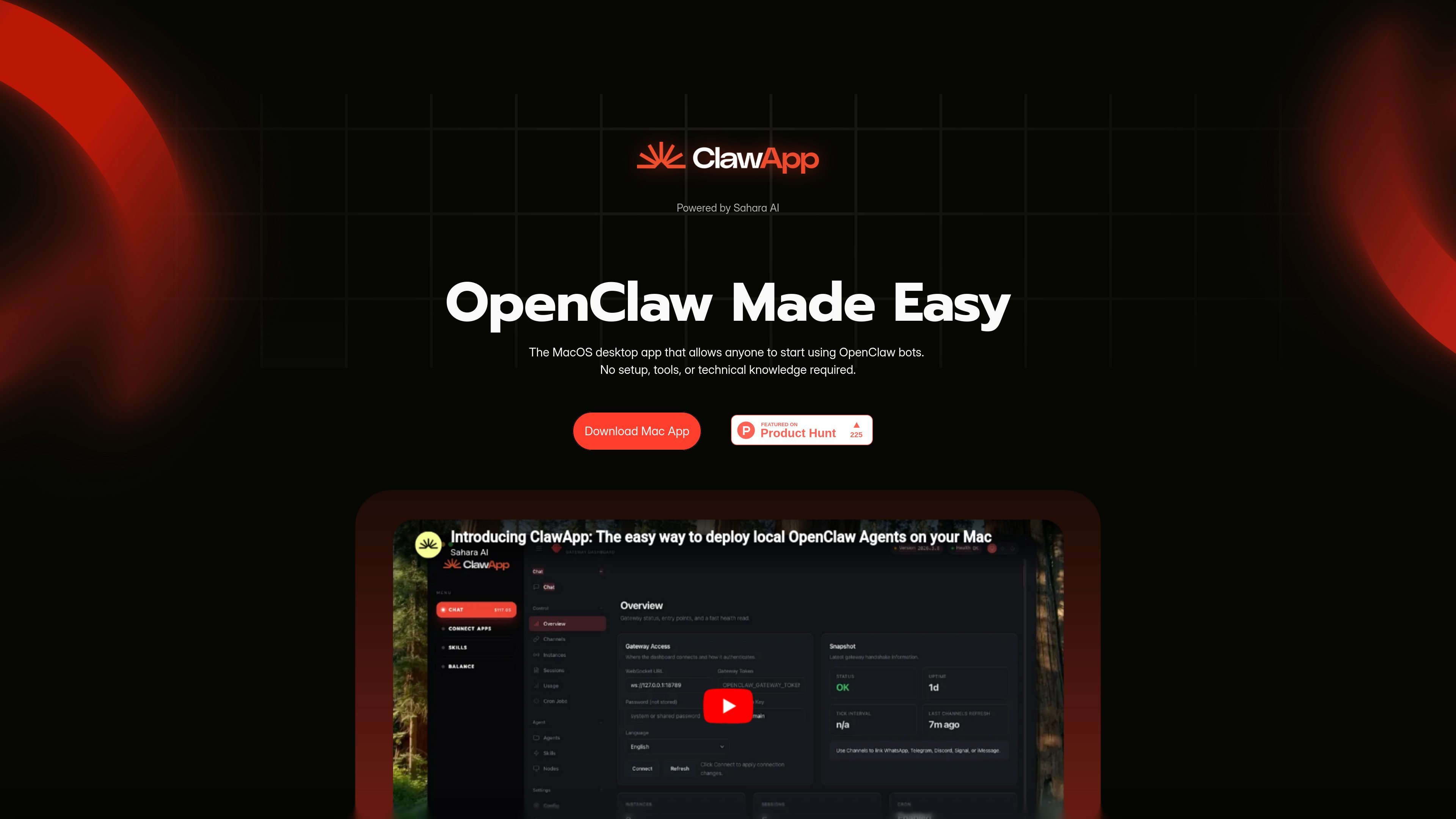
Zero-setup desktop access
Lets users start using OpenClaw bots from a macOS desktop app without installing tools or dealing with technical setup.
ClawApp is a macOS desktop app for using OpenClaw bots with no setup or technical knowledge, with natural-language workflows for everyday tasks.
ClawApp is a macOS desktop app for starting and using OpenClaw bots. The site positions it as a way to access agents with no setup, tools, or technical knowledge required.
The product centers on natural-language control for agent tasks. The homepage shows examples ranging from email summarization and note creation to travel planning, code refactoring, social posting, and chat-to-calendar coordination.
ClawApp also presents itself as a way to add agents to messaging apps and manage them from one dashboard. The site references protocols such as x402 and ERC-8004, plus wallet-based payments for agent operations.
The pricing route does not display pricing tiers or plan details; it currently shows a broken-page message instead of a live pricing table.
Lets users start using OpenClaw bots from a macOS desktop app without installing tools or dealing with technical setup.
Accepts natural-language requests and turns them into agent actions, making the interface usable without command-line knowledge.
Shows example workflows across email, notes, social posting, crypto analysis, and project or schedule management.
Highlights use cases such as summarizing chats, planning travel, refactoring code, and coordinating office follow-ups.
References protocols and standards including x402, ERC-8004, and message-app interoperability for Telegram, Slack, and Discord.
Supports wallet connection for in-app agent payments, with USD1 described as a universal access pass to the agent network.
Summarize unread mail, draft replies, and surface action items without opening separate automation tools or using command-line workflows.
Create notes, capture ideas, and generate short, structured content directly from a prompt.
Plan travel by gathering flight information, organizing bookings, and adding calendar invites or reminders.
Refactor code, run tests, or scaffold a repository while working in the background.
Coordinate chats, meetings, calendars, and follow-ups for office workflows from one agent dashboard.
ClawApp is a Mac desktop app for starting and using OpenClaw bots without setup, tools, or technical knowledge.
The homepage presents it as a macOS desktop app, so it is currently positioned for Mac users.
The site shows example workflows such as email summarization, note creation, social posting, crypto analysis, and workflow actions that move from a natural-language request to an agent task.
The pricing page does not expose plan details; it currently shows a broken-page message instead of pricing information.
The source only shows high-level examples and protocol references, so integration details are limited to mentions of messaging apps and wallet-based payments rather than full documentation.
Traffic data is for reference only.
| Jun | 0 |
|---|---|
| Jul | 550 |
| Aug | 240 |
Traffic analytics are not available yet.
Traffic analytics are not available yet.

travelwithtern.com
AI concierge for restaurant, experience, and travel planning

questera.ai
Questera is an agentic engagement platform for growth and lifecycle marketing teams.

hiringpartner.ai
Autonomous AI recruiting for sourcing, screening, and interviews 24/7

distribute.so
AI sales follow-up tool turning calls into shareable deal pages

usechalked.com
Chalked is a Mac reply assistant that reads the conversation you are in and prepares context-grounded responses for Gmail, LinkedIn, and, on macOS 26, Messages. It uses calendar and working context when relevant, while leaving review, editing, and sending to you.

respond.io
Customer conversation management for sales, marketing, and support teams