
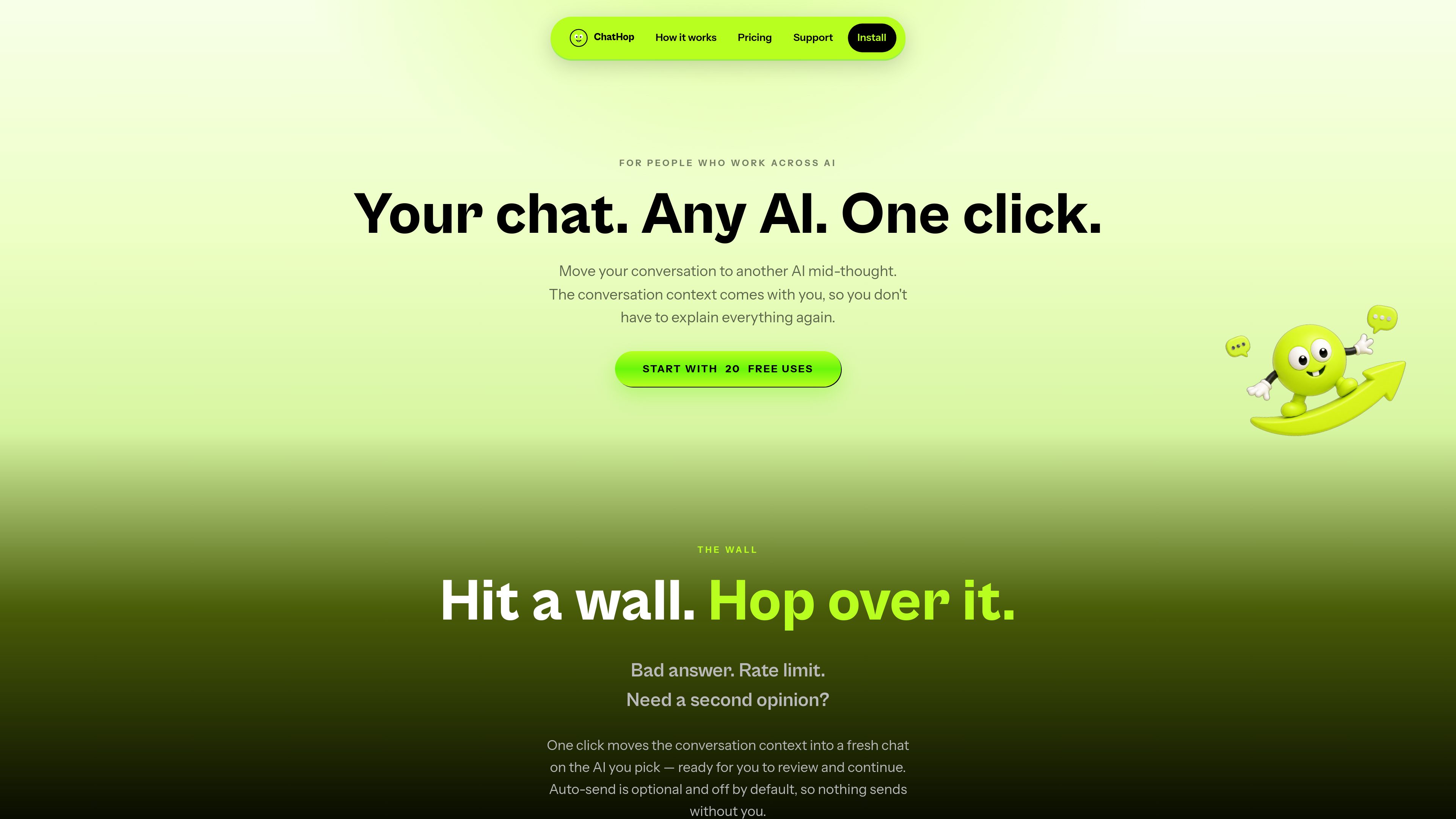
Cross-service conversation transfers
Move a supported AI chat to another supported service while carrying over the extracted conversation context.

ChatHop is a Chrome extension for moving an AI conversation between supported chat services with its context intact. Switch assistants, copy chats into other tools, or download conversations without having to explain the thread again.
ChatHop is a Chrome extension for moving an AI conversation from one supported service to another while preserving its extracted context. It is designed for people who work across multiple AI assistants and want to change services without manually copying the thread or explaining it again.
The workflow starts with a supported conversation: open ChatHop, choose a reason and destination, then review the transferred context in the new chat. ChatHop supports ChatGPT, Claude, Gemini, DeepSeek, Le Chat by Mistral, and Perplexity. Auto-send is optional and off by default.
Move a supported AI chat to another supported service while carrying over the extracted conversation context.
Place the transferred conversation in the destination composer for inspection. Auto-send can be enabled in Settings but is disabled by default.
Copy the complete conversation in order or copy only the latest assistant response to the clipboard.
Choose labeled plain text or Markdown with speaker headings and preserved code blocks, depending on where the content will be pasted.
Download the full conversation as a .txt file in plain-text mode or a .md file in Markdown mode.
Press Alt+T on a supported tab to repeat the last hop instantly.
Transfer an incomplete or unsuitable answer to another supported assistant without restarting the explanation.
If a service reaches a rate limit or produces a poor answer, move the existing context to another destination and continue there.
Copy a complete conversation or the latest response into a document, email, notes app, code editor, Slack, or another AI service.
Download a discussion as Markdown for structured documents and code-heavy content, or as plain text for simpler records and notes.
The support page lists ChatGPT, Claude, Gemini, DeepSeek, Le Chat by Mistral, and Perplexity as supported services.
No. Auto-send is off by default. ChatHop normally places the transferred context in the destination composer for review; users can explicitly enable Auto-send in Settings.
You can copy the full conversation or only the latest assistant response. Full chats can be copied as plain text or Markdown, and downloaded as .txt or .md files according to the selected format.
The free plan includes 20 uses each month. Successful destination transfers, full-chat copies, latest-response copies, and chat-file downloads count toward the allowance. Failed transfers, retries, and error fallbacks do not consume a use, and unused uses do not roll over.
No account or password is required to begin using the extension. Pro subscriptions are handled through Stripe, including subscription management and restoring access on another device.
Traffic data is for reference only.

cuey.io
A Chrome extension for comparing answers from ChatGPT, Claude, Gemini, and other AI models in a sidebar. Spot agreement, disagreement, and potential gaps without switching between AI tools.

www.projectminimi.com
minimi is a Mac app that builds a local memory of your digital activity and connects that context to large language models through MCP. It helps people who frequently switch contexts retrieve past information and keep track of commitments without repeatedly briefing an AI.

contrive.app
Contrive is a standalone desktop app for searching, getting AI answers, and taking action across Slack, Notion, Google Drive, and other supported workspace apps—all from one command bar, without switching browser tabs.