
Composable agent building blocks
Compose agents from datasets, abilities, integrations, and other reusable building blocks, then adjust the setup as your product changes.

AI agent platform for building and deploying agents across websites, apps, and messaging channels
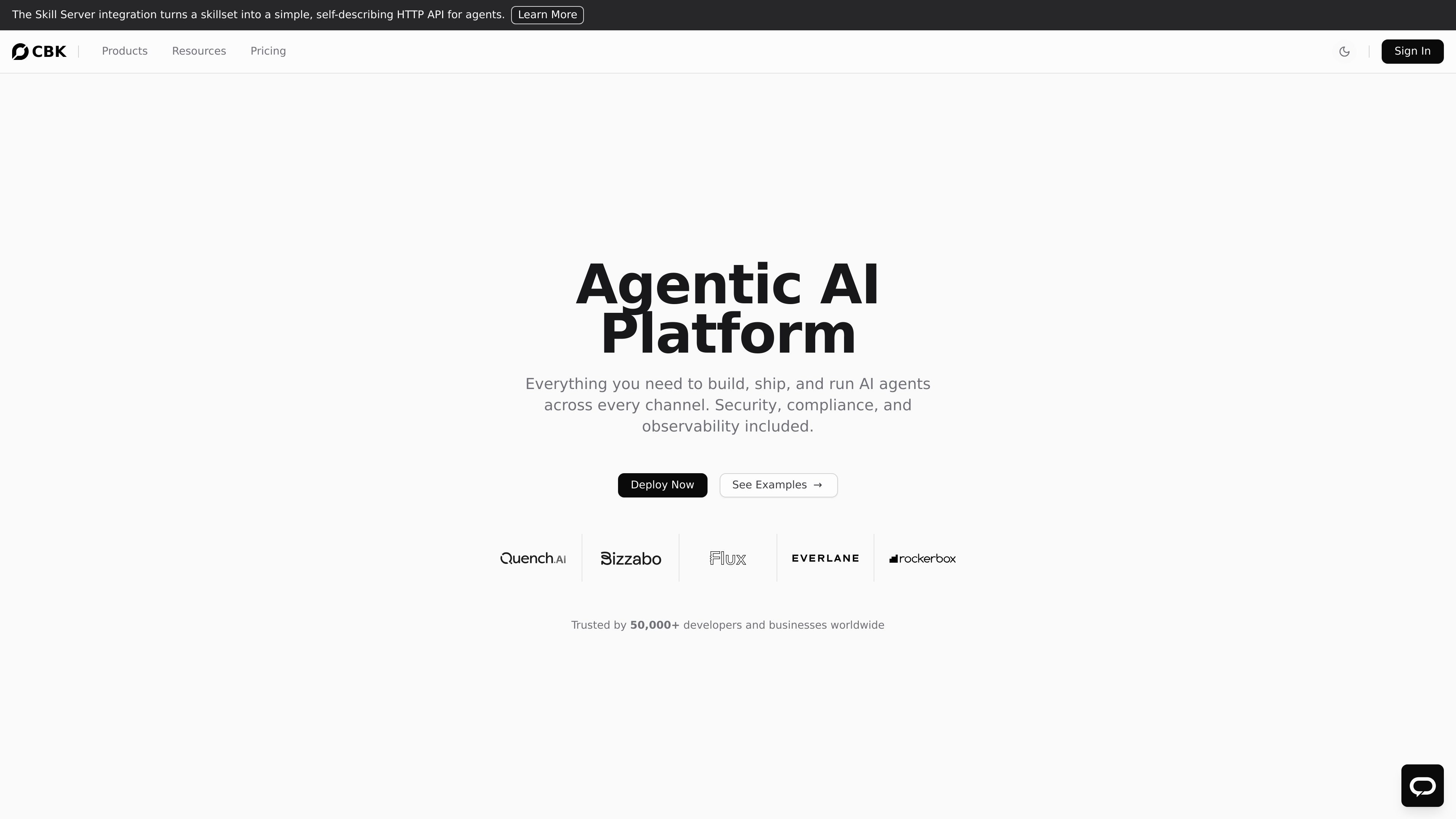
ChatBotKit is an AI agent platform for building, deploying, and operating production agents across apps, websites, and messaging channels. The site positions it as a single place to compose agents from datasets, skills, tools, models, and integrations, with security, observability, and governance built into the workflow.
The platform supports chat, widgets, and messaging experiences, and it also exposes agent capabilities through APIs, SDKs, and an OpenAI-compatible interface. That makes it relevant for teams that want to ship customer-facing assistants, internal knowledge agents, and task-oriented automations without stitching together separate systems for orchestration, deployment, and monitoring.
Compose agents from datasets, abilities, integrations, and other reusable building blocks, then adjust the setup as your product changes.
Design agents in a visual blueprint designer or work through SDKs and an OpenAI-compatible API for code-driven integration.
Deploy agents into websites and apps with customizable widgets, plus messaging channels such as Slack, Discord, WhatsApp, Telegram, Google Chat, and Microsoft Teams.
Use built-in OAuth and MCP support to connect agents to external services without custom authentication plumbing.
Monitor conversations, debug issues, and manage policies, rate limits, access controls, and data handling from the platform.
Choose models from a catalogue that includes OpenAI, Anthropic, Mistral, and bring-your-own-model options.
Use ChatBotKit to build support agents that answer common questions, guide users, and route them through a branded widget or messaging channel.
Create agents that qualify leads, collect information, and hand off structured context to sales or operations teams.
Connect the platform to internal datasets and policies so employees can ask for handbook, benefits, or knowledge-base answers in natural language.
Use the platform's tools, integrations, and task-oriented examples to handle document processing, workflow steps, or other repeatable actions.
Embed AI assistants into product experiences, creative tools, or learning experiences where users need contextual help inside the app.
ChatBotKit is built for creating and deploying AI agents that can answer questions, use tools, and work across channels such as websites, apps, Slack, Discord, WhatsApp, and Telegram. The source also shows use cases for support, lead qualification, document processing, and internal knowledge access.
The pricing page shows a free tier, a Basic plan, a Pro plan, and an Enterprise option with contact sales. The paid plans add higher usage limits and more operational controls such as branding, audit trails, and custom domains.
Yes. The platform describes a visual blueprint designer, SDKs, and an OpenAI-compatible API, so teams can build either with no-code style composition or through code and API integration.
ChatBotKit supports deployment into websites and apps through widgets, and into messaging channels including Slack, Discord, WhatsApp, Telegram, Google Chat, and Microsoft Teams. It also mentions integrations such as GitHub, Twilio, Recall, OAuth, and MCP.
The source describes support for multiple AI models, custom knowledge bases, datasets, skillsets, integrations, content policies, observability, and governance. It is positioned as a production platform rather than a simple chatbot builder.
Traffic data is for reference only.

quickchat.ai
Build custom AI Agents for support, sales, and ecommerce across web and messaging channels.

codewords.ai
CodeWords is an AI agent platform for building and deploying hosted workflows from natural-language descriptions, with a focus on WhatsApp agents. Automate conversations, notifications, and tool-connected tasks without manually assembling flows.

kaily.ai
Fynd Kaily is a conversational AI agent platform that automates sales, support, and marketing conversations across chat, voice, WhatsApp, websites, and mobile apps.

agent.xfyun.cn
iFLYTEK’s enterprise AI agent platform for building and deploying agents with Prompt, Workflow, and Agentic Workflow.

www.thesys.dev
Thesys Agent Builder is a no-code platform for building and deploying AI agents with interactive UI, connecting data, controlling behavior, and launching standalone or embedded experiences.

cto.new
cto is an AI platform for building apps, agents, and startup workflows on frontier models. It coordinates multi-agent teams and lets you get started free, with no credit card or API key required.