
Live chat
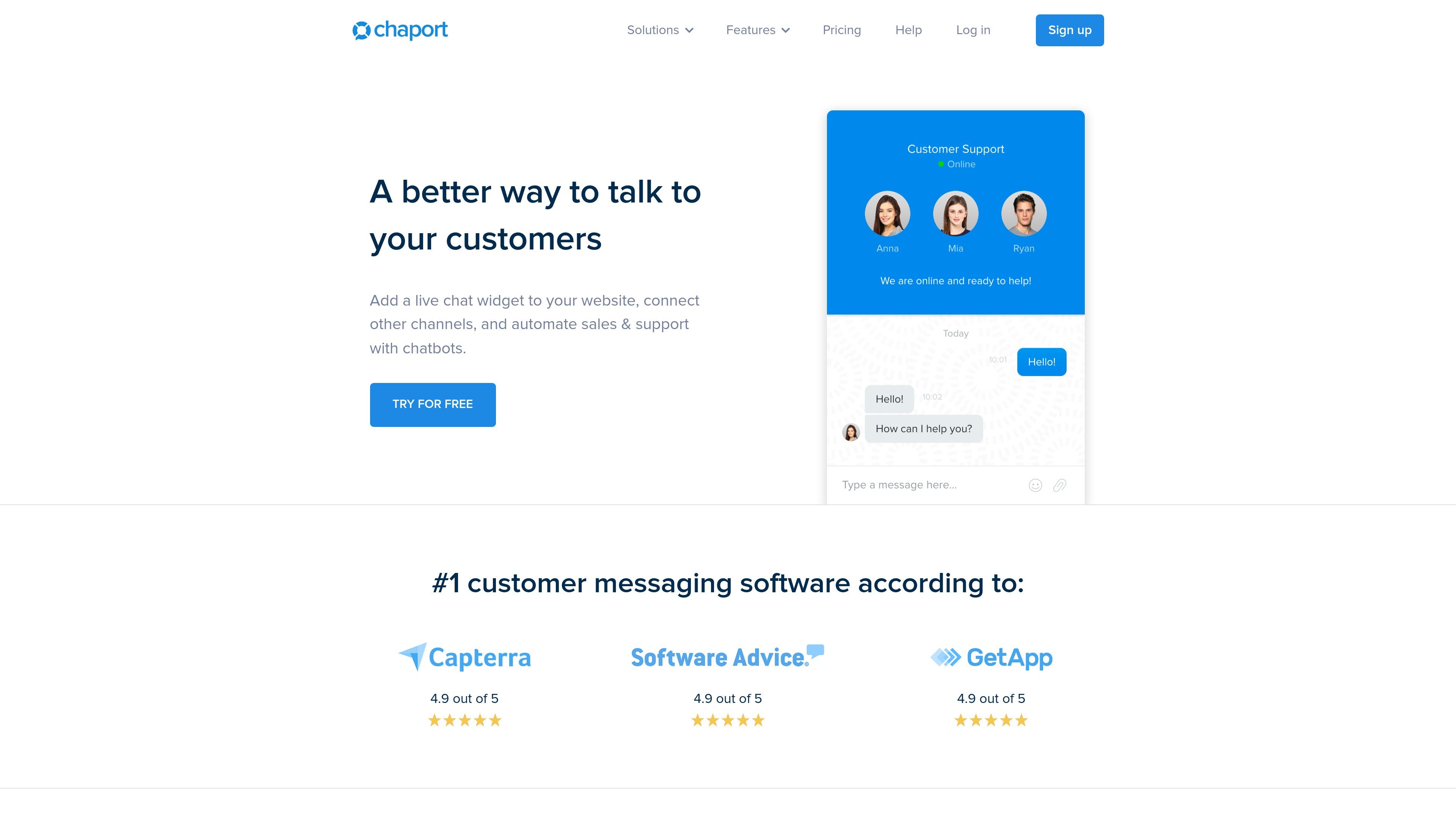
Add a chat widget to a website and manage conversations from web, desktop, and mobile apps.

Customer messaging with live chat, chatbots, and more
Chaport is customer messaging software for teams that want to manage website chat, automate routine conversations, and keep support and sales communication in one place. The product combines live chat, chatbots, a knowledge base, and multi-channel messaging in a single interface.
The website positions Chaport for support, sales, and engagement. It also highlights availability across web, desktop, and mobile apps, plus integrations through Zapier and API access for connecting other systems.
Add a chat widget to a website and manage conversations from web, desktop, and mobile apps.
Use chatbots to answer common questions, qualify leads, collect feedback, and automate support when the team is offline.
Handle conversations from live chat, email, Facebook, Telegram, and Viber in one workspace.
Create a knowledge base and use an FAQ bot to suggest relevant articles in chat.
Customize the widget’s color, background, text, position, and operator photos to match the site.
Use APIs, Zapier, saved replies, reports, and customer details to support daily operations and integrations.
Route incoming website chats to an operator, respond in real time, and handle follow-up questions from the same interface.
Use chatbots, auto-invitations, and saved replies to qualify leads and speed up responses during sales conversations.
Publish help articles in a knowledge base and let the FAQ bot suggest relevant content directly in chat.
Manage messages from email and supported social or messaging channels without switching tools.
Work across web, desktop, and mobile apps when operators need access from different devices.
Chaport combines live chat, chatbots, a knowledge base, and multi-channel messaging in one customer messaging platform. The pricing page shows Free, Pro, and Unlimited plans.
The product page says Chaport can be used for support, sales, and engagement through live chat, chatbots, multi-channel messaging, and self-service articles.
Yes. The pricing page states that you can try the Unlimited functionality for 14 days for free, and no credit card is required.
Chaport can receive and reply to messages from live chat, email, Facebook, Telegram, and Viber from one place, according to the site.
The pricing page lists a Free plan as well as paid Pro and Unlimited plans. It also says the account is automatically downgraded to the free plan after the 14-day trial ends.
Traffic data is for reference only.

socialintents.com
AI customer service and live chat routed to Teams, Slack, or Google Chat, with chatbots and multichannel messaging.

happyfox.com
HappyFox is an AI support platform for customer service and internal teams, offering help desk ticketing, service desk, automation, chat, reporting, and more.

ideta.io
No-code platform for chatbots, callbots, live chat, and workflow automation

taptalk.io
Omnichannel customer messaging and AI chatbots for support and sales teams.

chative.io
Omnichannel live chat, AI assistance, and commerce messaging for e-commerce teams.