
Automatic decision capture
Brief watches tools such as Slack, Linear, Notion, and GitHub, then extracts decisions as they happen so context stays current without manual copying.

Brief captures product decisions from the tools teams already use and brings them into a Product Graph for people and AI coding agents.
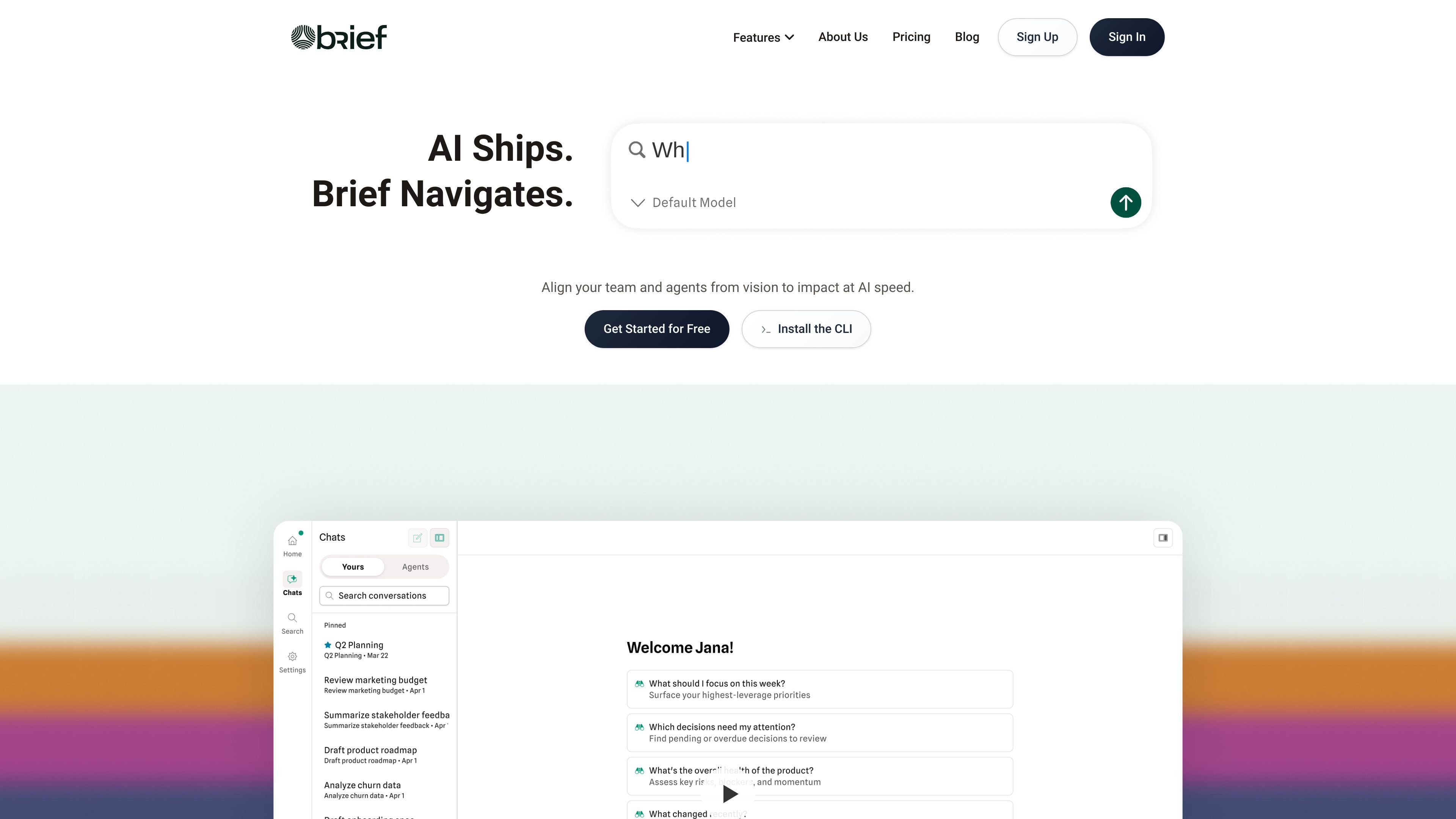
Brief is a product context platform for teams building with AI. It connects to the tools where decisions already happen, captures those decisions, and organizes them into a Product Graph that engineers, product leaders, and AI agents can query when they need context.
The product is split across a web app, an MCP server, and a CLI. The web app is used to search and review product decisions, while the agent-facing side brings that context into coding environments such as Cursor, Claude Code, Windsurf, and other MCP-compatible assistants.
Brief watches tools such as Slack, Linear, Notion, and GitHub, then extracts decisions as they happen so context stays current without manual copying.
Brief builds a searchable Product Graph from decisions, context, docs, tickets, and related history so teams can trace why choices were made.
The web app serves as a command center for viewing the Product Graph, searching decisions, and tracking where work is headed.
The MCP server and CLI bring product context into IDEs and AI coding tools such as Cursor, Claude Code, and Windsurf.
Brief can surface constraints and prior decisions before changes land, helping flag work that conflicts with documented product truth.
On the pricing page, Brief states that all plans include the Product Graph Engine and MCP integration.
Capture product decisions from Slack threads, Linear tickets, Notion docs, and GitHub activity so the reasoning stays available later.
Bring the right constraints and decisions into Cursor, Claude Code, Windsurf, or another MCP-compatible assistant before code is written.
Turn rough inputs such as a whiteboard photo, voice note, Slack message, or customer email into a structured spec and then tickets.
Answer product questions with evidence from the Product Graph instead of relying on memory or hunting across several tools.
Use Brief to keep remote and distributed teams aligned when product calls are made in one time zone and implemented in another.
Brief is positioned as a navigator for product context, not a project management tool. It captures product decisions from existing tools and makes them available to the team and AI agents so they can build with context.
Brief goes beyond static documentation by surfacing the reasoning, tradeoffs, and customer context behind decisions. That helps teams understand why something was built a certain way, not just what exists.
No. Brief is designed to work with existing workflows and watches connected tools to extract decisions automatically.
Brief works with Cursor, Claude Code, Windsurf, any MCP-compatible assistant, and its CLI.
The site says setup takes about 5 minutes: connect Brief to your tools and add one line to your config.
Traffic data is for reference only.

nepotism.network
NepoNet helps you find warm introduction paths to people on X by showing who can connect you and how to approach them. It also lets AI agents research routes, draft outreach, and track progress without sending messages for you.

wellapp.ai
Well connects business tools, documents, and data in one context graph, helping teams and agents capture, structure, reconcile, enrich, and query operational data.