
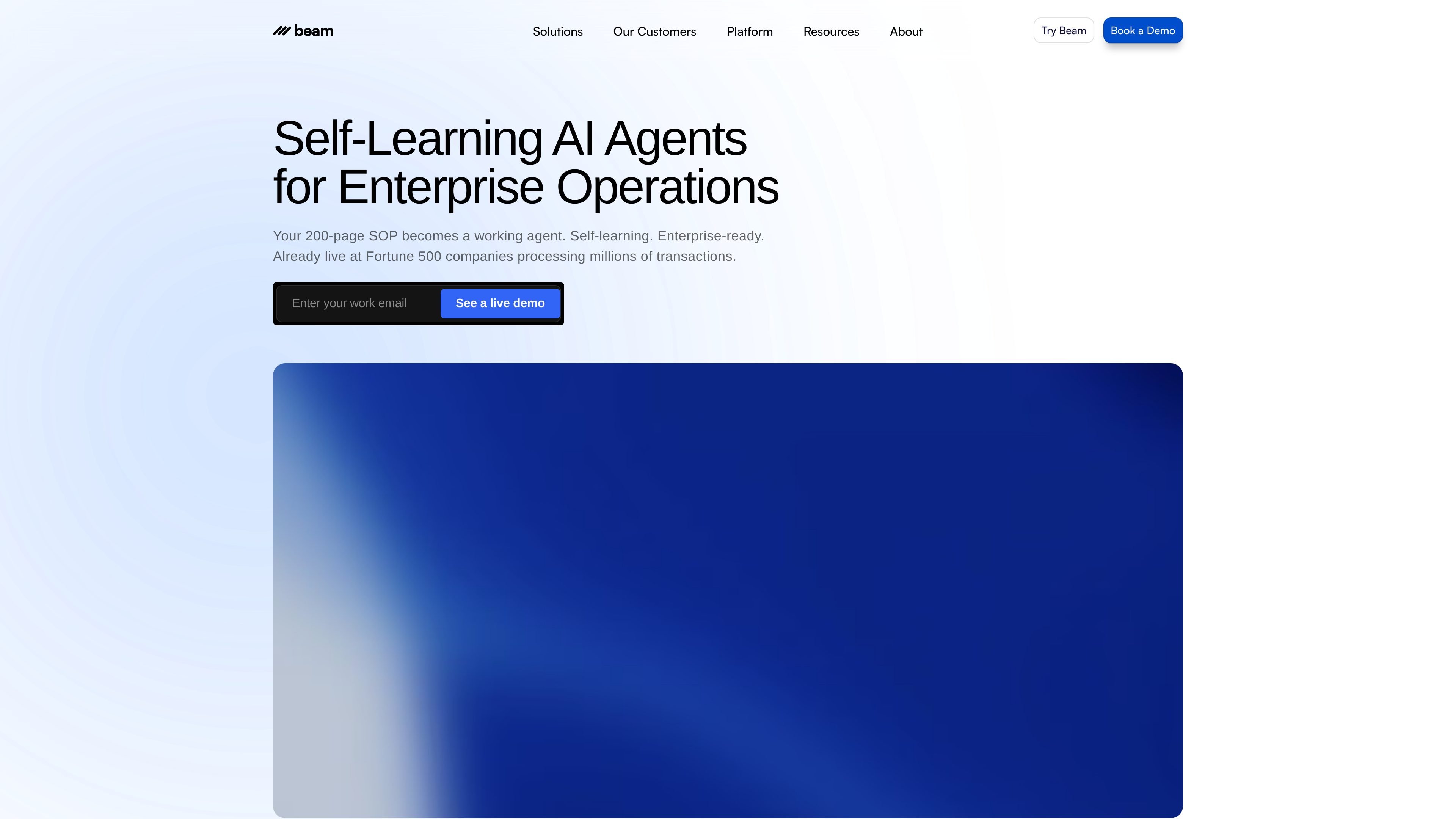
Agent hub and workflow automation
Create and manage agents in a shared platform, with automation covering workflows from start to finish, including complex tasks.

An AI agent platform for teams automating operational workflows across their existing systems.
Beam AI is an enterprise-oriented platform for creating and managing AI agents that automate workflows. Teams can use pre-trained agents or configure agents around their standard operating procedures, connect existing tools, and set triggers for work to begin. The platform combines agent management, integrations, workflow automation, and shared team oversight for tasks ranging from document processing to customer service and administrative operations.
Create and manage agents in a shared platform, with automation covering workflows from start to finish, including complex tasks.
Start with domain-specific agents or customize agents for a particular task; the site describes examples including document organization, data analysis, and appointment scheduling.
Connect databases and integrations so agents can work with the tools teams already use and carry work across systems.
Agents can be started through different triggers, including external events such as incoming email replies or schedule-related actions.
Teams can share oversight and standard operating procedures, and adapt agents to their organization's way of working.
The BPO offering describes local or cloud deployment options and security safeguards for client work.
Use agents to handle incoming queries, order-status requests, subscription requests, returns, and appointment coordination, with staff available for complex cases.
Automate extraction or organization of information from business documents such as invoices, sales orders, lab reports, and medical reports.
Apply agents to workflows such as KYC validation, insurance claim processing, and property underwriting requests.
Outsourcing providers and shared service centers can automate repetitive data-processing, tier-one support, and administrative work across client operations.
Use automation to process large groups of CVs, coordinate communications, and support candidate onboarding.
Yes. Beam describes pre-trained agents with domain-specific expertise and examples for tasks such as data analysis, document organization, and appointment scheduling. Agents can also be customized for specific tasks.
The platform supports integrations and database connections so agents can work with systems teams already use. The available integrations depend on the selected setup.
Agents can be triggered in different ways. The BPO offering gives email replies and schedule-related actions as examples of external triggers.
The BPO page describes local and cloud-based deployment options. It does not specify that every plan includes both options.
Traffic data is for reference only.
a2anet.com
A2A Net is an AI agent platform for B2B SaaS teams. It turns an existing OpenAPI specification or MCP server into a customer-facing agent that can perform multi-step workflows across a website, app, Slack, Teams/Copilot, and Gemini Enterprise.
adk.dev
Agent Development Kit (ADK) is an open-source framework for building, evaluating, and deploying conversational and non-conversational AI agents. It supports multi-agent systems, tools, structured workflows, and production runtimes across Python, TypeScript, Go, Java, and Kotlin.

happyrobot.ai
An enterprise AI worker platform for automating complex operational workflows with ongoing evaluation and human oversight.

coworker.ai
Coworker is an enterprise AI agent platform for chat, agents, and code work across connected company tools—helping teams research, create artifacts, and automate workflows with live context from 50+ integrations.

scoutos.com
AI agents that apply your business rules across connected systems and workflows.

www.zoho.com
Zoho Creator is an AI-assisted low-code application development platform for building custom business apps, workflows, agents, and portals. It supports internal operations, external-user services, and integrations with existing business systems.