
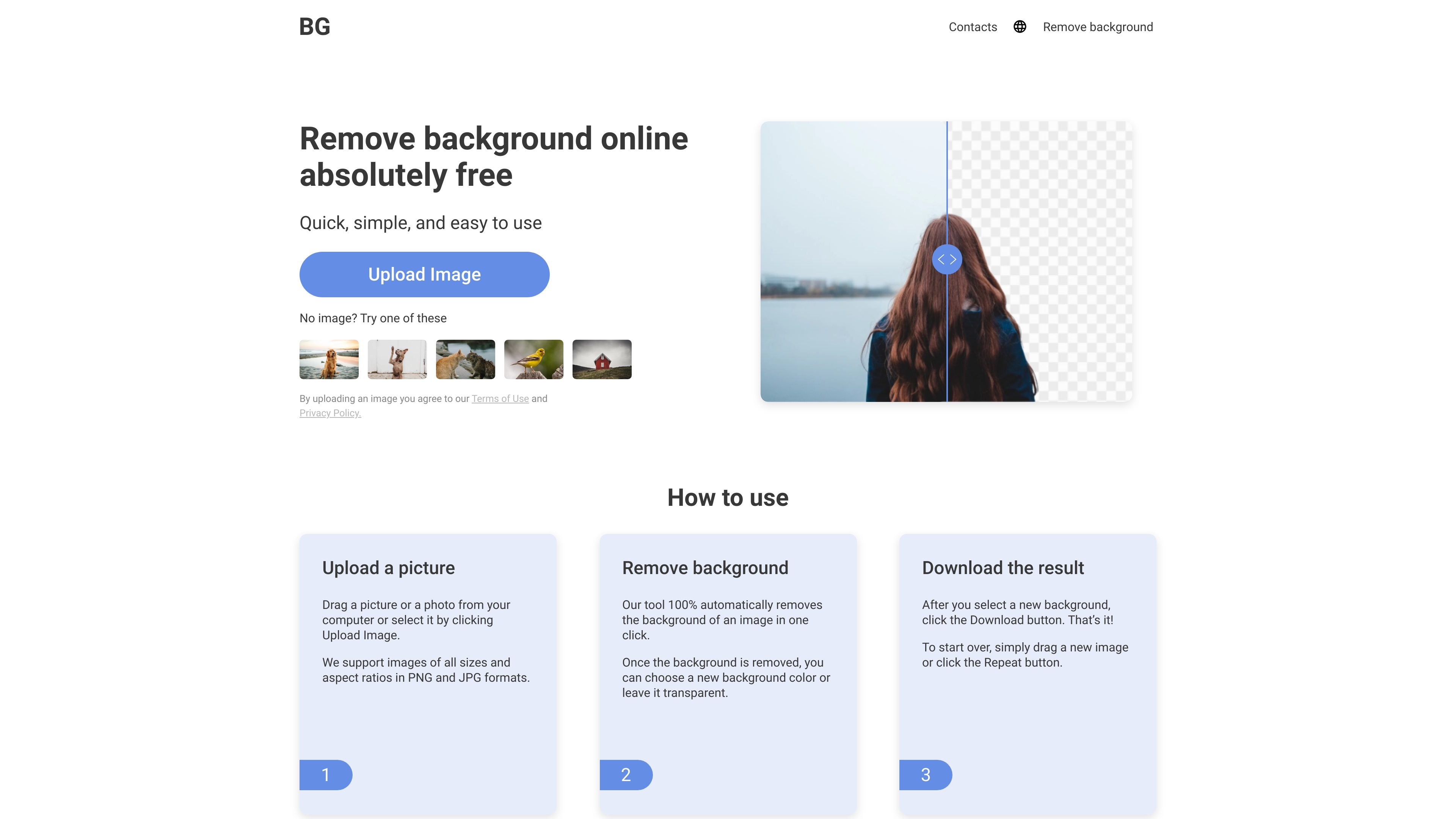
One-click background removal
Upload an image and the tool automatically removes the background in a single step, without manual cutout work.

Background Remover automatically removes backgrounds from PNG and JPG images online, with transparent or custom-color options.
Background Remover is an online tool for removing image backgrounds and replacing them with transparent, white, black, or custom backgrounds. The site positions it as a fast, free browser-based editor for PNG and JPG images.
The workflow is simple: upload a picture, let the tool detect and remove the background automatically, then download the result. The pages also describe a related background-change flow for users who want to swap in a new background color after removal.
Upload an image and the tool automatically removes the background in a single step, without manual cutout work.
After removal, you can keep the result transparent or apply a new background color before downloading.
The site says it supports PNG and JPG files, including images of different sizes and aspect ratios.
The service works online in a browser, so there is no software or plug-in to install.
The pages state that sign-up is not required, which lowers the setup needed for a first edit.
The tool is described as AI-powered and automatic, with before-and-after review before download.
Prepare product photos, portraits, or object shots by removing the background and leaving a transparent cutout for reuse in other layouts.
Swap a photo background to a new color when you want a cleaner presentation for a card, listing, or social post.
Edit images quickly from a phone, tablet, or desktop browser without installing desktop software.
Process multiple photos for business use when you need a simple automated workflow rather than manual masking.
Handle a mix of subject types such as people, animals, cars, logos, and product images using the same upload-and-download flow.
Yes. The site says you can use the background remover without signing up or creating an account.
The service accepts PNG and JPG images, including images of different sizes and aspect ratios.
The tool removes the background automatically in one click, and you can leave the result transparent or choose a new background color.
The site describes the service as free to use for unlimited background removal, but it does not provide plan details on the pages reviewed.
Yes. The pages say it works online on PC, iPhone, and other mobile devices, and is accessible on all operating systems.
Traffic data is for reference only.

photoroom.com
Photoroom is an AI visual editing platform for e-commerce that helps users remove backgrounds, create product images, and prepare listings on phone, web, or API.

photoeraser.app
Web-based AI photo editor for background removal, object erasing, and photo enhancement

lensa.app
Lensa is a mobile AI photo editor for portraits, backgrounds, and AI avatars.

bgsub.com
Browser-based AI tool to remove or replace image backgrounds without separate uploads, with color adjustment and manual placement controls.

ifoto.ai
Web-based AI photo editor for background removal, enhancement, cleanup, restoration, and product photography.

erase.bg
Erase.bg is an AI background remover for images and short videos, helping users create transparent backgrounds for people, animals, and objects. It offers a free starter tier after sign-up, paid credit packs, and enterprise options for higher-volume workflows.