
Chat-based AutoPilot creation
Describe an agent in plain English and AutoPilot asks clarifying questions, builds the agent, and saves it. The site presents this as a chat-first way to move from idea to working agent.
AutoGPT is an AI agent platform for building, deploying, and running agents that automate workflows with chat, visual building, scheduling, triggers, and monitoring.
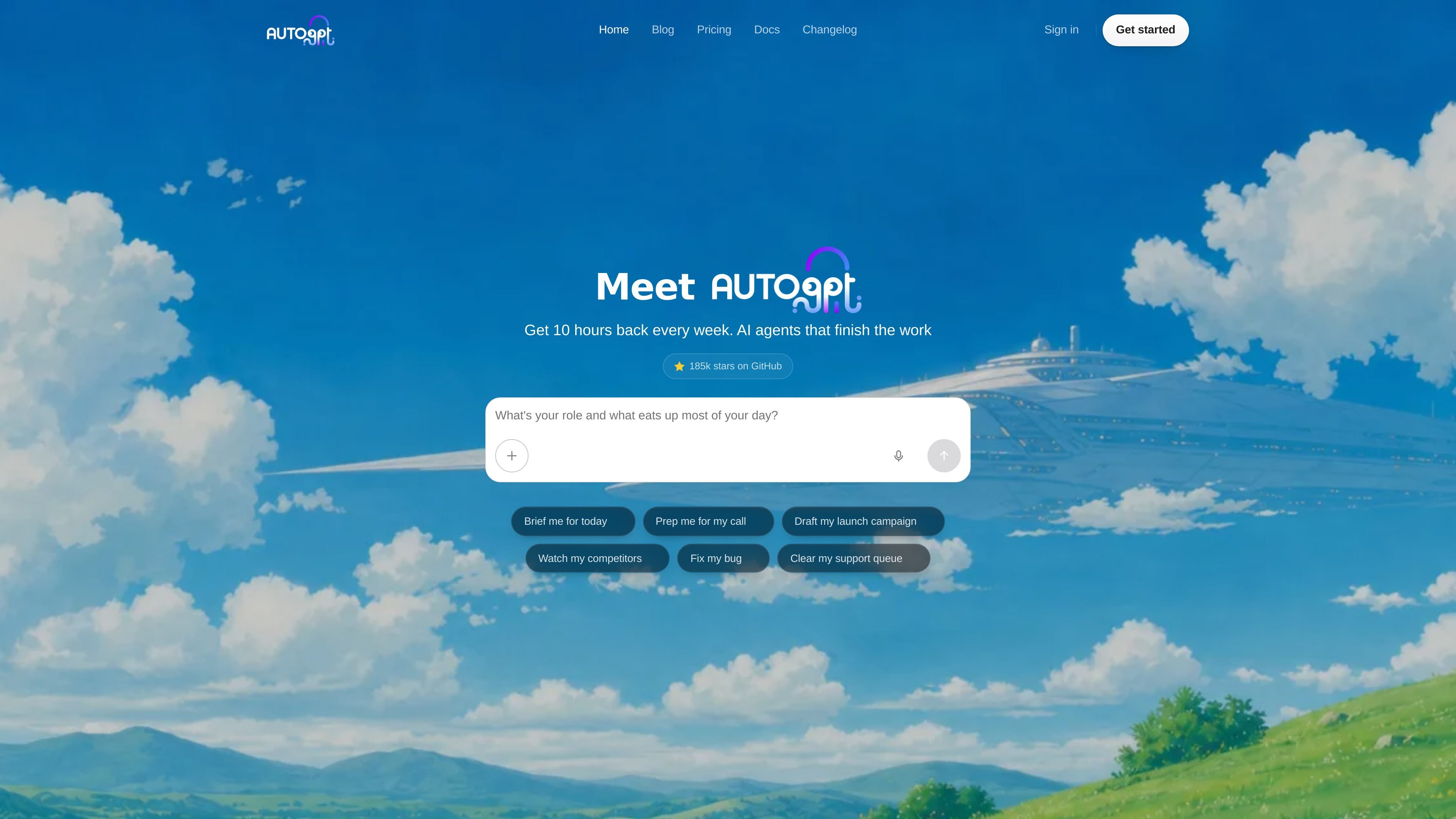
AutoGPT is a platform for building, deploying, and running AI agents that automate digital work. The homepage positions it as a way to stop assembling workflows manually and instead describe the job in plain language so AutoPilot can create and run the agent for you.
The product combines two main modes: a chat-based AutoPilot for quick agent creation and a visual Builder for block-based control. The site also emphasizes operational features such as dashboards, scheduling, triggers, and run visibility so agents can be monitored and adjusted after they start working.
AutoGPT is presented for tasks such as research, outreach, content, support, and other repeatable business workflows. The same site also shows plans for individuals, teams, and self-hosted use, which suggests it is aimed at both solo operators and organizations that need more control over execution and collaboration.
Describe an agent in plain English and AutoPilot asks clarifying questions, builds the agent, and saves it. The site presents this as a chat-first way to move from idea to working agent.
Use the visual Builder to drag blocks together, branch on conditions, and inspect each step’s inputs and outputs. This is the path for more exact control over agent logic.
Track running agents, finished jobs, open input requests, and spend in one dashboard. The product also supports pausing, editing, and rerunning tasks from the same place.
Schedule agents on cron, trigger them from webhooks, or run them when specific events happen. The site also mentions version-pinned schedules and alerts for missed or stuck runs.
Connect agents to tools through a large integration library, MCP tool support, browser automation, web search, SQL analytics, and file-aware workflows. The pricing page highlights 200+ integration blocks.
Use AutoPilot memory, task planning, parallel tool execution, and context compaction to keep longer jobs organized. The product also supports notifications, chat export, and skills that AutoPilot learns over time.
Build a research or briefing agent that collects inputs, ranks them, and delivers a concise morning summary or meeting prep package.
Set up agents that gather account history, recent news, and prior touchpoints before sales meetings so reps start with context.
Generate campaign drafts, subject lines, positioning ideas, and launch checklists from a short brief, then review the output in the morning.
Monitor incidents, logs, or deploy activity and surface likely causes before the on-call workflow starts, so engineering can begin with a lead.
Draft replies, pull order history, and flag escalations so support teams can review and send responses instead of writing every answer from scratch.
AutoGPT is set up through its chat-based AutoPilot experience or its visual Builder. The homepage emphasizes that you can describe what you want in plain English, and the product builds the agent without requiring flowcharts or API setup.
The source describes AutoGPT as a platform for building, deploying, and running AI agents. It highlights agent creation, visual flow building, task management, scheduling, and trigger-based execution rather than a single-purpose chat tool.
The pricing page shows Pro, Max, and Team offerings, with Team marked as coming soon. It also lists a self-host option alongside cloud access.
The comparison page says you can start from plain-language descriptions or from a ready-made agent in the marketplace, suggesting both custom and template-based entry points.
Traffic data is for reference only.
| Apr | 117982 |
|---|---|
| May | 85404 |
| Jun | 69065 |

hiringpartner.ai
Autonomous AI recruiting for sourcing, screening, and interviews 24/7

respond.io
Customer conversation management for sales, marketing, and support teams

browseros.com
BrowserOS is an open-source AI browser with local agents for automating web tasks from plain-language prompts. Supports macOS, Windows, Linux, Chrome extensions, and MCP integrations.

neon.ai
Custom private AI systems with agents, avatars, and LLMs

aistudio.google.com
Google AI Studio is a browser-based development environment for experimenting with Google’s generative models and moving prompts into applications through the Gemini API. It supports developers building text, image, video, audio, and agent experiences.

arena42.ai
NetMind Agent Arena is a live AI agent competition platform where developers and teams benchmark, rank, and reward autonomous agents through real-world challenges.