
Spaces
Organize work, study, and hobbies into separate browsing contexts within one window.

A desktop browser for organizing work, study, and development in one window.
Arc is a browser from The Browser Company for Windows and Mac. It organizes browsing around different activities, with Spaces and Profiles for work, study, and personal interests. Its core purpose is to make multiple online contexts easier to manage within one window, with options to adjust the layout and appearance.
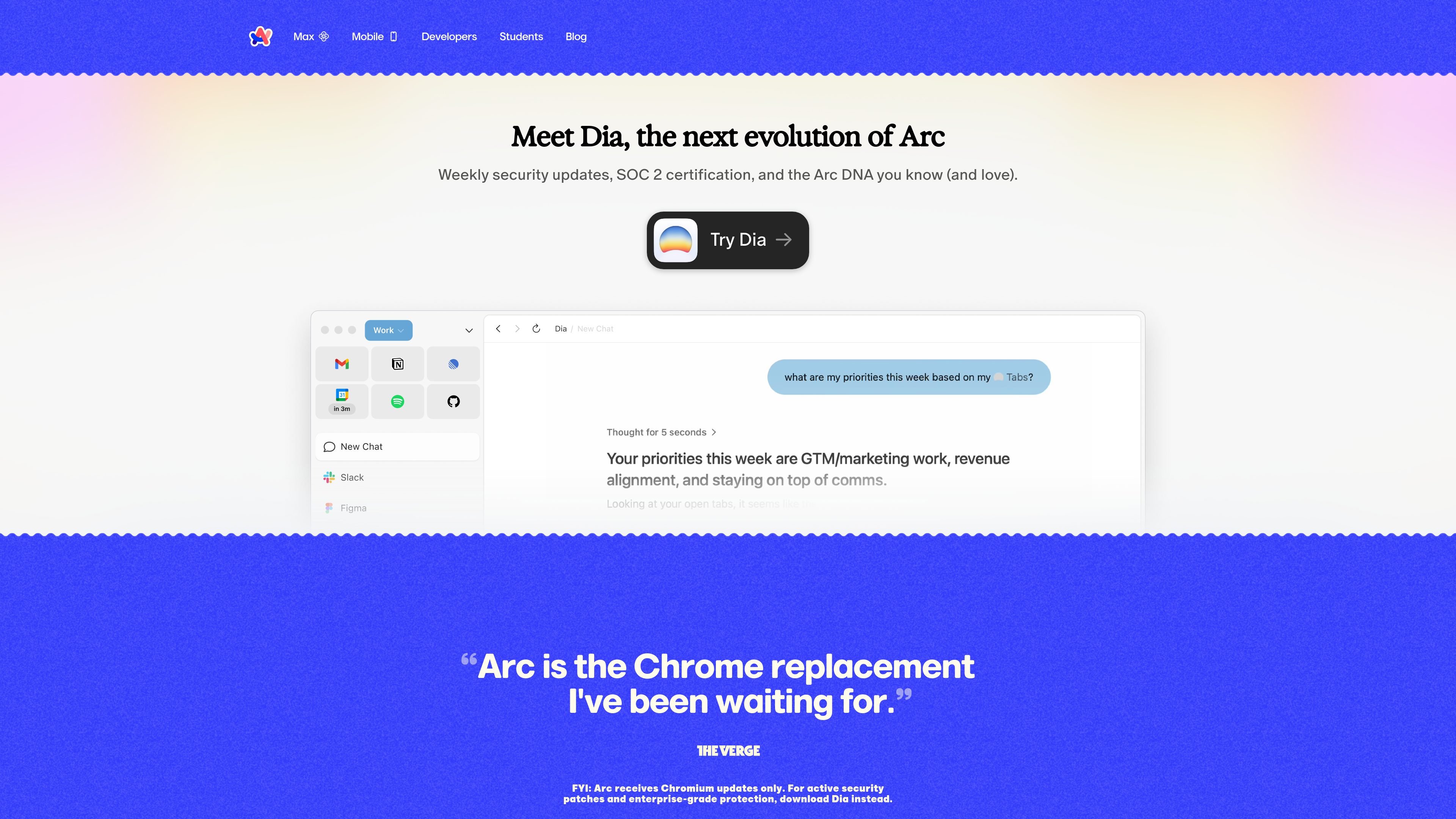
Arc's website states that the browser now receives Chromium updates only. The company directs users seeking active security patches and enterprise-grade protection to Dia, which it describes as the next evolution of Arc.
Organize work, study, and hobbies into separate browsing contexts within one window.
Switch between accounts in one click using Profiles and Spaces. Profiles maintain different histories, passwords, and browsing data, supporting separate account contexts.
Use a split-screen layout to keep multiple pages visible together, reducing the need to switch between them.
Customize the browser's appearance with Themes as part of your preferred setup.
Get quick access to developer tools and extensions. Developer Mode also includes Portrait Mode for sharing work in progress.
Use Ask on Page to summarize relevant parts of technical documentation. Arc also offers AI-powered utilities through Arc Max.
Keep professional tasks, coursework, and hobbies organized in separate Spaces while using one browser window.
Developers can switch between test accounts with separate browsing data and access development tools while reviewing a site.
Keep technical references alongside another page with Split View, then use Ask on Page to summarize relevant documentation.
The official website offers Arc downloads for Windows and Mac.
Arc's homepage states that it receives Chromium updates only. It directs users who need active security patches and enterprise-grade protection to Dia. Those claims apply to Dia.
Arc's website states that the company does not know which sites you visit or what you search for.
Traffic data is for reference only.