
2D and 360 image support
Upload 2D or 360 images, whether the room is empty or already furnished, and start the staging workflow from a single image.

AI virtual staging for real estate photos with 2D and 360 support
Apply Design is an AI-powered virtual staging platform for real estate images. It turns vacant or furnished property photos into staged renders, with built-in decluttering, style selection, and revision tools.
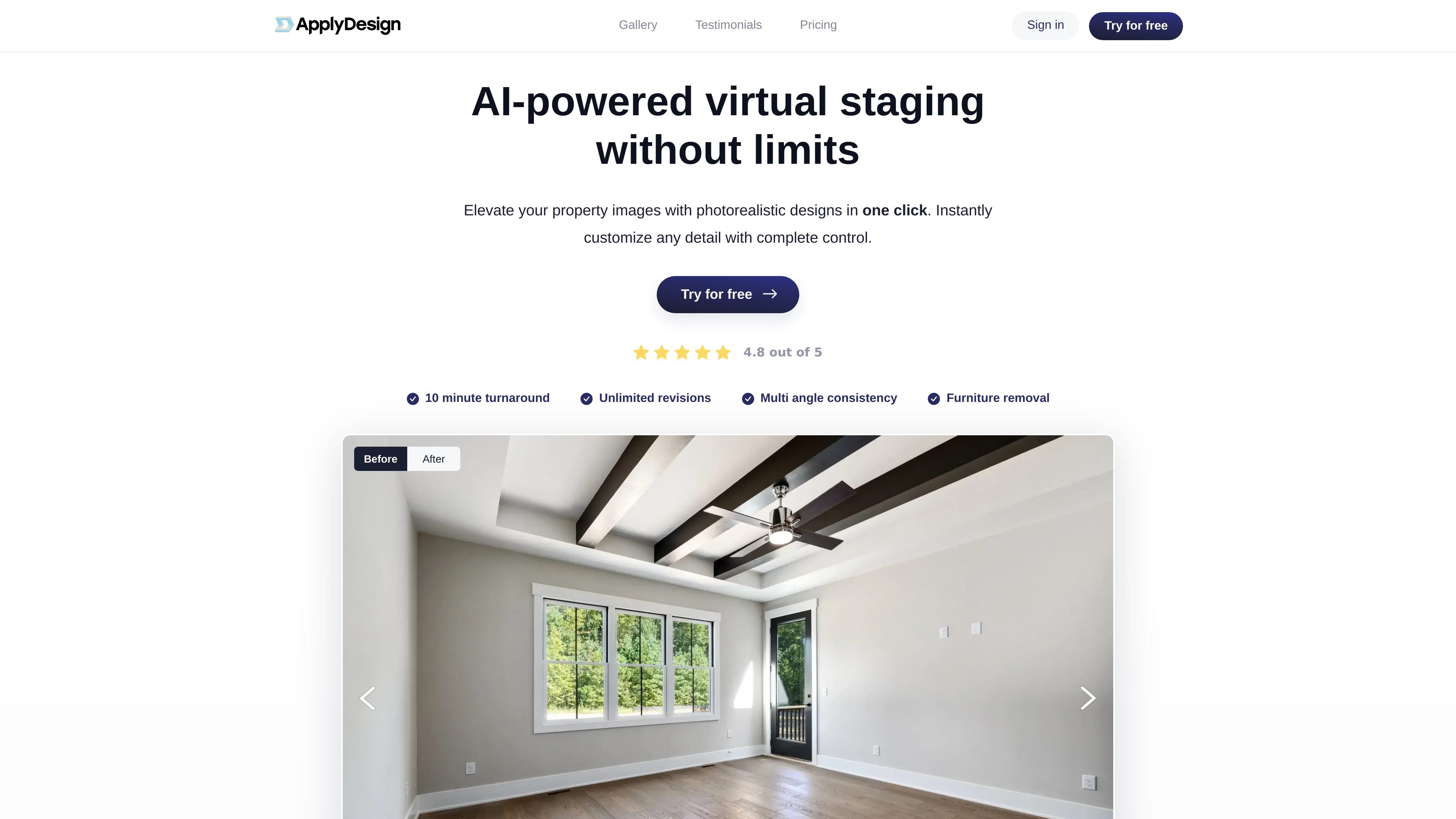
The product is positioned for agents, photographers, stagers, and designers who want photorealistic listing images without a manual editing workflow. The site says users can upload 2D or 360 images, remove existing furniture, generate staged results in minutes, and keep designs consistent across related shots.
Upload 2D or 360 images, whether the room is empty or already furnished, and start the staging workflow from a single image.
The AI Decluttering tool removes existing furniture automatically with one click before staging begins.
Generate photorealistic staged renders in minutes, with the home page describing about 10 minutes per image and the pricing page describing a 15-minute turnaround.
Use the drag-and-drop editor to adjust designs on the spot, with unlimited or on-the-spot revisions called out on the site.
Keep the look consistent across multiple images of the same space or reuse a design across projects.
Choose from a catalog of 18,000+ furniture pieces and mix styles for living rooms, bedrooms, dining rooms, offices, exteriors, kitchens, and 360 views.
Stage empty listing photos so buyers can better visualize the room layout and furnishing potential.
Remove existing furniture from occupied rooms and replace it with a cleaner staged design for listing imagery.
Create consistent staged visuals across multiple photos of the same space, such as alternate angles of a living room or bedroom.
Work quickly on listings that need fast turnaround, since the site emphasizes results in minutes and on-the-spot revisions.
Produce staged images for different room types and exterior shots, including living rooms, bedrooms, dining rooms, offices, kitchens, and exteriors.
Apply Design is built for virtual staging and decluttering of real estate photos. The source pages describe it as useful for real estate professionals, photographers, stagers, and designers who need staged listing images with fast turnaround.
The source pages show support for 2D images and 360 images, including vacant or furnished spaces. The workflow includes uploading an image, removing existing furniture, generating staged results, and making on-the-spot revisions.
The pricing page shows first-image-free offers for both staging flows, and the site also mentions a 100% money-back guarantee. A free trial is referenced across the site.
The home and pricing pages describe a 15-minute or 10-minute turnaround depending on the page and workflow described. The public sources consistently position the product around fast, self-serve staging rather than manual queue-based editing.
Yes. The comparison page says the tool supports instant, on-the-spot revisions, and the home page says users can keep designs consistent across multiple images of the same space or reuse favorites in other projects.
Traffic data is for reference only.

collov.ai
Virtual staging and real-estate image editing platform

newroom.io
AI interior design for styling, virtual staging, and image edits

virtualstaging.art
AI web app for virtual staging and real estate visuals

douhuiai.com
豆绘AI is an online AI image creation and editing platform for e-commerce and design, supporting white-background, scene, interior renderings, and common post-processing.

aihomedesign.com
AI HomeDesign is a web-based photo editor for real estate listings with AI staging, object removal, enhancement, and renovation tools.

creativio.io
AI product photography that turns basic images into polished marketing visuals