
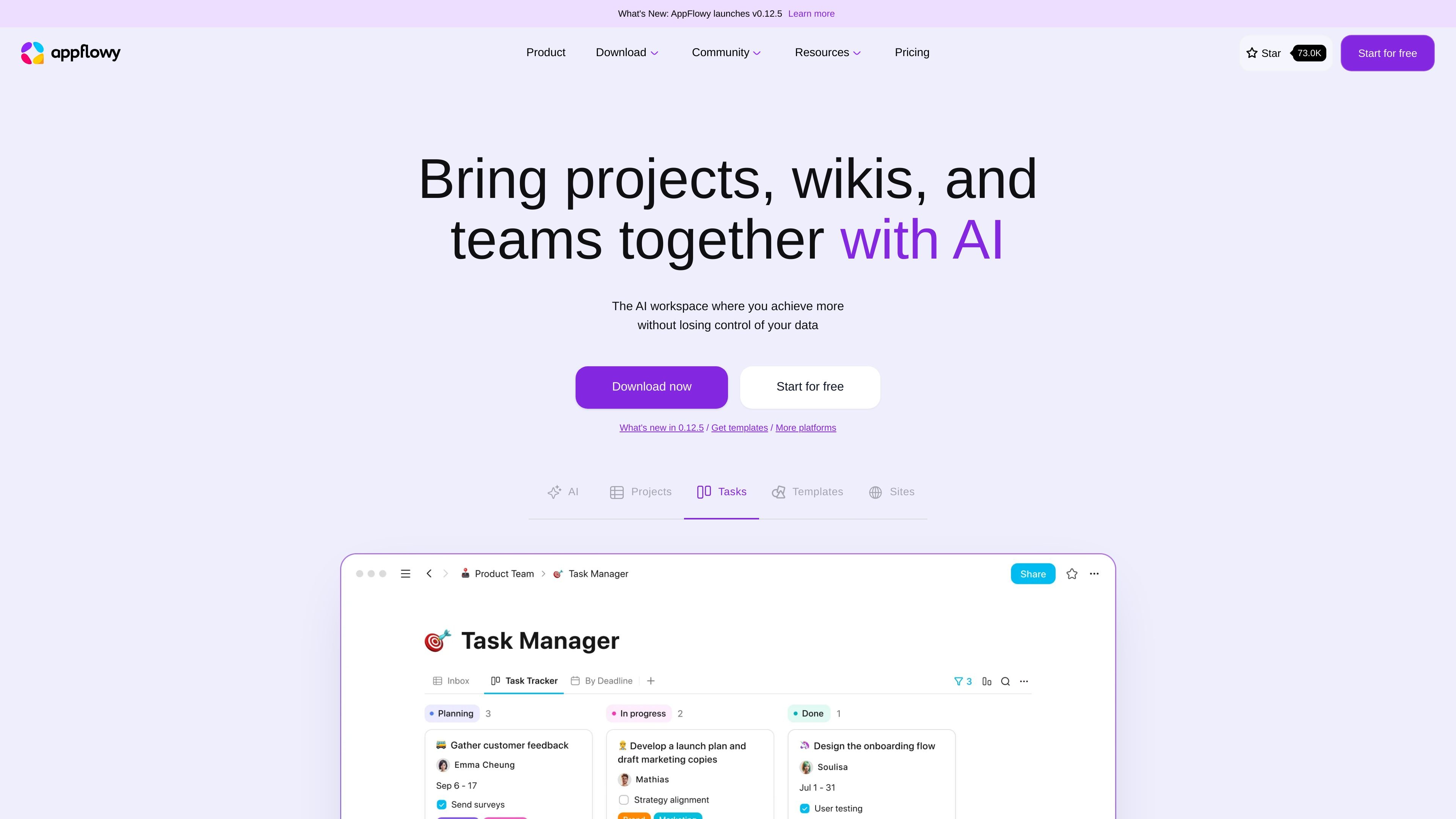
All-in-one collaborative workspace
Bring projects, wikis, tasks, templates, and sites into one workspace so teams can organize work in a shared environment.

Open-source AI workspace for projects, wikis, tasks, databases, and more
AppFlowy is an AI collaborative workspace for projects, wikis, tasks, templates, and related team knowledge. The product is positioned as an open-source alternative to proprietary workplace tools, with a focus on user control, privacy, and flexible customization.
The site describes AppFlowy as suitable for people who want a fast, intuitive workspace that can run locally, work offline, or be self-hosted. It combines collaborative editing, databases, templates, and AI assistance in one product, and also publishes standalone building blocks for developers, including an editor and a Kanban board.
Bring projects, wikis, tasks, templates, and sites into one workspace so teams can organize work in a shared environment.
Use AppFlowy AI to get answers, write drafts, summarize content, autofill columns, and extract takeaways from pages and databases.
Run local AI models or choose from supported models such as GPT-5, Gemini 2.5, Claude 3.7, Mistral 7B, and Llama 3, depending on the setup shown on the site.
Organize information with custom views, blocks, and properties so data can be structured and displayed in different ways.
Customize themes, fonts, and page styles, and use templates to start common workflows faster.
Use AppFlowy blocks such as AppFlowy Editor and AppFlowy Board as standalone building blocks for custom applications.
Centralize project plans, task lists, progress notes, and related knowledge in one workspace instead of scattering them across separate tools.
Build internal documentation, handbooks, and wiki pages with flexible content types and templates for repeatable structure.
Use databases, custom views, and AI autofill to structure records, review information faster, and turn large tables into usable insights.
Start from prebuilt templates for engineering, startups, marketing, HR, sales, meetings, or product work to move from blank page to working system quickly.
Let developers reuse AppFlowy blocks, such as the editor and Kanban board, as building blocks in custom applications.
AppFlowy Cloud is the hosted option, while Self-Hosted is for teams that want to run AppFlowy themselves. The pricing page also offers AI-specific add-ons, including AppFlowy AI MAX and Vault Workspace.
The pricing page lists a Free plan for individuals and small groups, a Pro plan for small teams, and separate AI-focused offerings such as AppFlowy AI MAX and Vault Workspace.
AppFlowy is positioned as a collaborative workspace for projects, wikis, tasks, databases, and templates, with AI features for answering questions, drafting content, and autofilling columns.
AppFlowy says you can cancel by going to Settings, then Billing, then Change plan, and selecting Downgrade under the Free plan column. The workspace then moves to the Free plan immediately.
AppFlowy says you can switch billing periods in Settings → Billing → Edit period, and payment methods can be changed in billing settings.
Traffic data is for reference only.

comand.ai
AI-native command and control for defense and security operations

notion.com
Notion is an AI workspace for docs, wikis, projects, search, and automation, helping teams organize work and shared knowledge in one connected place.

dartai.com
Dart is an AI project management platform for teams that need task tracking, planning, documentation, and workflow automation in one workspace. It combines traditional project views with AI features such as task generation, duplicate detection, property filling, and reporting.

govdash.com
AI platform for government contractors to find opportunities and manage proposals

ziphq.com
AI procurement platform orchestrating intake-to-pay workflows

joinoasis.com
Oasis is a multiplayer AI workspace for coordinating human teams and agents in shared rooms. Deploy agents, share them with teammates, and manage work with approvals, policies, and collaboration across agents.