
Live multi-source web data
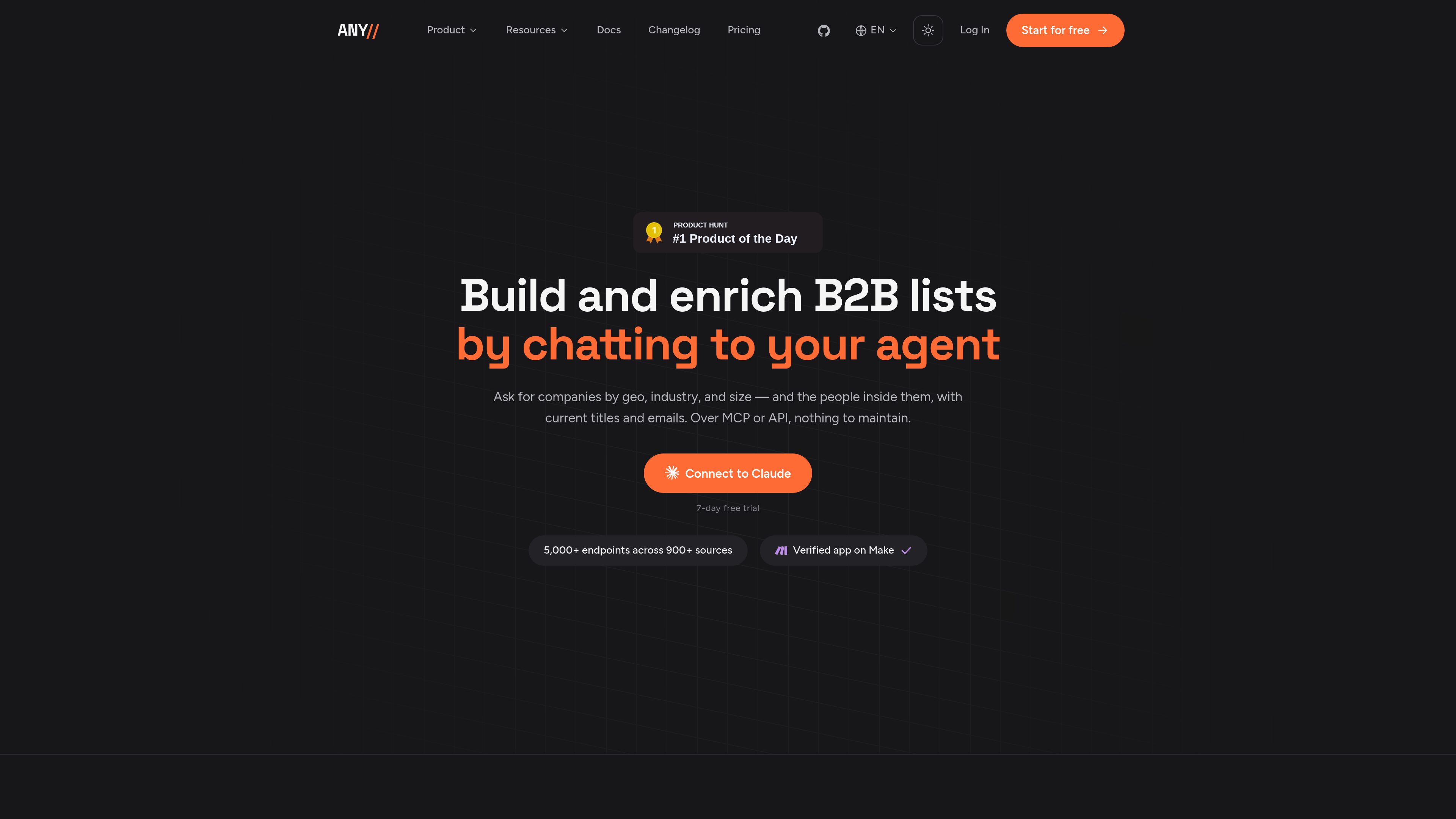
Access data from 900+ sources and 5,000+ endpoints, including business data, professional networks, Instagram, Twitter/X, Reddit, YouTube, Google Maps, SEC EDGAR, Crunchbase, and any URL through the web parser.

Anysite provides live web data to AI assistants and software through MCP, REST API, and CLI interfaces. It helps GTM, marketing, research, and other teams query 900+ sources and 5,000+ endpoints for structured results.
Anysite is a live web data platform that gives AI assistants and software access to structured information from 900+ sources and 5,000+ endpoints. It supports MCP for natural-language work in tools such as Claude, Cursor, and ChatGPT, plus REST API and CLI interfaces for scripts, products, and scheduled pipelines.
The platform is designed for web research, B2B list building, lead enrichment, monitoring, and other data workflows. Users can query business data, professional networks, social platforms, selected public data sources, and any URL through the web parser. MCP users describe a task in plain English and receive typed JSON or interactive tables; API users can build repeatable integrations around the same catalog.
Anysite separates human-in-the-loop agent work from production system usage. MCP plans are flat-rate and vary by available throughput, while REST API and CLI usage is metered with credits shared across supported interfaces. Results can be filtered, enriched, and exported for downstream sales, marketing, research, or operational workflows.
Access data from 900+ sources and 5,000+ endpoints, including business data, professional networks, Instagram, Twitter/X, Reddit, YouTube, Google Maps, SEC EDGAR, Crunchbase, and any URL through the web parser.
Describe a research or prospecting task in plain English through Claude, Cursor, ChatGPT, n8n, or another MCP-compatible client. The agent can select relevant endpoints and fill parameters from the brief.
Receive structured JSON with source-specific fields, or open people, company, and post results in tables that support column search, filtering, sorting, enrichment, and export.
Filter, sort, aggregate, and enrich cached results on the server so agents can work with targeted fields instead of unfiltered data dumps. Enrichment costs are shown before the action runs.
Use the same source catalog through REST API and CLI interfaces for production integrations, parallel scripts, scheduled pipelines, and products built on Anysite data.
Flat MCP plans provide access to all sources and tools with capacity based on the selected plan. API plans use credits shared across REST, CLI, and n8n, with higher plans providing more throughput.
Ask an MCP-connected assistant to find companies and relevant people by criteria such as geography, industry, company size, role, or founding date. Results can be narrowed, enriched, and exported for a sales sequence.
Create pre-call company briefs using available profile, funding, hiring, product, news, and social information so account teams can review recent activity before outreach or meetings.
Track competitor posts, brand mentions, topics, offers, prices, or advertising activity and use engagement data to identify changes and recurring patterns.
Compare creators using engagement figures, comment sentiment, and brand-fit signals rather than relying only on information supplied in a media kit.
Use the REST API or CLI in products, parallel scripts, and scheduled workflows. API credits are shared across REST, CLI, and n8n for system-oriented usage.
Anysite provides an MCP server for AI assistants, a REST API, and a CLI. MCP is intended for natural-language, human-in-the-loop work; REST API and CLI are positioned for production integrations, scripts, and scheduled pipelines. These interfaces use the same source catalog.
Claude Desktop connects through the Anysite MCP URL and OAuth authorization. Claude Code and Cursor use an MCP configuration with an API key, and the service also lists ChatGPT, n8n, and other MCP-compatible clients as supported environments.
MCP requests can return typed JSON and interactive tables for people, companies, and posts. Tables can be searched, filtered, sorted, enriched with additional columns, and exported as JSON, CSV, or JSONL.
MCP plans are flat-rate plans for agent sessions and include all sources and tools; they differ mainly in available throughput. API plans are usage-based and use credits shared across REST, CLI, and n8n for system workflows.
Each MCP plan includes a seven-day free trial with full plan access. The Starter API plan also includes a seven-day trial with 1,000 credits, according to the pricing information provided.
Traffic data is for reference only.

www.nimbleway.com
Nimble Web Search Agents are self-learning research agents that search and crawl the live web for domain-specific answers, enrichment, and structured datasets. They are designed for teams building repeatable research workflows where the schema, search scope, and output format need to be controlled.

www.tinyfish.ai
TinyFish is web infrastructure for AI agents that searches, fetches, browses, and completes tasks on live websites. It helps developers and enterprise teams gather current web data, use authenticated portals, and automate browser-based workflows.

steel.dev
Steel is open-source browser infrastructure for AI agents and web automation. It provides cloud browser sessions through an API, with support for common browser automation tools and workflows such as scraping, research, RPA, and agent-driven web tasks.

www.hyperbrowser.ai
Hyperbrowser provides on-demand cloud browsers and sandboxes for AI agents, web automation, scraping, testing, and agentic code execution. It connects browser workflows through an API, Playwright, Puppeteer, Python, or Node.js.

nimbleway.com
Nimble is a web intelligence platform that turns live internet data into structured outputs for AI, analytics, and data workflows, with Web Search Agents, search APIs, and managed plans.

www.notte.cc
Notte is browser infrastructure for AI agents and production web automation. It provides managed cloud browsers, AI-driven workflows, developer interfaces, and operational tools for authenticated or recurring web tasks.