
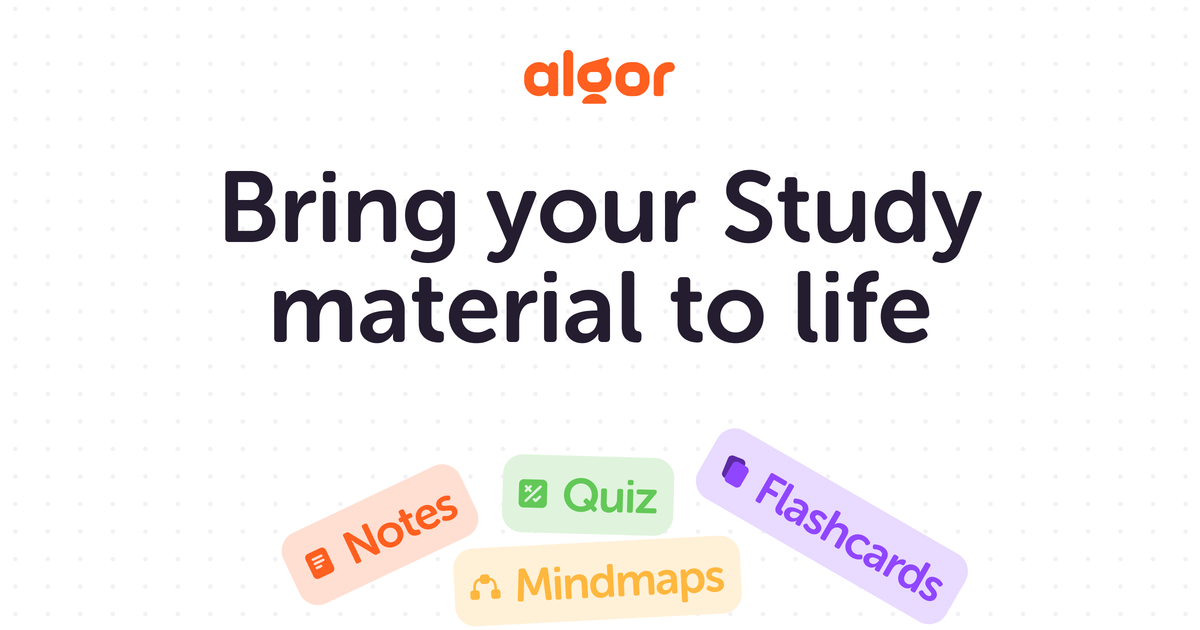
Multiple AI study outputs
Algor turns uploaded material into mind maps, flashcards, quizzes, summaries, and organized study notes so the output matches the learning task rather than staying as plain text.

AI learning platform that turns study materials into mind maps, flashcards, quizzes, summaries, and notes.
Algor Education is an AI learning platform that turns uploaded study materials into visual and structured study resources. Across the site, it is presented as a tool for creating mind maps, flashcards, quizzes, summaries, and other personalized learning aids from content such as notes, PDFs, images, audio, video, and YouTube links.
The product is designed for students, teachers, parents, and lifelong learners who want to organize information, review faster, or create teaching and study materials in a more interactive format. Its workflow is template-based: users start with a learning structure, add their content, and receive AI-generated study resources that can be reviewed, shared, or printed depending on the plan and output.
Algor turns uploaded material into mind maps, flashcards, quizzes, summaries, and organized study notes so the output matches the learning task rather than staying as plain text.
The platform accepts text, PDFs, images, audio recordings, video, and YouTube links, allowing users to work from materials they already have.
Ready-made templates and custom templates help users start with a learning structure that fits the subject, goal, or study style.
The flashcard workflow supports several formats, including fill-in-the-blank, question-and-answer, and term-definition cards, and the site also mentions AI prompts for refinement.
Generated flashcards are described as print-optimized, and the pricing page mentions print and export options for paid plans.
The platform offers paid-plan support features such as online support, 24/7 live support, priority support, and growth analytics, depending on the plan shown on the pricing page.
Turn lecture notes, readings, and class materials into mind maps, flashcards, and summaries for exam preparation and repeated review.
Convert lesson materials into structured learning aids that can be tailored to subject, topic, or student needs, then use them for classroom or homework support.
Use mind maps and summaries to help a child study more independently, then reinforce recall with flashcards and quizzes.
Organize articles, documents, or other reference material into concise visual notes when you want to learn a new topic for work or personal growth.
Create print-friendly flashcards and exports for offline review when physical study materials are preferred or internet access is limited.
Algor lets you upload study materials such as text, images, audio, video, PDFs, and YouTube videos. Its AI then turns that content into study tools such as mind maps, flashcards, quizzes, and summaries, depending on the template you choose.
The site describes Algor as a tool for students, teachers, parents, and lifelong learners. It is positioned for people who want to study, teach, organize information, or create learning materials with AI.
Algor supports text documents, PDFs, images, audio recordings, and YouTube videos. The flashcard page also mentions long documents and the ability to work from notes, files, and multimedia inputs.
Algor is free to try. The pricing page says the free plan includes access to the platform, AI-powered study tools, 15,000 characters of upload capacity, and 30 AI credits to generate up to 2 study cards.
Yes. Paid subscriptions renew automatically on a monthly or yearly basis, and you can disable auto-renewal and cancel from your account settings so the plan remains active until the end of the current billing period.
Traffic data is for reference only.

quizgecko.com
AI learning platform that turns study materials into quizzes, flashcards, notes, and podcasts

studyflash.ai
AI study tool that turns notes and PDFs into summaries, flashcards, quizzes, and more
mindgrasp.ai
Mindgrasp turns lectures, files, videos, and links into AI notes, flashcards, quizzes, summaries, and tutoring help.

quizrise.com
Turn study materials into editable quizzes, flashcards, summaries, and classroom resources.

raena.ai
AI study app turning notes, PDFs, and videos into quizzes, summaries, flashcards, podcasts, games, and tutoring tools.

studypotion.ai
AI study assistant that turns notes, documents, and videos into flashcards, quizzes, and more.