
Visual database workspace
AITable combines a database and spreadsheet-style interface so teams can organize records in a structured workspace rather than in separate tools.

Visual database and workflow automation with AI
AITable.ai is a visual database and workflow automation platform built to organize data, connect records to other apps, and support team collaboration. The homepage positions it as a way to manage personal and enterprise CRM, project management, productivity, and other structured work in one place.
The site also presents AITable as an AI-enabled workspace. It combines datasheets, forms, dashboards, automations, workdocs, buttons, and chatbot-style AI features, while the pricing page shows plan types for individuals, small teams, businesses, enterprises, and self-hosted deployments.
AITable combines a database and spreadsheet-style interface so teams can organize records in a structured workspace rather than in separate tools.
The homepage says one-click form creation can generate forms and integrate them into websites for data entry and lead management.
AITable can trigger actions such as Slack messages and emails on form submissions, and it connects through Zapier, Make, Pabbly, Activepieces, and Albato to reach other apps.
The product page describes an AI chat experience for asking questions against a database or knowledge base and turning data into charts for analysis.
The homepage says AI can generate workflows, templates, checklists, project sprints, SOPs, low-code apps, and writing for emails, ads, websites, listings, and blogs.
The pricing page lists collaboration and access controls such as records permission, field permissions, space admin, watermark controls, data export limits, and API access.
Use AITable to capture leads with forms, route follow-up actions to other tools, and keep the incoming information in a structured database.
Use the product templates and datasheet structure to track tasks, milestones, stakeholders, and progress for projects or sprints.
Use the CRM-oriented templates and automation features to organize contacts, opportunities, and sales handoffs in one workspace.
Use the AI database chat and charting workflow to ask questions about stored data and review it in a more analytical format.
Use the chatbot builder and AI writing tools to create support assistants, sales chatbots, and drafted content for marketing or website work.
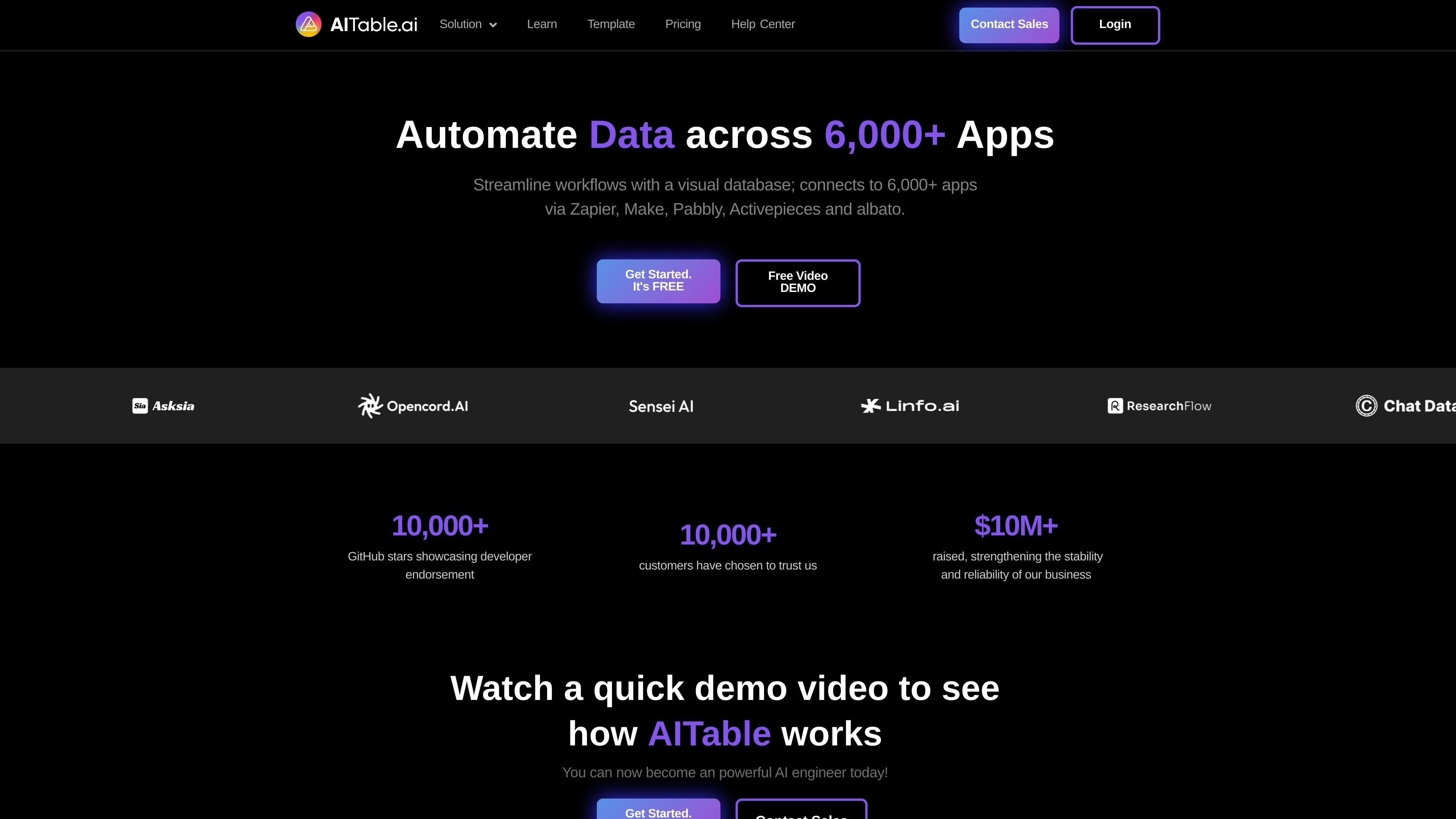
AITable is presented as a visual database and workflow automation tool. The homepage says it can connect with more than 6,000 apps through services such as Zapier, Make, Pabbly, Activepieces, and Albato.
The pricing page describes AITable as a collaboration platform with spaces, datasheets, forms, dashboards, automations, field permissions, API access, and AI features. It also includes product FAQs about space plans, file nodes, and AI message credits.
The pricing page references monthly and annual billing, plus individual and small team plans, business and enterprise plans, and a self-hosted option. It does not provide specific prices in the extracted text.
The source material shows templates for project management, CRM, marketing, education, AI datasets, and other workflows. The homepage also highlights forms, automation, AI writing, workflow generation, and a customer service or sales chatbot builder.
Traffic data is for reference only.

teable.ai
Teable is an AI spreadsheet and database platform that turns records into workflows, apps, and automations for businesses, with cloud or self-hosted deployment.

mindflow.io
Mindflow is a no-code agentic automation platform for enterprise IT and cybersecurity teams.

twin.so
Twin is a no-code AI agent platform for automating app connections, web browsing, scheduled workflows, and recurring team tasks.

app.vibeflow.ai
VibeFlow is an AI automation platform for building workflows, internal tools, and apps with real code, a real database, and an optional UI layer—helping teams consolidate automation and app development in one place.

zaro.ai
Zaro is an AI workspace for building internal apps, agents, and workflows on company data, with shared organisational credits, a free trial, and paid plans for higher usage.

taskagi.net
No-code AI platform for building and deploying agentic workflows