
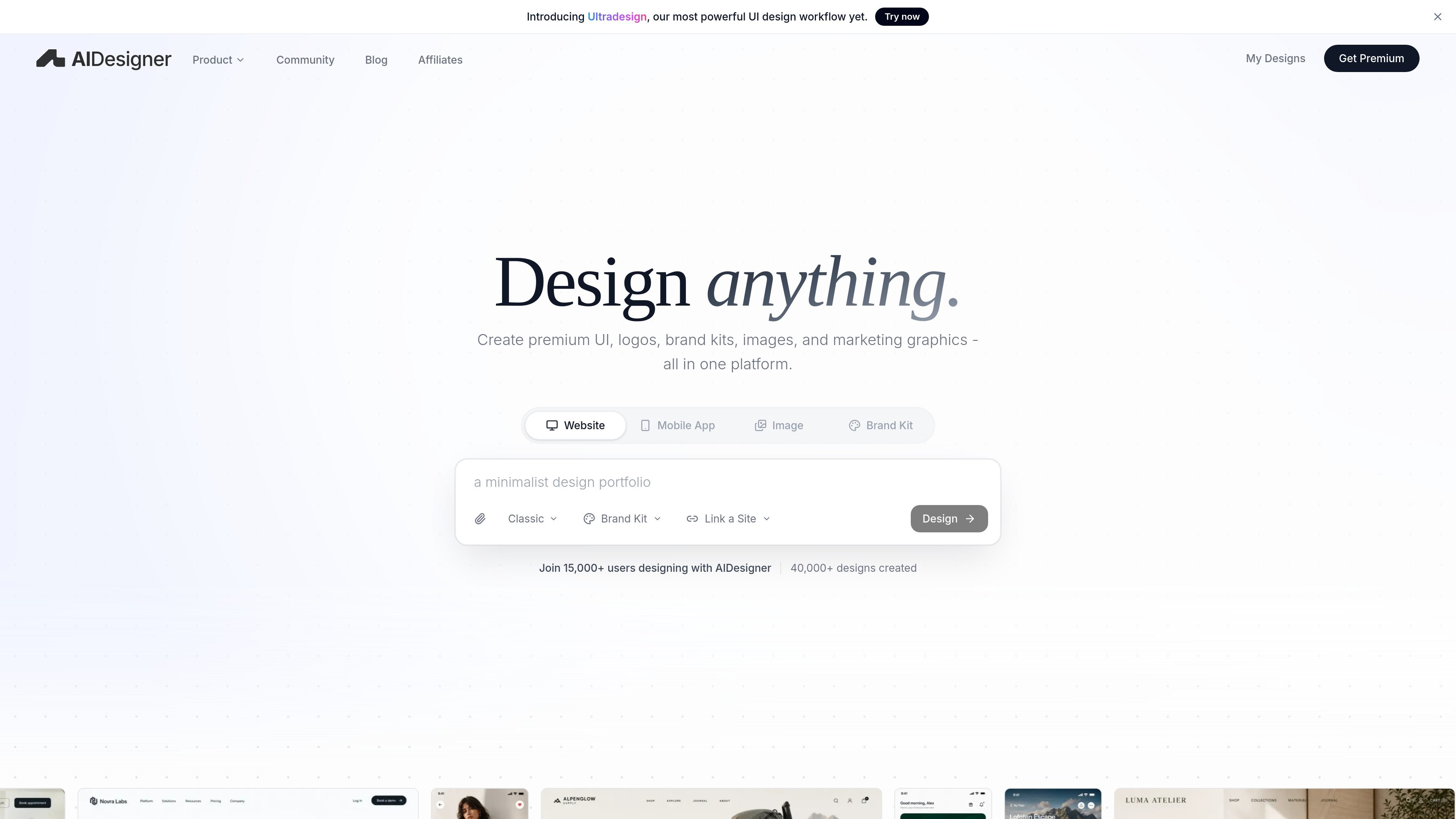
Website UI generation
Generate website UI for landing pages, SaaS dashboards, ecommerce pages, product interfaces, and other publish-ready web layouts from a prompt.

AIDesigner creates website UI, mobile app screens, brand assets, logos, and marketing graphics from prompts, with REST API and MCP access for developers.
AIDesigner is an AI design product for creating website UI, mobile app screens, images, brand kits, logos, and marketing graphics from prompts. The site presents it both as a browser-based design tool and as an MCP-connected workflow for coding assistants.
Its design flow is centered on producing polished layouts and then refining them in context, rather than treating each prompt as a one-off output. The product pages emphasize website UI, mobile app screens, and brand/campaign assets, along with workflows for inspiration, close recreation, and enhancement of existing designs or URLs.
For developers, AIDesigner also exposes a REST API and an MCP server. The REST API is positioned for backend services and queued jobs, while MCP is positioned for tools such as Claude Code, Codex, Cursor, VS Code/Copilot, and Windsurf that need direct assistant-driven design generation inside a repo-aware workflow.
Generate website UI for landing pages, SaaS dashboards, ecommerce pages, product interfaces, and other publish-ready web layouts from a prompt.
Create mobile app screens for onboarding, shopping, finance, and other app flows without starting from a blank canvas.
Build brand kits, logo concepts, images, ads, infographics, and reusable campaign assets while keeping visual direction consistent.
Keep iterating on the same direction by editing sections, rewriting copy, replacing imagery, and exploring variations without restarting the design.
Use brand kits, references, colors, logos, and saved assets as context so new outputs stay connected to prior work.
Connect through MCP so coding assistants can generate designs, inspect canvases, and turn outputs into production-oriented work inside the editor.
Use AIDesigner to draft landing pages, SaaS dashboards, ecommerce pages, and product interfaces when you need a polished starting point quickly.
Generate onboarding flows, shopping screens, and finance dashboards for mobile products without manually assembling each screen from scratch.
Produce logo concepts, brand kits, ads, infographics, and reusable campaign visuals for cross-channel marketing work.
Connect the MCP server inside a code editor so an AI assistant can generate, refine, and adopt designs while working in the repository context.
Use the REST API in backend services, internal tools, or automation that should request HTML generation over HTTP instead of through an assistant.
AIDesigner provides both a browser product and an MCP server for coding assistants. The MCP path is intended for tools like Claude Code, Codex, Cursor, VS Code/Copilot, and Windsurf, with OAuth-based sign-in and host-specific setup.
The docs show a workflow for generating, refining, and adopting designs inside a code editor or terminal. You initialize the server, connect your assistant, complete OAuth, and then prompt the assistant to create or refine UI.
The product is built for individual accounts and connected assistants, but the docs do not describe a formal team workspace model. The REST API documentation notes that API keys and REST usage are shared across the same authenticated account.
AIDesigner can generate website UI, mobile app screens, images, brand kits, logos, and marketing graphics from prompts. The API docs also describe website analysis modes for inspire, clone, and enhance workflows.
The source highlights several practical limits: REST generation is rate-limited, concurrent generations are capped, and some image actions such as background removal and vectorization are marked as Pro perks in the MCP docs.
Traffic data is for reference only.

migma.ai
Migma is an AI email creation platform for generating, editing, sending, and tracking marketing and transactional emails. Create with prompts or import from Figma, screenshots, HTML, and website brand assets.

jasper.ai
Jasper is an AI marketing platform for creating, orchestrating, and governing on-brand content workflows across channels with AI agents, brand context, and collaboration tools.

design.com
Create coordinated logos, websites and marketing designs with AI editing.

uizard.io
Uizard is an AI-powered UI design tool that turns text prompts, screenshots, and templates into editable app, website, and software mockups, wireframes, and prototypes.

narrato.io
Enterprise marketing AI platform for on-brand campaigns at scale

trybloom.ai
A brand layer for agents and teams to generate reusable, on-brand assets via web app, API, or MCP.