
Generate smart replies
Create email replies with ChatGPT-powered assistance so you can draft responses faster when handling routine messages or busy inboxes.

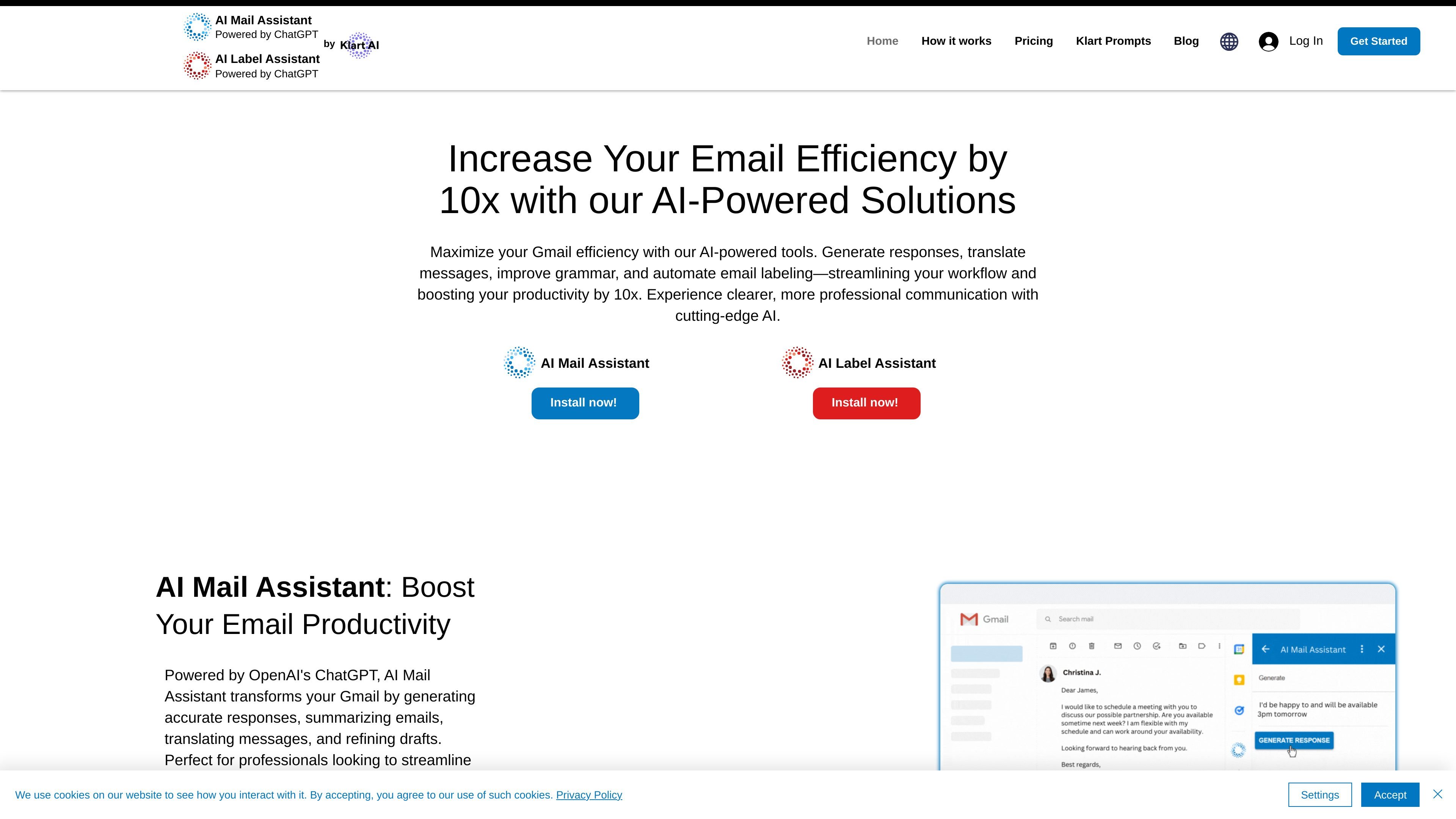
AI Mail Assistant is a ChatGPT-powered Gmail add-on for drafting replies, summarizing, translating, and analyzing emails.
AI Mail Assistant is a Gmail add-on powered by ChatGPT and OpenAI’s GPT models. It is designed to help users write, summarize, translate, improve, and analyze email messages from within their inbox.
The product focuses on reducing time spent on routine email work. Its core functions are reply generation, draft improvement, summarization, translation, direct ChatGPT access, and email text analysis for potentially sensitive or problematic content.
Create email replies with ChatGPT-powered assistance so you can draft responses faster when handling routine messages or busy inboxes.
Summarize long emails into key points so you can scan messages quickly without reading every line.
Translate incoming and outgoing emails in 13 languages to help with international communication.
Improve grammar and wording in drafts to make messages clearer and more polished before sending.
Ask ChatGPT questions directly inside Gmail to get real-time help while you work in the inbox.
Analyze email text for sarcasm, harassment, discrimination, mobbing, ethical issues, and other sensitive topics.
Use the reply generator when you need to answer recurring messages quickly or draft a response without starting from scratch.
Summarize long threads to identify the main points before deciding how to respond or what action is needed next.
Translate messages when corresponding with international contacts and you need incoming or outgoing email in another language.
Improve wording and grammar before sending emails that need a more polished or professional tone.
Analyze messages for sensitive language or workplace issues when you want a closer read on tone and risk.
The source describes AI Mail Assistant as a Gmail add-on powered by ChatGPT/OpenAI. It generates replies, summarizes emails, translates messages, improves drafts, and lets you ask ChatGPT questions inside Gmail.
The homepage presents AI Mail Assistant as a Gmail add-on. The pricing page lists it alongside other site products and does not provide separate setup steps in the source text.
The pricing page shows a Free plan and paid Premium and Premium Yearly plans for AI Mail Assistant. It also says plans include a free trial period and can be canceled whenever you want.
Yes. The pricing page lists an Enterprise plan for teams of more than 10 employees, with unlimited access for everyone in the organization and 24/7 support.
The source says AI Mail Assistant can analyze email text for issues such as sarcasm, harassment, discrimination, mobbing, ethical issues, and sensitive topics. It also supports translation in 13 languages.
Traffic data is for reference only.
chatgptoutlookaddin.com
AI add-in for summarizing and drafting Outlook emails with custom prompts

usechalked.com
Chalked is a Mac reply assistant that reads the conversation you are in and prepares context-grounded responses for Gmail, LinkedIn, and, on macOS 26, Messages. It uses calendar and working context when relevant, while leaving review, editing, and sending to you.

getvoila.ai
Voilà AI Assistant is an AI assistant for writing, research, email replies, and summarization across websites, desktop apps, and mobile devices. It offers a free plan plus paid plans for individuals and teams.

writemail.ai
AI email writer for drafting emails and replies with tone controls, multilingual support, Gmail integration, and a free plan

remail.ai
AI assistant for browser workflows, email, documents, and videos

twinmind.com
AI meeting assistant that turns conversations into searchable notes