
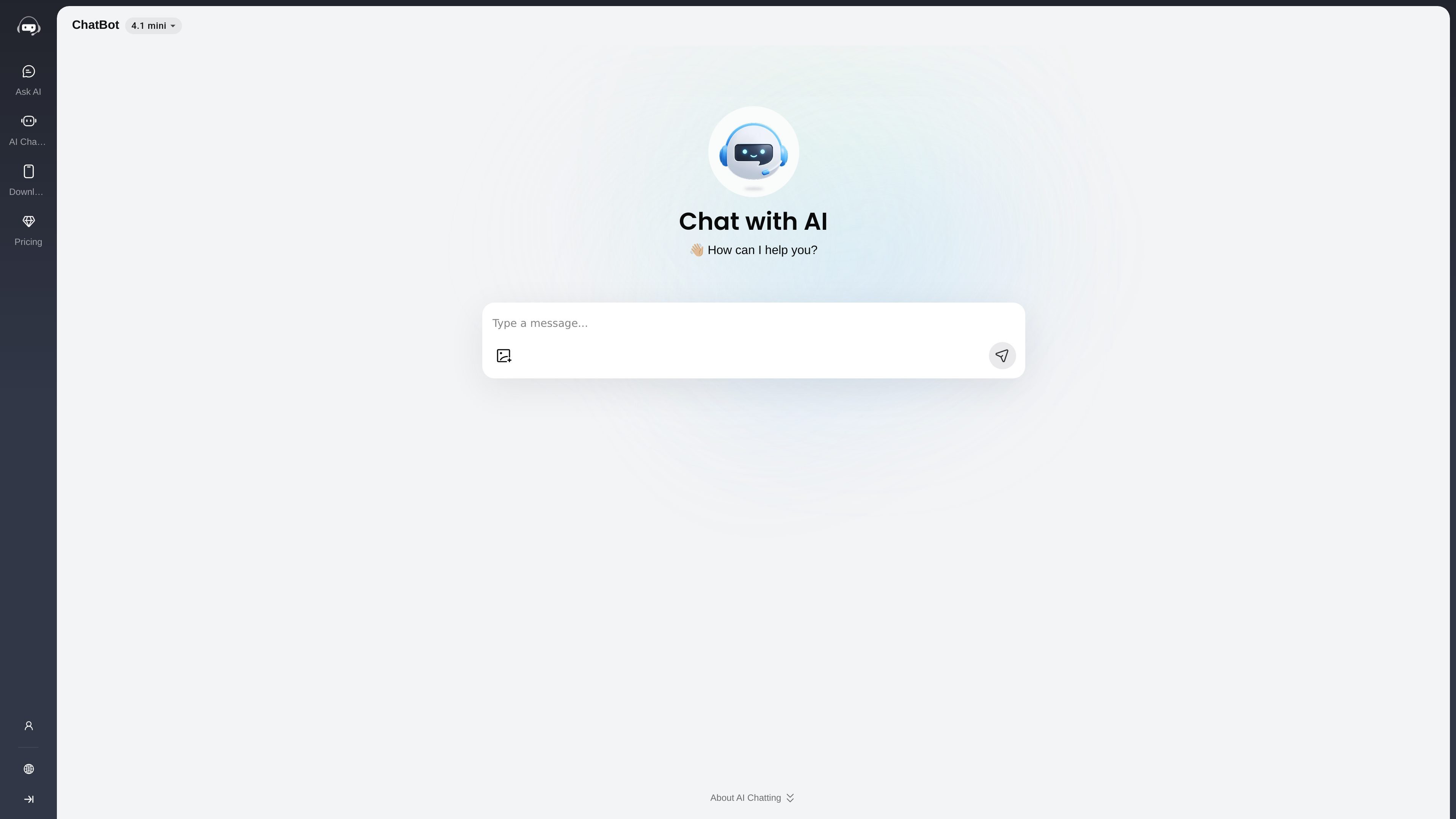
Instant browser-based chat
Ask questions in a browser without creating an account or going through a setup flow, then get responses right away.
AI Chatting is a web AI assistant for questions, writing, images, and character chats.
AI Chatting is a web-based AI chat service that lets users ask questions, generate text, and interact with AI characters from a browser. The homepage positions it as a simple, fast, and free assistant that works without registration or setup, and the product pages show separate paths for general Q&A, image-based prompts, and character conversations.
The product is aimed at people who want quick help with everyday tasks such as learning concepts, drafting writing, getting practical advice, or exploring AI personas. The site also indicates a paid plan structure alongside a free tier, with model access and output limits varying by plan.
Ask questions in a browser without creating an account or going through a setup flow, then get responses right away.
The site supports asking in any language, which makes it usable for multilingual questions and everyday conversation.
The product can help with learning, writing, information lookup, and casual conversation in one interface.
The ask-ai page shows image-based prompts, including describing products, explaining charts, and identifying things in photos.
The ai-character page provides a catalog of themed characters and personas such as companions, tutors, experts, and fictional roles.
The pricing page references GPT-4.1-mini on the free/basic side and GPT-4o plus image chat on Pro, indicating model and feature tiering.
Use the general chat interface to ask factual questions, get explanations, or work through everyday problems without creating an account first.
Use the writing-oriented prompts to draft emails, articles, scripts, or short poems, then refine the output in conversation.
Upload or reference an image when you need help interpreting a formula, chart, product photo, or unknown object.
Switch to AI characters when you want a role-based conversation, such as a tutor, companion, expert persona, or fictional character.
Use the browser version for on-the-go help, or install the app if you want the assistant available from a mobile device.
Getting started is as simple as opening the site and typing a question or uploading an image. The site says no registration or setup is required for the main chat experience.
Yes. The pricing page shows a free tier alongside paid Basic and Pro plans. The free plan is limited, while the paid plans add broader access to models and features.
The site describes web access and also mentions iOS and Android app links in the menu. It also says you can use the tool in a browser or download the app.
Yes. The site says chat history is not stored, and the pricing page also states you can cancel a subscription anytime.
The source shows general chat, question answering, image-based prompts, writing help, and character chats. It does not provide a documented team workspace or collaboration feature on the pages reviewed.
Traffic data is for reference only.

hellohistory.ai
AI app for chatting with historical figures and learning through generated conversations

overchat.ai
All-in-one AI platform for multi-model chat, content creation, and task-focused tools.

talkpersona.com
Free AI video chatbot with lifelike avatars, role customization, multilingual chat, and real-time voice translation.

dopple.ai
AI character chat platform for themed personas and companion conversations

aipower.org
AI Puffer: WordPress AI plugin for chatbots, content, forms, images, automations, and usage tracking.

simsimi.com
심심이 is a web-based AI chatbot for basic and user-created character chats.