
Central agent control plane
Manage organizations, agent access, templates, skills, lifecycle state, conversations, tool calls, logs, costs, and runtime assignments from one operational layer.

Agent Barn is a self-hosted control plane for creating, configuring, running, and monitoring AI agents across team communication channels and connected business systems. It helps operations, manufacturing, legal, and technical teams supervise repeatable workflows from infrastructure they manage.
Agent Barn is a self-hosted platform for operating AI agents from a central control plane. Teams can create agents, assign each one a runtime and versioned behavior, connect skills and business systems, and make agents available through Slack, Microsoft Teams, Telegram, Discord, deployment-enabled email, or built-in Web Chat.
The platform is designed for work that involves recurring requests, cross-system research, status collection, and multi-step coordination. An agent can search Jira, review GitHub activity, retrieve information from Confluence, update connected systems, prepare reports, or run a defined workflow. Teams can also schedule recurring reports and operational checks through supported communication channels.
Agent Barn emphasizes supervised operation. Organizations can control access, inspect conversations and tool calls, review logs and lifecycle state, and attribute model costs. Agents run in infrastructure managed by the customer, with Kubernetes deployment through Helm, PostgreSQL for product state, and LiteLLM for model routing and cost attribution.
Manage organizations, agent access, templates, skills, lifecycle state, conversations, tool calls, logs, costs, and runtime assignments from one operational layer.
Select OpenClaw or Hermes for each agent. Agent Barn renders the pinned configuration, attaches the relevant skills and credentials, and manages the agent lifecycle.
Define an agent’s role, identity, operating instructions, tools, startup behavior, and restrictions in reusable Markdown bundles, with explicit publishing and immutable versions documented for templates and skills.
Connect agents to services such as Jira, Confluence, GitHub, Bitbucket, Gmail, and other supported tools through skills, encrypted credentials, Agent Secrets, shared credentials, or scoped OAuth access.
Review conversations, tool executions, logs, lifecycle state, communication-connection health, access, and model costs for the agents a user is permitted to access.
Deploy the production stack to an existing Kubernetes cluster with Helm and Helmfile, using PostgreSQL for product state and LiteLLM for model routing and cost attribution.
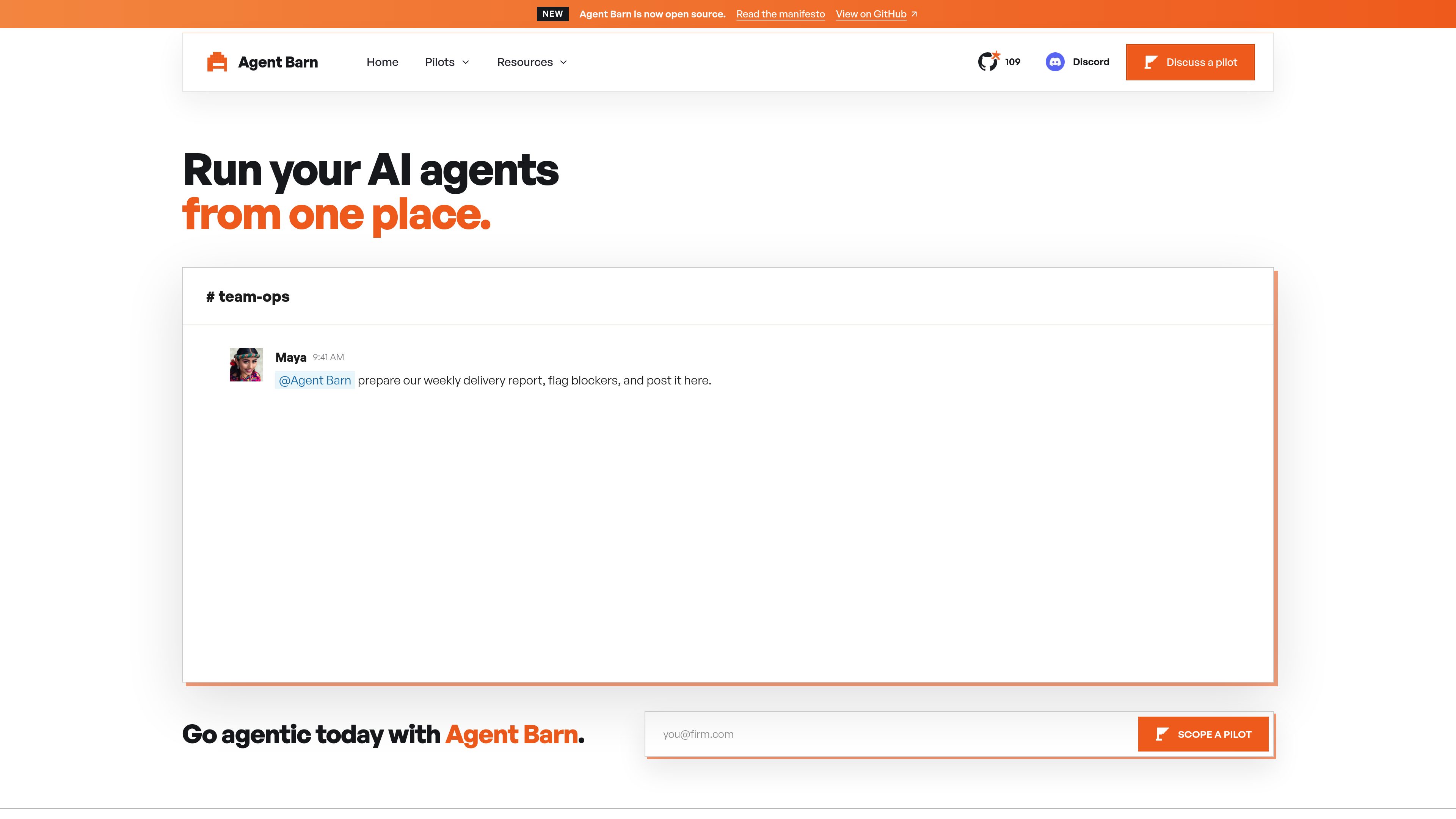
An agent can combine Jira issues, GitHub activity, and Confluence updates into a delivery report, flag blockers, post it in a team channel, and run it on a recurrence.
An agent can collect incoming request context, identify missing information, and bring product data, previous examples, and purpose-built calculation tools together for a quote review.
Manufacturing teams can use an agent to coordinate drawing, nesting, or specification checks by calling auditable scripts or domain systems while keeping exact calculations and engineering decisions in those purpose-built systems.
Supervised agents can collect evidence for procurement claims, search approved knowledge sources for precedents, identify clauses and facts in documents, and classify or route new email requests for lawyer review.
Ready-made recipes support email reminders, Jira task creation, pull-request review, Scrum Master activities, Confluence updates, and general-purpose Slack tasks, with setup covering channels, tools, permissions, and operating instructions.
Agents run in infrastructure managed by the customer. Agent Barn can be deployed to a Kubernetes cluster with Helm, with PostgreSQL for product state and LiteLLM for model routing.
The documented platform connections include Slack, Microsoft Teams, Telegram, Discord, deployment-enabled email, and built-in Web Chat. The homepage specifically highlights Slack, Microsoft Teams, and Telegram.
Yes. Each agent can use a selected runtime, with OpenClaw and Hermes documented as available choices. Agent Barn manages the pinned configuration, attached skills and credentials, and lifecycle for the selected runtime.
The control plane records conversations, tool calls, logs, lifecycle information, and costs. Access is governed so users can inspect the activity of agents they are permitted to access.
Yes. Skills and controlled credential mechanisms connect agents to external tools and data sources, with access scoped per agent. Supported examples include Jira, Confluence, GitHub, Bitbucket, and Gmail.

octomind.run
Octomind Cloud runs AI agents on persistent cloud machines for research, writing, web work, software development, and scheduled routines. Users give instructions in plain language and can receive results through the web panel, Telegram, WhatsApp, or Slack.
vendo.run
Vendo is an open-source customization layer that embeds an agent inside software products. It lets customers create views, UI changes, micro-apps, and automations through the product’s API and components while retaining the product’s branding and permission rules.
www.simular.ai
Simular is an autonomous computer platform that uses AI agents to operate real computers and automate digital workflows. It serves individuals, builders, operators, and businesses that need to automate tasks across desktop applications and websites, including workflows that do not expose traditional APIs.

string.com
String.com is an AI agent platform for building, editing, and deploying agents from templates for automation, monitoring, and content workflows.

workato.com
Enterprise integration and orchestration for agentic AI

teamily.ai
Teamily AI is an AI-powered social collaboration platform for creating and managing AI agents across web, desktop, and mobile, with a free plan, paid tiers, and a 7-day Plus trial.