
AI culling and duplicate grouping
Automatically groups duplicates, flags blurry frames, and scores images so photographers can review a shorter shortlist instead of sorting every file manually.

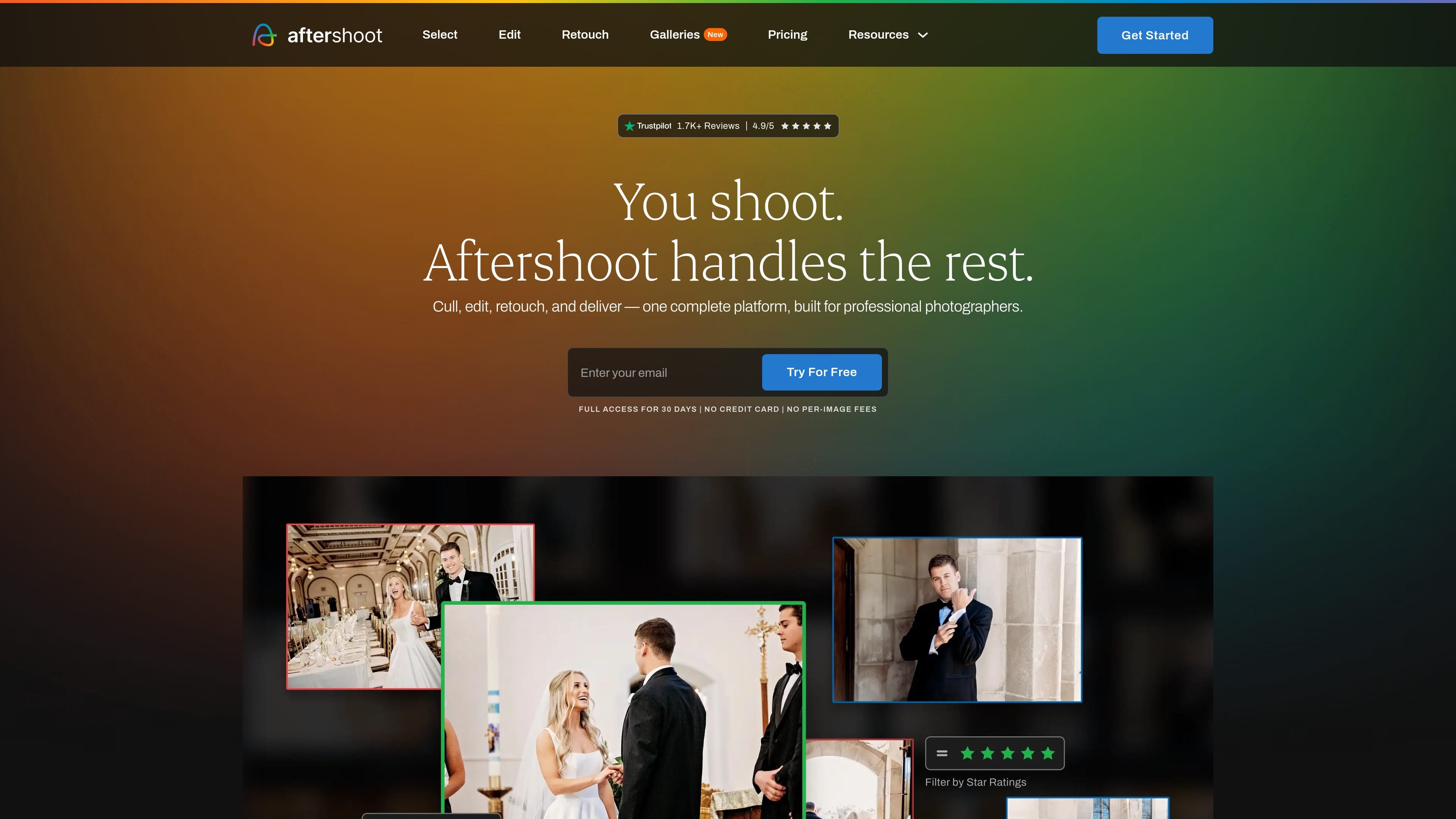
AI photo post-processing for culling, editing, retouching, and client galleries
Aftershoot is AI photo post-processing software for photographers that brings culling, editing, retouching, and client gallery delivery into one app. The product is designed to reduce the time spent on repetitive post-shoot work while keeping selections and edits aligned with the photographer’s style.
The site positions the platform around a few core jobs: sort large shoots quickly, learn a photographer’s editing preferences, retouch albums in batch, and deliver client-facing galleries. Source pages also emphasize flat-fee subscriptions with unlimited usage, offline culling, and export workflows that keep photographers in control of the final output.
Automatically groups duplicates, flags blurry frames, and scores images so photographers can review a shorter shortlist instead of sorting every file manually.
Offers both AI-automated culling and AI-assisted culling, letting users choose between a hands-off first pass or a review workflow with more control.
Learns from edited photos, supports personal AI profiles and pre-built styles, and applies a photographer’s look consistently across entire shoots.
Includes RAW editing controls such as crop, straighten, masking, and manual adjustments so users can refine edits without leaving the app.
Applies skin, hair, glare, background, clothing, and object adjustments across batches with presets that adapt to each photo’s lighting and color.
Creates branded client galleries with proofing, favorites, face detection, search, and print sales features in one delivery workflow.
Use Aftershoot to turn a large wedding, event, or portrait shoot into a shorter shortlist by letting AI score images, group duplicates, and surface keepers for final review.
Use the editing tools when you want a consistent look across an album or across multiple sessions, especially if you already rely on a preset or have edited examples the AI can learn from.
Use the retouching workflow when you need batch adjustments for skin, flyaway hair, glare, backgrounds, clothing, or object cleanup without moving into a separate retouching app.
Use the gallery tools to send clients a branded proofing experience with face detection, favorites, comments, and print ordering in the same delivery flow.
Use the export workflow if you prefer to finish selections or edits in Lightroom Classic, Capture One, Lightroom CC, Adobe Bridge, or Adobe Camera Raw while keeping ratings and labels intact.
Aftershoot is an AI-powered photo post-processing app for photographers. It combines culling, editing, retouching, and client galleries in one workflow.
The trial gives access to the full Aftershoot experience for 30 days. The pricing page says no credit card is required, and you choose which features or add-ons to keep before the trial ends.
Aftershoot’s culling workflow imports RAW or JPEG files, uses AI to score and group images, and then lets you review and export selections to Lightroom Classic, Capture One, or local storage with ratings and labels intact.
The pricing and product pages indicate support for Windows and Mac workflows, with exports to Lightroom, Capture One, Lightroom CC, Adobe Bridge, and Adobe Camera Raw depending on the plan or feature set. The source also notes offline operation for culling and that files stay on the user’s machine.
Yes. The pricing page includes studio/enterprise options with centralized billing, onboarding, account management, training sessions, and API and SDK integration.
Traffic data is for reference only.

suppixel.ai
Web-based image enhancement and upscaling for sharper, clearer visuals

upsampler.com
Upsampler is an online AI platform for generating, editing, and upscaling images and videos in one workspace. Pay per credit, with full API access and a commercial use license on every plan.

aihomedesign.com
AI HomeDesign is a web-based photo editor for real estate listings with AI staging, object removal, enhancement, and renovation tools.

photoeraser.app
Web-based AI photo editor for background removal, object erasing, and photo enhancement

image-upscaling.net
Image UpScaler is a web-based AI tool for enlarging images, offering models for general upscaling, face restoration, and transparent-image support in selected modes. It includes a free daily quota, no sign-up for small-scale use, and a separate browser-based format converter.

ifoto.ai
Web-based AI photo editor for background removal, enhancement, cleanup, restoration, and product photography.